
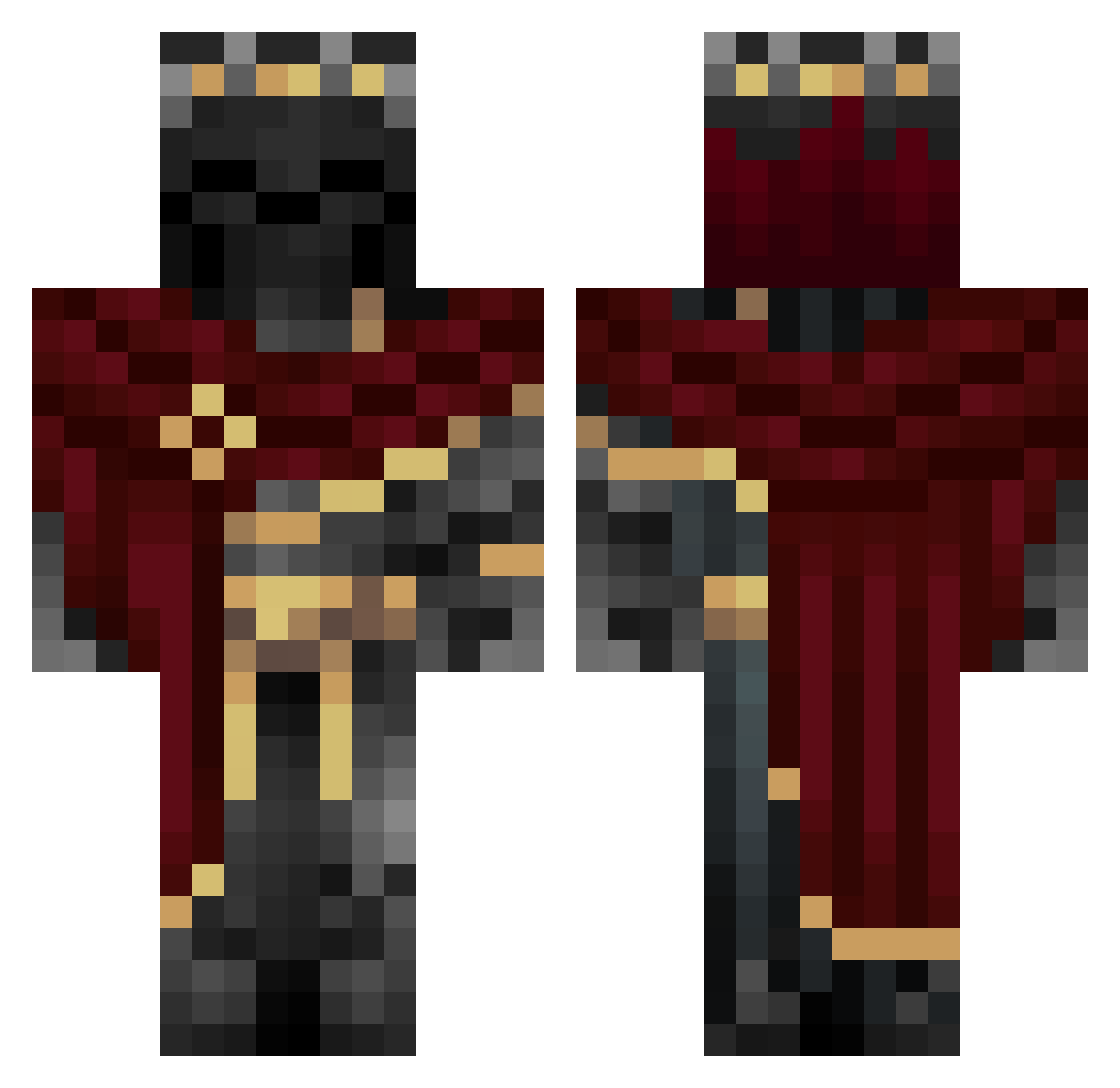
Current Minecraft skin of the player TheRealTedd, loaded from the official Mojang API. Rotate the 3D model with your mouse or finger, then download the skin as a PNG file and use it in Minecraft: Bedrock Edition or Java Edition for free. When TheRealTedd changes their skin, this page updates automatically and the old skin stays in the history below.
Other players with this skin (760)
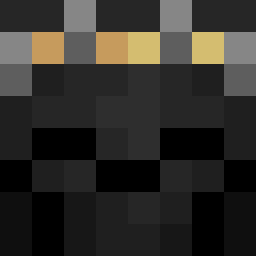
TheRealTedd was the 567th player we have seen with this skin, first spotted on 23.09.2026. The same skin was seen on these players. Open a nickname to see their current skin and skin history.
 Szyszek09 VOiD___________0 VictorTheMexican Justkyenk1 Gbglizzy FR_022006 Kitwik RgHostXD Rubenrs_24 mdistakeNN Jnoid Vlextex Unready2000 Freelord21 Hallow2137 MrPipZ OhScary TheYannz ErMerlos MasterP926 Tajemniczy155 Grvty7 Dextr3x Vollaas UtmostRaindrop2 Azulur3 Hexus999 Dusan1740 CRAKER27 Daveza Dualzz404 _ArriveDerci WhiteOwlTW Soberan Dylano1306 Migo_35 liambailey78 MatRunner123 ElGatoCrunchy yohaan22haan HiHiHi2332 DEAD_NOOB bthnrml Kurama_69 Lecyn trashsushi1 Erda777 RazTheKing2014 Coder1216 wSlmp Jake52 MrFlufferMufiins tvSamZy connor9636 xXm4tt1aXx Knull28 EliteXDXD MIKE2777 wifiesxd TallPlatypus967
More King Minecraft skins
How to install the TheRealTedd skin
- Press the Download button above to save the skin as a PNG file.
- Minecraft: Bedrock Edition (PE): open the Dressing Room from the main menu (or tap your character → Edit Character), go to Classic Skins → Owned, press the + (new skin) button, choose the downloaded PNG and pick the Classic (Steve) model. Works on PC and mobile; consoles cannot import custom skins.
- Minecraft: Java Edition: open the Minecraft Launcher, go to the Skins tab, click New Skin, load the PNG, pick the Classic (Steve) model and press Save & Use. You can also upload it at minecraft.net → Profile → Change Skin.
The skin does not show up after import - what should I do?
Restart Minecraft and open the Dressing Room again - imported skins sometimes appear only after a restart. Also make sure you selected the imported skin and picked the Classic (Steve) model.
Which model should I choose, Classic or Slim?
This skin is designed for the Classic (Steve) model. If you pick the wrong model, the arms of the skin will look stretched or squeezed.
Is the skin of TheRealTedd free to download?
Yes. Press Download, save the PNG file and use it in Minecraft: Bedrock Edition or Java Edition - no payment or registration needed. The skin also works on multiplayer servers and Realms.
More skins
Looking for more? Go back to all Minecraft skins and check the top skins of the week, month and all time, or find any player's skin by nickname.