
TheFerret - Minecraft Skins & Skin History
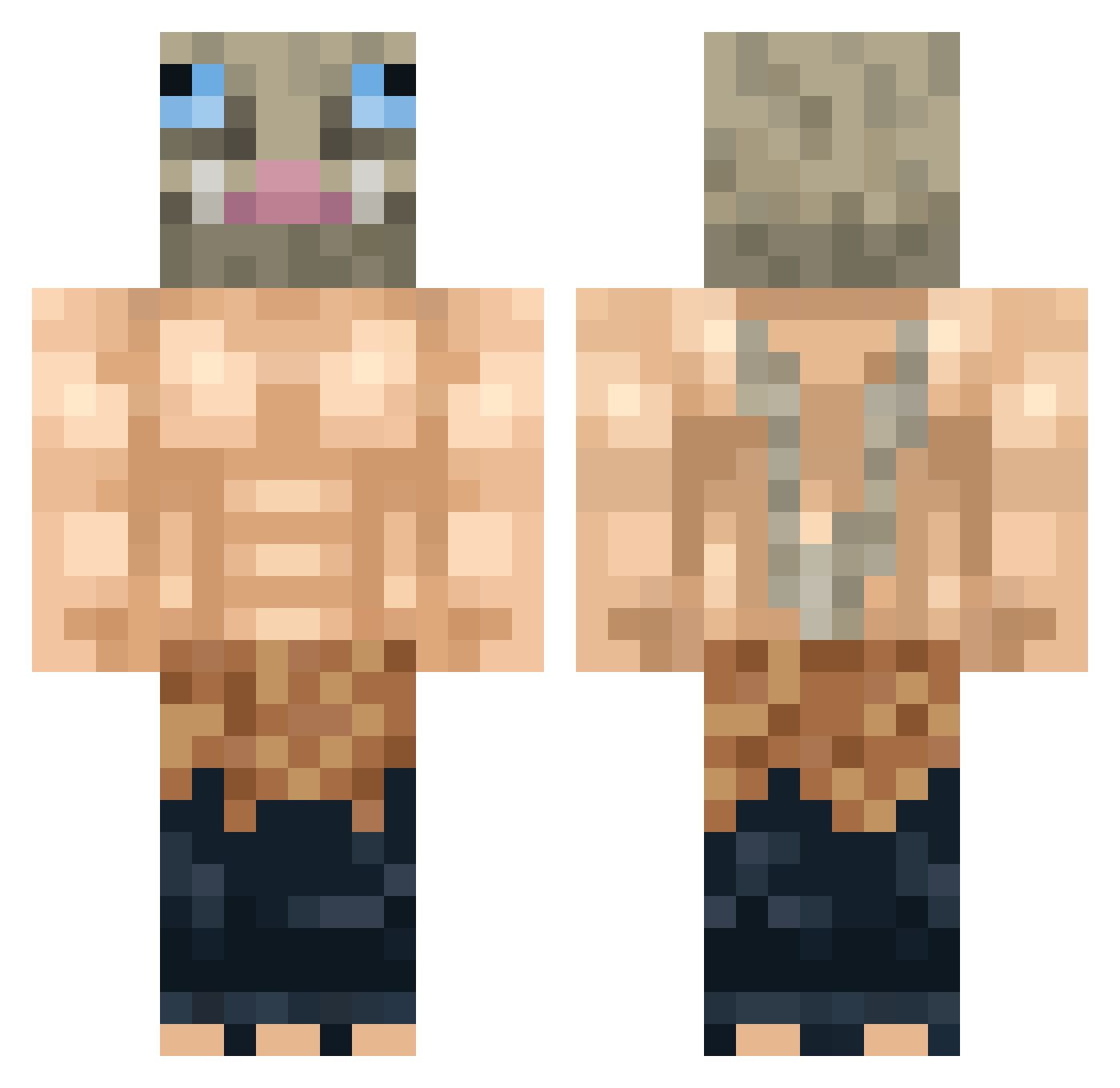
Current Minecraft skin of the player TheFerret, loaded from the official Mojang API. Rotate the 3D model with your mouse or finger, then download the skin as a PNG file and use it in Minecraft: Bedrock Edition or Java Edition for free. When TheFerret changes their skin, this page updates automatically and the old skin stays in the history below.
Other players with this skin (300)
TheFerret was the 203rd player we have seen with this skin, first spotted on 29.09.2026. The same skin was seen on these players. Open a nickname to see their current skin and skin history.
 keketel TheMarvelMaster Lisck0r sk33tl0rd bot314159265 KaneRatan Kotsas hou1511 HeywoodJablome PureBronze sb2020sb __Mihai__ Kutaabare Sporadic_Spore ikariiiin Cheese_Wagstaff Jotnaur Gwar33 thegamer76620 BendixHi gbzer4 RENEGETiX KeepThe12Cents VHM_Binbo Alexqt20 mangostar_ CircuitTheZap MattiaOak da404 NamelessKing102 DefiantDoggo LoboOnly Pizzaboxcat InosukeHashibir_ Pedror03 FamousLigre PepperClemens Kekssapoda _Miilka Maudado2708 Mcgregor69 Joaberto Sancher_Frost leekstr TheMercurial LeeJaejoon milksteak641 CosmicalLotus SappigK1mpie groskkboud1_ Nailyk2901 GormlessFire Trostky1 MisterChief11737 DzikKacper BenjaminEpicc N1ce333 Kilokiller Crasmo Jitkoi
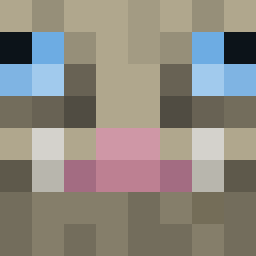
More Boar Mask Minecraft skins
How to install the TheFerret skin
- Press the Download button above to save the skin as a PNG file.
- Minecraft: Bedrock Edition (PE): open the Dressing Room from the main menu (or tap your character → Edit Character), go to Classic Skins → Owned, press the + (new skin) button, choose the downloaded PNG and pick the Classic (Steve) model. Works on PC and mobile; consoles cannot import custom skins.
- Minecraft: Java Edition: open the Minecraft Launcher, go to the Skins tab, click New Skin, load the PNG, pick the Classic (Steve) model and press Save & Use. You can also upload it at minecraft.net → Profile → Change Skin.
The skin does not show up after import - what should I do?
Restart Minecraft and open the Dressing Room again - imported skins sometimes appear only after a restart. Also make sure you selected the imported skin and picked the Classic (Steve) model.
Which model should I choose, Classic or Slim?
This skin is designed for the Classic (Steve) model. If you pick the wrong model, the arms of the skin will look stretched or squeezed.
Is the skin of TheFerret free to download?
Yes. Press Download, save the PNG file and use it in Minecraft: Bedrock Edition or Java Edition - no payment or registration needed. The skin also works on multiplayer servers and Realms.
More skins
Looking for more? Go back to all Minecraft skins and check the top skins of the week, month and all time, or find any player's skin by nickname.