
TheBelladonna - Minecraft Skins & Skin History
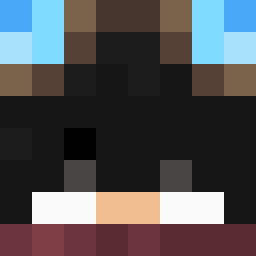
Current Minecraft skin of the player TheBelladonna, loaded from the official Mojang API. Rotate the 3D model with your mouse or finger, then download the skin as a PNG file and use it in Minecraft: Bedrock Edition or Java Edition for free. When TheBelladonna changes their skin, this page updates automatically and the old skin stays in the history below.
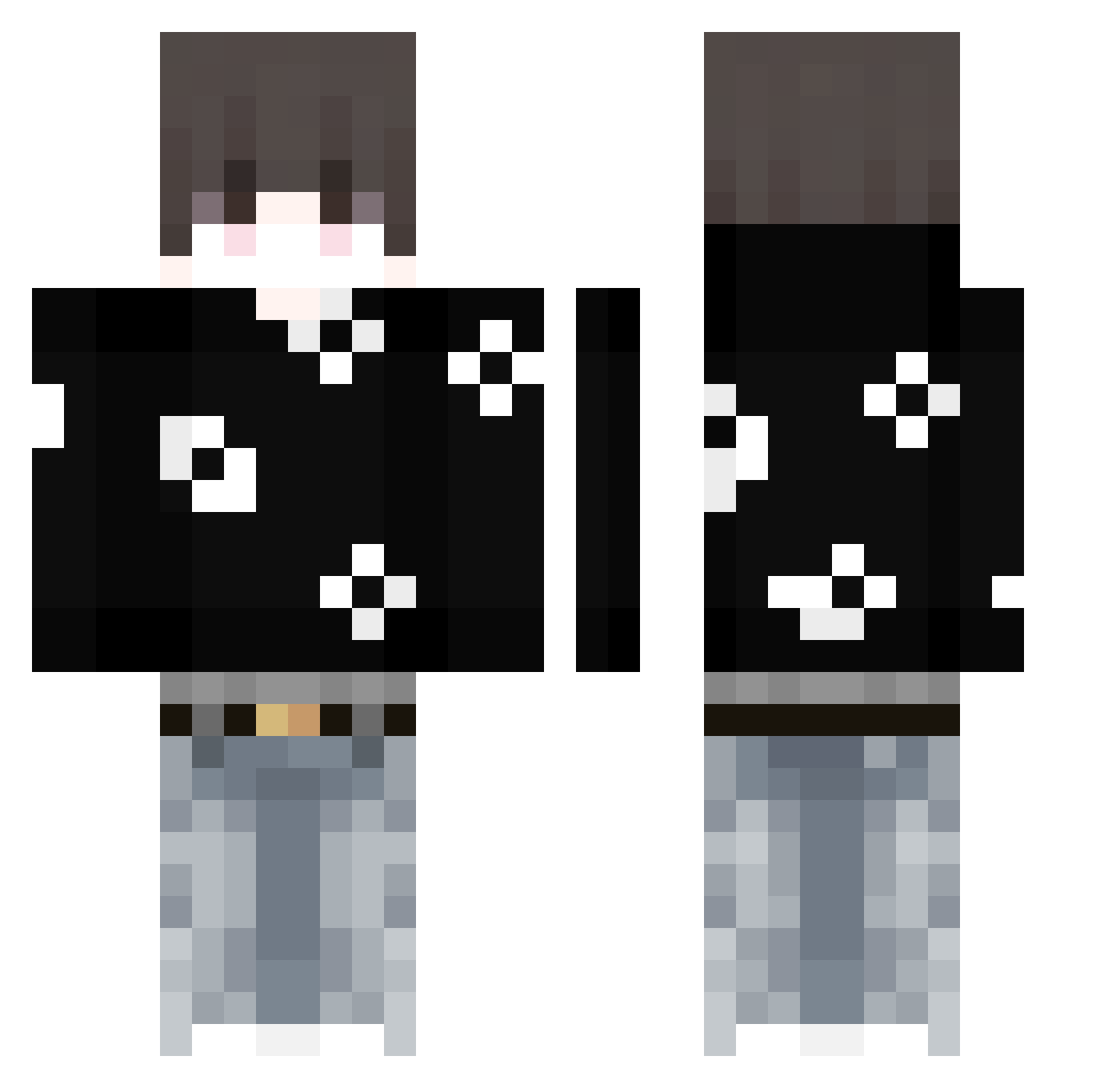
Other players with this skin (47)
TheBelladonna was the 20th player we have seen with this skin, first spotted on 01.09.2026. The same skin was seen on these players. Open a nickname to see their current skin and skin history.
 Abjsso AkipoFr adrx30 Scxbxx Nauriy LukeIsCool02 InsomniaFl______ hrxsz DlooXy sdfeeS Clay189 Genesis_10 pOpipeee
 Gustavin_GG tantumrosa CpvpSharkyy Nino878 Fool1shguy veledistan m0NISY Kitajj Shennayo_MC Ghiny_xS vahsy GerenceHills Paton4tor3000 akiozinhu
 HilarioJose TadaJaja
 MitoIsChopped Versece Jaysonwalla Mohamed_Shahin JLuis_MC SzymonKwarc AKA_Kiri
 zayrex__ Kajzerka6613 keynooooo xvzqc defcnd krecikspo Itsyenz AntoHR_ smeggybbcmonster AyazDeniz11 Lx3li
More Streetwear Minecraft skins
How to install the TheBelladonna skin
- Press the Download button above to save the skin as a PNG file.
- Minecraft: Bedrock Edition (PE): open the Dressing Room from the main menu (or tap your character → Edit Character), go to Classic Skins → Owned, press the + (new skin) button, choose the downloaded PNG and pick the Classic (Steve) model. Works on PC and mobile; consoles cannot import custom skins.
- Minecraft: Java Edition: open the Minecraft Launcher, go to the Skins tab, click New Skin, load the PNG, pick the Classic (Steve) model and press Save & Use. You can also upload it at minecraft.net → Profile → Change Skin.
The skin does not show up after import - what should I do?
Restart Minecraft and open the Dressing Room again - imported skins sometimes appear only after a restart. Also make sure you selected the imported skin and picked the Classic (Steve) model.
Which model should I choose, Classic or Slim?
This skin is designed for the Classic (Steve) model. If you pick the wrong model, the arms of the skin will look stretched or squeezed.
Is the skin of TheBelladonna free to download?
Yes. Press Download, save the PNG file and use it in Minecraft: Bedrock Edition or Java Edition - no payment or registration needed. The skin also works on multiplayer servers and Realms.
More skins
Looking for more? Go back to all Minecraft skins and check the top skins of the week, month and all time, or find any player's skin by nickname.