
TheAndeN - Minecraft Skins & Skin History
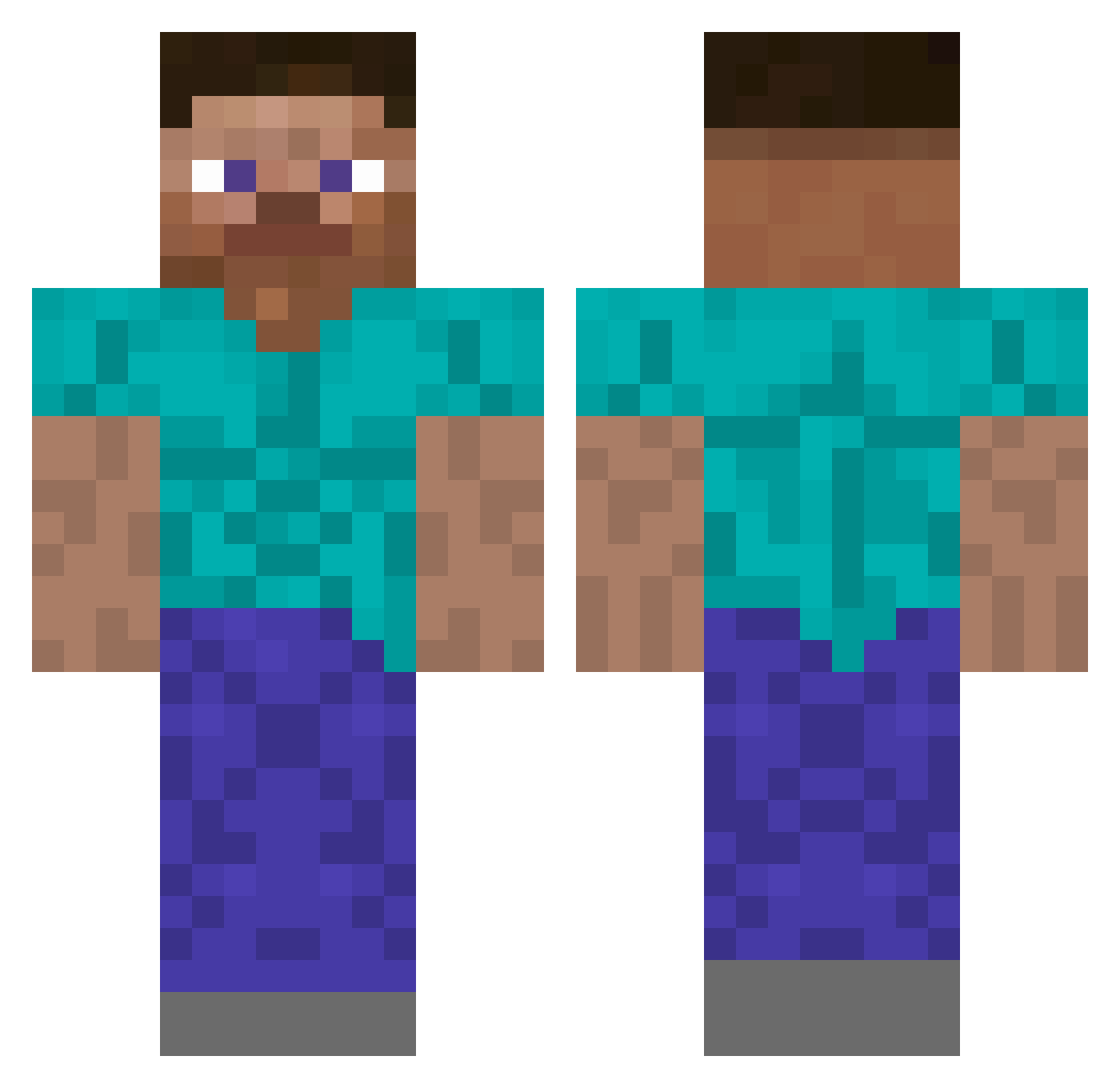
Current Minecraft skin of the player TheAndeN, loaded from the official Mojang API. Rotate the 3D model with your mouse or finger, then download the skin as a PNG file and use it in Minecraft: Bedrock Edition or Java Edition for free. When TheAndeN changes their skin, this page updates automatically and the old skin stays in the history below.
Other players with this skin (242)
TheAndeN was the 108th player we have seen with this skin, first spotted on 27.09.2026. The same skin was seen on these players. Open a nickname to see their current skin and skin history.
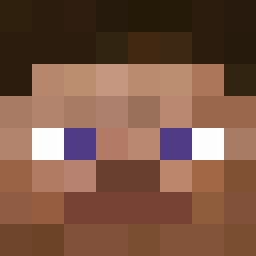 Qlisek Wlageg DraXu69_ sefer_ha_jongel Numeriitos HairyMonkeyToes Ch4d_G DX_Power blyat___ etwasanderes facuB46 anonymousguy69 RocchGalaxy BowedParty98533 TzuemG Beyond1 xHzSerkanLeadeR BriantDaniel Sque4ks einssalva _KOTA_17 XnamehereX Bodzol Guppen wex690 Preczek infantbabies tiptop21 Athmes jackpot281 Erishnikov Floppa1363 n0ah_mc Unionknight JuanFelipGavilan CommunalCafe948 snoozingbird Roby2336 eomanoTK vJulpesS HideYourBike shmelli15 UgandaZ52 saintpablo24 wiwi2090 Traphoused LilPablo_v 120enbancaplana mul_gogi sayugay Fredrikbob Detrick_ ZukaReaper RobsonWX BeanStalk12 TruffleSprouts GwendoMc EmperorClew tempests 969696969696969
How to install the TheAndeN skin
- Press the Download button above to save the skin as a PNG file.
- Minecraft: Bedrock Edition (PE): open the Dressing Room from the main menu (or tap your character → Edit Character), go to Classic Skins → Owned, press the + (new skin) button, choose the downloaded PNG and pick the Classic (Steve) model. Works on PC and mobile; consoles cannot import custom skins.
- Minecraft: Java Edition: open the Minecraft Launcher, go to the Skins tab, click New Skin, load the PNG, pick the Classic (Steve) model and press Save & Use. You can also upload it at minecraft.net → Profile → Change Skin.
The skin does not show up after import - what should I do?
Restart Minecraft and open the Dressing Room again - imported skins sometimes appear only after a restart. Also make sure you selected the imported skin and picked the Classic (Steve) model.
Which model should I choose, Classic or Slim?
This skin is designed for the Classic (Steve) model. If you pick the wrong model, the arms of the skin will look stretched or squeezed.
Is the skin of TheAndeN free to download?
Yes. Press Download, save the PNG file and use it in Minecraft: Bedrock Edition or Java Edition - no payment or registration needed. The skin also works on multiplayer servers and Realms.
More skins
Looking for more? Go back to all Minecraft skins and check the top skins of the week, month and all time, or find any player's skin by nickname.