
 bubbypayton RoyalRumble Prosowy15 Shawty36 positive_jon ryvls PadreBlow gamer130 GynnBoss God_Of_Suffering OuateDeFox ZSDYZQ Maidstone Shawty33 xThuggishx Baha__ Fixionite FrostyXFreeze Axxcentac LegenTech1234 HornyBoy2137 Kozzlack Martian156 omegahuminukage Viktigboy Fran_Brownlie KUUUMPEL Rytincan elmartinsito Knowuhs k4rlxzz ertfssrdr PVPmaster228top DripKing420 SocioPsycho JensPetter123 Shawty11 VictorMH16 missionfx LeviiXD emerladN RealMellow Norwa Schiqui spliktex Hhassan1 thelebaneserot CAP013 MarcusDam_ K2ngMaster Proteinshake_ Muffin_964 RaFa_Sadman rlcraftmodlover Unaddable xXLeRafaleurXx ghostopolis oreegg13 NeilGrover RIP_ZNTG
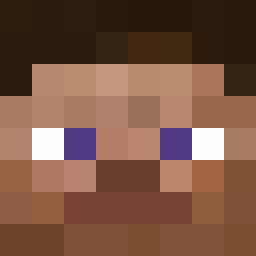
Minecraft skin of xXLeRafaleurXx. Rotate the 3D model with your mouse or finger to view the skin from every angle, then download it as a PNG file and use it in Minecraft: Bedrock Edition or Java Edition for free. Rate the skin with stars to help other players find the best skins in our collection.
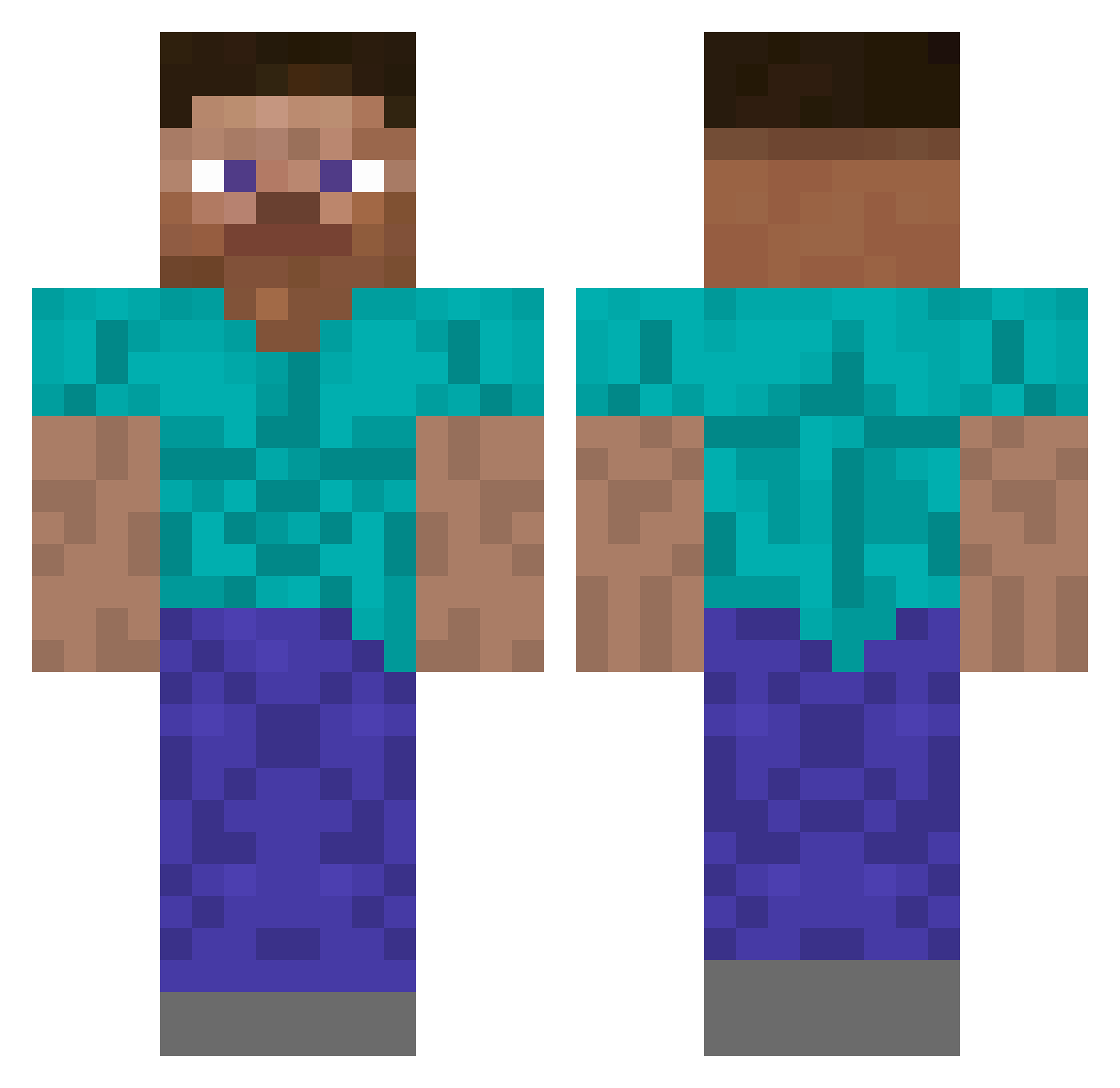
How to install the xXLeRafaleurXx skin
- Press the Download button above to save the skin as a PNG file.
- Minecraft: Bedrock Edition (PE): open the Dressing Room from the main menu (or tap your character → Edit Character), go to Classic Skins → Owned, press the + (new skin) button, choose the downloaded PNG and pick the Classic (Steve) model. Works on PC and mobile; consoles cannot import custom skins.
- Minecraft: Java Edition: open the Minecraft Launcher, go to the Skins tab, click New Skin, load the PNG, pick the Classic (Steve) model and press Save & Use. You can also upload it at minecraft.net → Profile → Change Skin.
The skin does not show up after import — what should I do?
Restart Minecraft and open the Dressing Room again — imported skins sometimes appear only after a restart. Also make sure you selected the imported skin and picked the Classic (Steve) model.
Which model should I choose, Classic or Slim?
This skin is designed for the Classic (Steve) model. If you pick the wrong model, the arms of the skin will look stretched or squeezed.
Is this skin free to use?
Yes. Press Download, save the PNG file and use it in Minecraft: Bedrock Edition or Java Edition — no payment or registration needed. The skin also works on multiplayer servers and Realms.
More skins
Looking for more? Go back to all Minecraft skins and check the top skins of the week, month and all time, or find any player's skin by nickname.