
Termipc - Minecraft Skins & Skin History
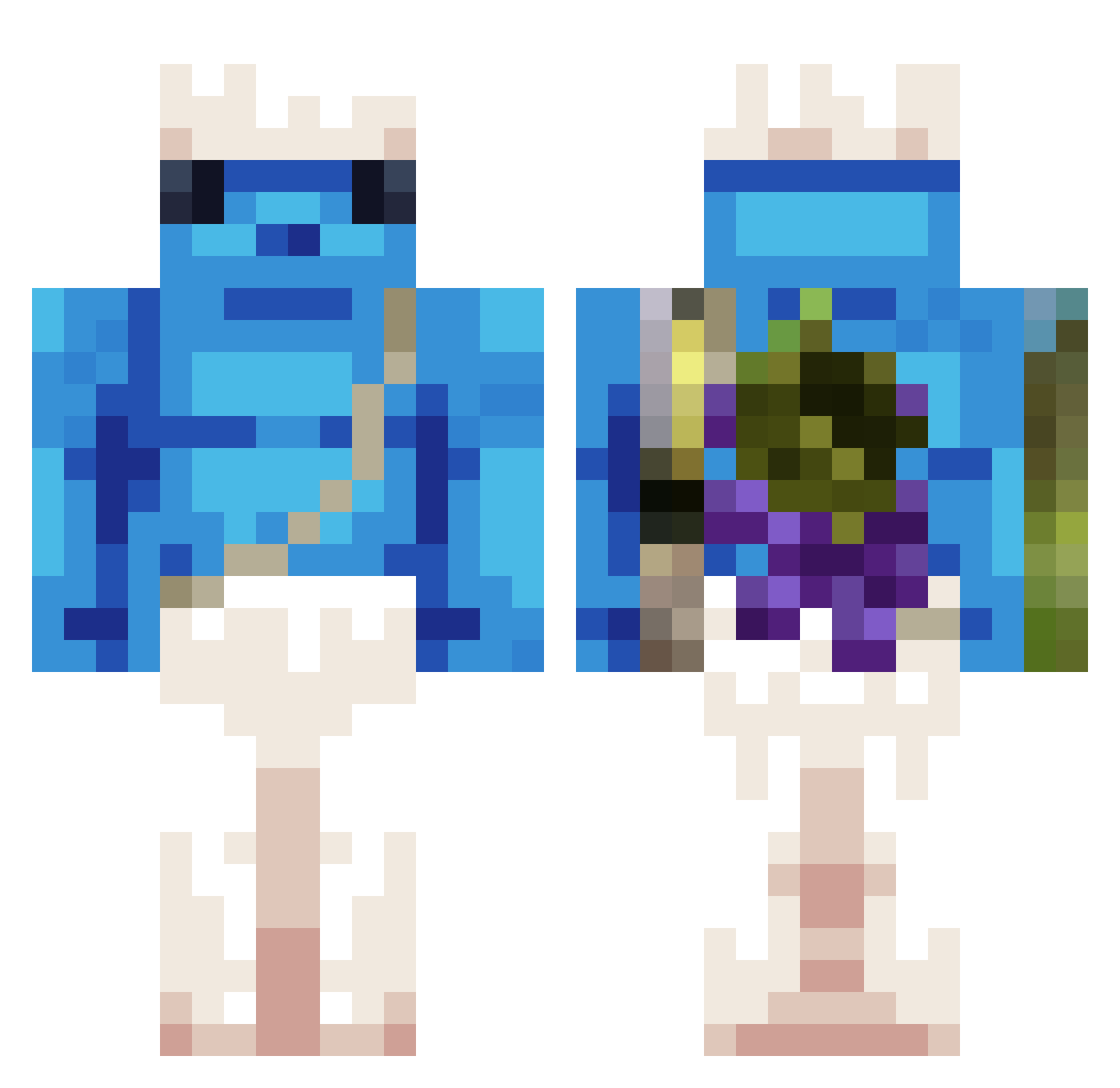
Current Minecraft skin of the player Termipc, loaded from the official Mojang API. Rotate the 3D model with your mouse or finger, then download the skin as a PNG file and use it in Minecraft: Bedrock Edition or Java Edition for free. When Termipc changes their skin, this page updates automatically and the old skin stays in the history below.
Other players with this skin (322)
Termipc was the 195th player we have seen with this skin, first spotted on 22.09.2026. The same skin was seen on these players. Open a nickname to see their current skin and skin history.
 mightykaimer knnnn123 0Eternity0 a_daile _MakuLit diaslongos Thereaper32 Cza4Na_ZabA chederman zergln WojciechT RYJIXX Ukm272 DonnyLynn Brunops200 TOMSUARX lasigue Art_redstone Imdyinghelpp AL3nzy50 XxIvanxX_16 moneyisreal v4lur3 sungjun1122 Torto_69 VeldraStorm allahpost Alex_Yeager Diegouski014 bMK213 elandre218 Bendy2121 fakekarma LiwKu BANG_MIN CpI646 AndreMatos lee_0723 yNoxxIsPro BoniceDeUva 7HOI_boy Alexmazor VEQUY steven1103 TheCowGoesMooj NotBOOMYa Minecraft_Kiddie Guzzo82 souIsnatcher1 BuffetPencil231 PypeAppleiscool3 inia313 SheshoE korpalini naonauno Fernix7 MwY845 wqsr pyroneta Floval62114
More Papa Smurf Minecraft skins
How to install the Termipc skin
- Press the Download button above to save the skin as a PNG file.
- Minecraft: Bedrock Edition (PE): open the Dressing Room from the main menu (or tap your character → Edit Character), go to Classic Skins → Owned, press the + (new skin) button, choose the downloaded PNG and pick the Classic (Steve) model. Works on PC and mobile; consoles cannot import custom skins.
- Minecraft: Java Edition: open the Minecraft Launcher, go to the Skins tab, click New Skin, load the PNG, pick the Classic (Steve) model and press Save & Use. You can also upload it at minecraft.net → Profile → Change Skin.
The skin does not show up after import - what should I do?
Restart Minecraft and open the Dressing Room again - imported skins sometimes appear only after a restart. Also make sure you selected the imported skin and picked the Classic (Steve) model.
Which model should I choose, Classic or Slim?
This skin is designed for the Classic (Steve) model. If you pick the wrong model, the arms of the skin will look stretched or squeezed.
Is the skin of Termipc free to download?
Yes. Press Download, save the PNG file and use it in Minecraft: Bedrock Edition or Java Edition - no payment or registration needed. The skin also works on multiplayer servers and Realms.
More skins
Looking for more? Go back to all Minecraft skins and check the top skins of the week, month and all time, or find any player's skin by nickname.