
TakeruYakushi - Minecraft Skins & Skin History
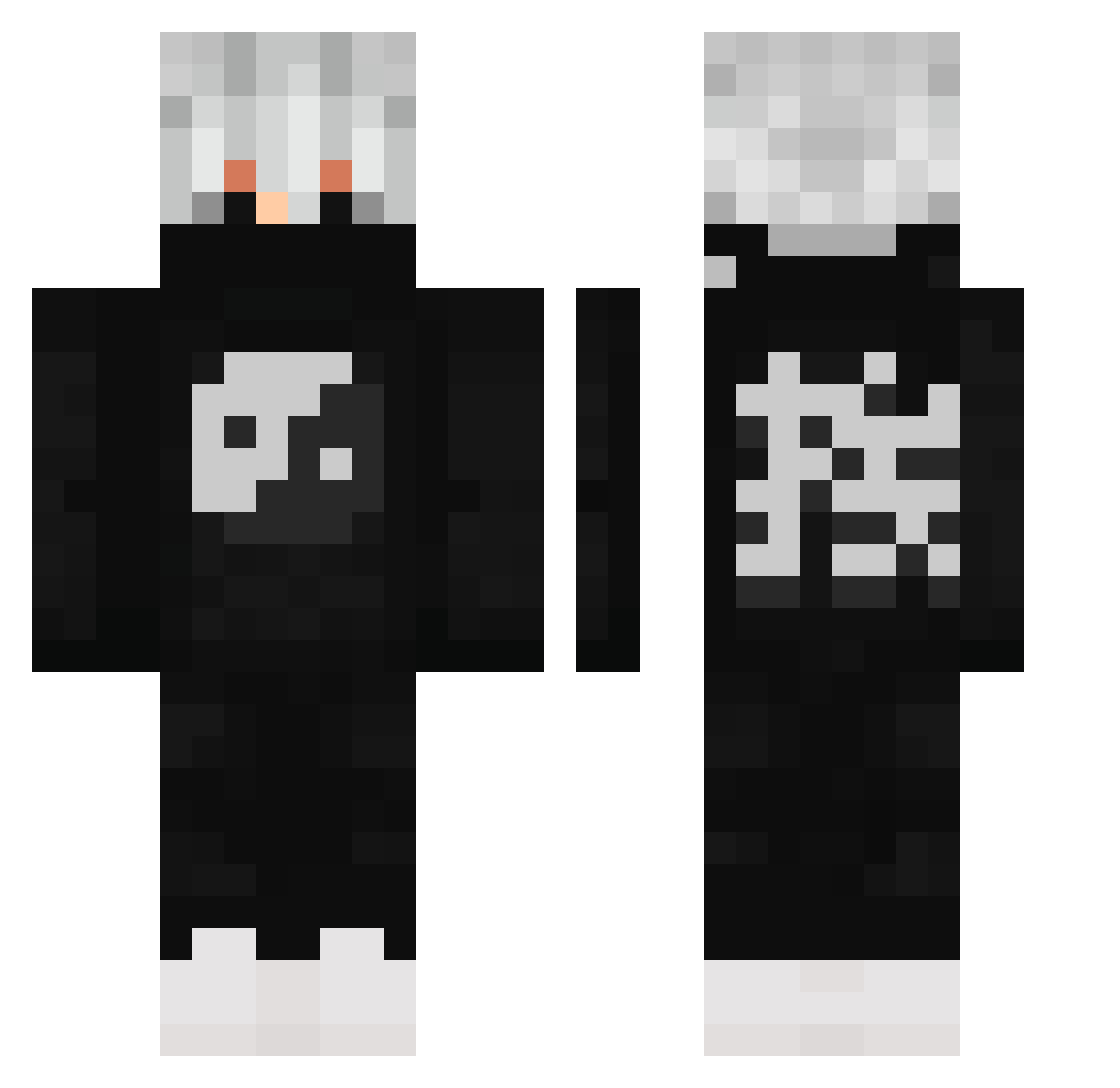
Current Minecraft skin of the player TakeruYakushi, loaded from the official Mojang API. Rotate the 3D model with your mouse or finger, then download the skin as a PNG file and use it in Minecraft: Bedrock Edition or Java Edition for free. When TakeruYakushi changes their skin, this page updates automatically and the old skin stays in the history below.
Other players with this skin (503)
TakeruYakushi was the 305th player we have seen with this skin, first spotted on 23.09.2026. The same skin was seen on these players. Open a nickname to see their current skin and skin history.
 Ninjameister3 ingScaRed flaratobiedakicw mai_saakurajima DEVIL0007 Danonimus Frzn_Fire love_doll_bleat xCrytek95 MICHAELLIN Matiko200 BossMan830 Lucaxgg zZDubstepZz Lintyyy Idea1 ghost334334 Wiktorix_ Slayzz07 The_Bored_Gamer Verriegelter HitterGodFleks harry14tw GfPegsMe o_picci IMPRESSGAMING RxzorGo fexxy_ Dragonlive187 _Zorra_ jacksong_1218 ray_971124 goldenlee1029 roeythepro BLUEPU5 koreanape RAIN2570 DragoKiller0607 kou2014 MengQiu_ HydroWarrior1 BradySteiny HandVollSnus tylerwalters55 KnightArtorias2 ukzerosniper Thaweesak Yujiro19 GetDeleted9929 RN_gost Conque_D_Frost WhyFY xkapi16 Apoiut M4nq0 TwauzyPVPS DrChristmasJones Kz_Ky RuztyGhost Lanthien
More Yin Yang Minecraft skins
How to install the TakeruYakushi skin
- Press the Download button above to save the skin as a PNG file.
- Minecraft: Bedrock Edition (PE): open the Dressing Room from the main menu (or tap your character → Edit Character), go to Classic Skins → Owned, press the + (new skin) button, choose the downloaded PNG and pick the Classic (Steve) model. Works on PC and mobile; consoles cannot import custom skins.
- Minecraft: Java Edition: open the Minecraft Launcher, go to the Skins tab, click New Skin, load the PNG, pick the Classic (Steve) model and press Save & Use. You can also upload it at minecraft.net → Profile → Change Skin.
The skin does not show up after import - what should I do?
Restart Minecraft and open the Dressing Room again - imported skins sometimes appear only after a restart. Also make sure you selected the imported skin and picked the Classic (Steve) model.
Which model should I choose, Classic or Slim?
This skin is designed for the Classic (Steve) model. If you pick the wrong model, the arms of the skin will look stretched or squeezed.
Is the skin of TakeruYakushi free to download?
Yes. Press Download, save the PNG file and use it in Minecraft: Bedrock Edition or Java Edition - no payment or registration needed. The skin also works on multiplayer servers and Realms.
More skins
Looking for more? Go back to all Minecraft skins and check the top skins of the week, month and all time, or find any player's skin by nickname.