
TafadzwaM - Minecraft Skins & Skin History
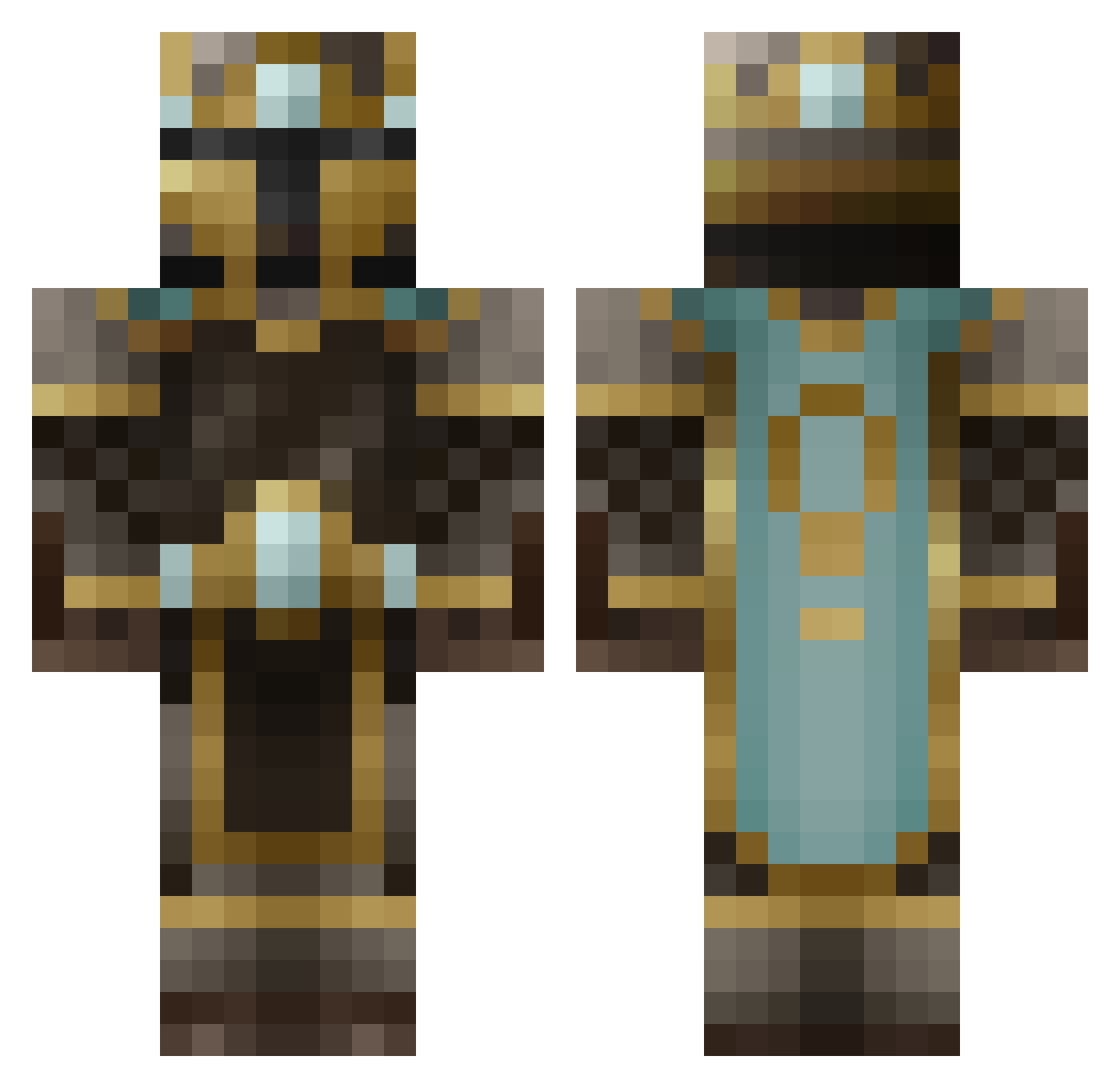
Current Minecraft skin of the player TafadzwaM, loaded from the official Mojang API. Rotate the 3D model with your mouse or finger, then download the skin as a PNG file and use it in Minecraft: Bedrock Edition or Java Edition for free. When TafadzwaM changes their skin, this page updates automatically and the old skin stays in the history below.
Other players with this skin (484)
TafadzwaM was the 431st player we have seen with this skin, first spotted on 13.10.2026. The same skin was seen on these players. Open a nickname to see their current skin and skin history.
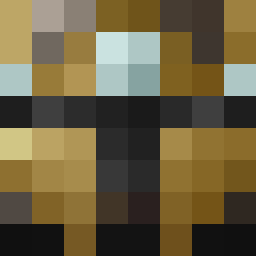 VADIMREX panda_monium_808 IGLOO_418 bigsexy_69 softwoman Rettokan aldog6969 dosark44 safir01 xSodacan99x MightyMinero tyler21550 Austin0891 hawk7585 ThaPeridus Xeobitte001 nickwags12 ItsMeTaom techdeckhaz ahowatashit promonkey999 Stephann_O Dobber777 rarerims reptar34 DEADMANDOWN101 axpranax StickySimon flesheater11 bunnysonfire963 Matt_of_Kuat DappleDerp GrimReaper1134 Ninnghizzidda Chocolatebar616 Kazaarrr JOEHO5 Rechulas Captain_Creeper_ Arashi99 Enigma8706 beastboy189 TomBaker4 shlobadober ICK_DYNAMITE TurtonicKnight NdrwMnts FadeIntoBlack Ttsgod Bossier de_rune mchoucair2001 MonkeyWarrior GuardianAngel axite PantlessPaton DAOatic4 litebringer mylquetoast TB96
More King Minecraft skins
How to install the TafadzwaM skin
- Press the Download button above to save the skin as a PNG file.
- Minecraft: Bedrock Edition (PE): open the Dressing Room from the main menu (or tap your character → Edit Character), go to Classic Skins → Owned, press the + (new skin) button, choose the downloaded PNG and pick the Classic (Steve) model. Works on PC and mobile; consoles cannot import custom skins.
- Minecraft: Java Edition: open the Minecraft Launcher, go to the Skins tab, click New Skin, load the PNG, pick the Classic (Steve) model and press Save & Use. You can also upload it at minecraft.net → Profile → Change Skin.
The skin does not show up after import - what should I do?
Restart Minecraft and open the Dressing Room again - imported skins sometimes appear only after a restart. Also make sure you selected the imported skin and picked the Classic (Steve) model.
Which model should I choose, Classic or Slim?
This skin is designed for the Classic (Steve) model. If you pick the wrong model, the arms of the skin will look stretched or squeezed.
Is the skin of TafadzwaM free to download?
Yes. Press Download, save the PNG file and use it in Minecraft: Bedrock Edition or Java Edition - no payment or registration needed. The skin also works on multiplayer servers and Realms.
More skins
Looking for more? Go back to all Minecraft skins and check the top skins of the week, month and all time, or find any player's skin by nickname.