
TactiBlox - Minecraft Skins & Skin History
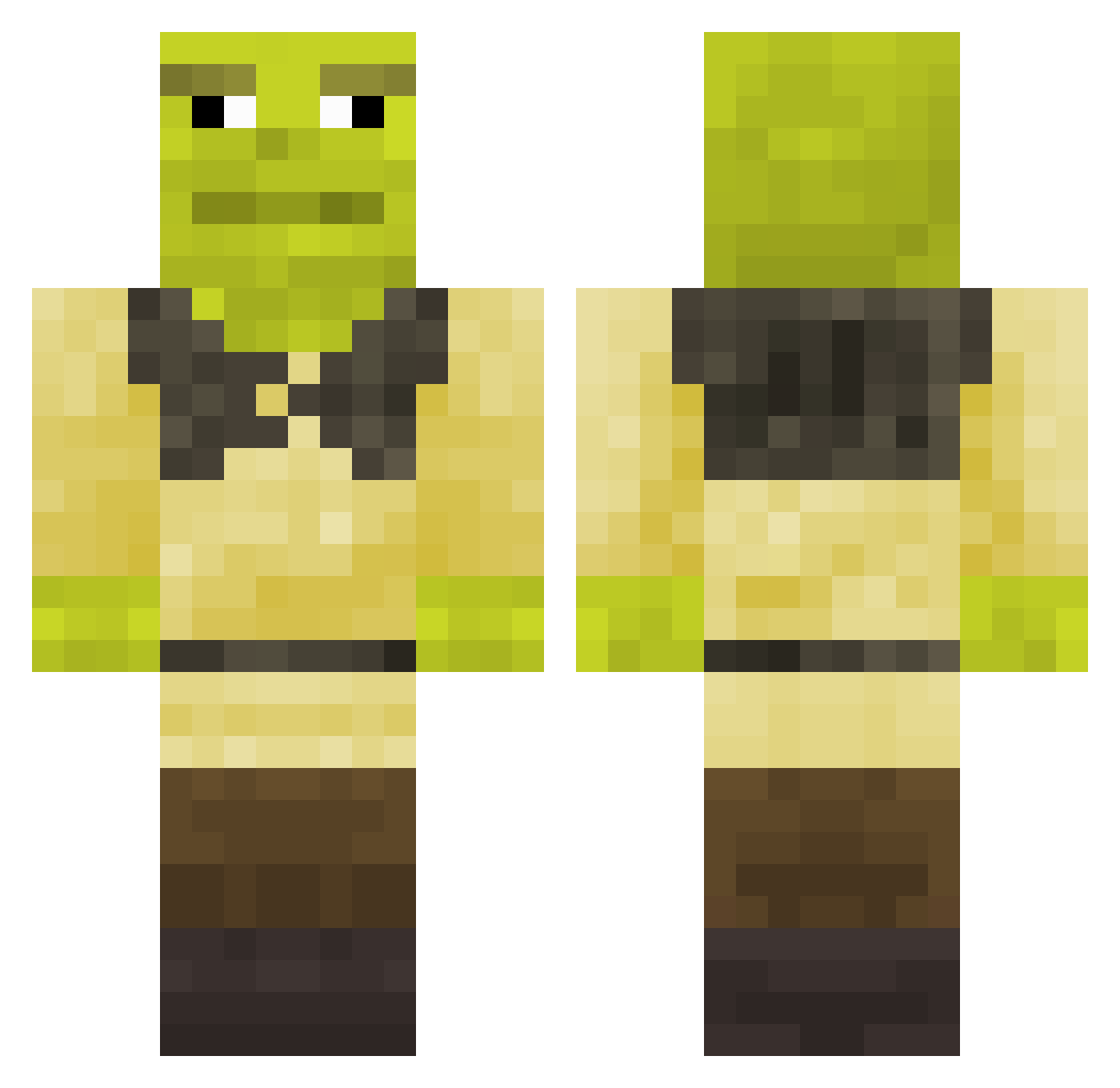
Current Minecraft skin of the player TactiBlox, loaded from the official Mojang API. Rotate the 3D model with your mouse or finger, then download the skin as a PNG file and use it in Minecraft: Bedrock Edition or Java Edition for free. When TactiBlox changes their skin, this page updates automatically and the old skin stays in the history below.
Other players with this skin (391)
TactiBlox was the 346th player we have seen with this skin, first spotted on 08.11.2026. The same skin was seen on these players. Open a nickname to see their current skin and skin history.
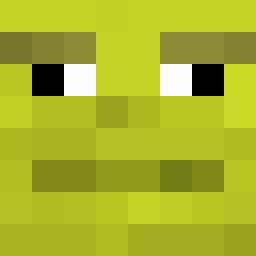 gsb103_ AtBrunetto JJvlivs Benoit62 khornetcher Diegofh06 Ogr_Shrek Grantfilms Kuchau_9 schmitard JalapenoBizness Ar0n1213 x_gamma_x lucilightbringi falloutmaile FaboTuPapi tui042014 J4R3CKY Drix0128 EpicFloo HugooLeal Oliver98980 Alacrity22 Yonac Bugqueen98 boothinn Dr_Bratwurst321 sickness_pxcr Elliotstar2008 Alberto0200 goodjobjr JONATHANDRAKO The_Flower Coffeebrainzzz ZykIonB DenyTHEknee H4ZH4ZHZ4H4ZH4ZH x9Tonk9x Butyoureugly cael_xy AloneNaal GroDaddy seahawks3fan883 pucus990 Couscous14 LisonOnion TheEric987 manochh crispyxxxx Kaemmus v6qz Become1611 Thy_Lord Thiago_Stancik AmaralZeh OilyKellogs Davisworth Paulonfire654 IUSTINCI_ zaiacm
More Shrek Minecraft skins
How to install the TactiBlox skin
- Press the Download button above to save the skin as a PNG file.
- Minecraft: Bedrock Edition (PE): open the Dressing Room from the main menu (or tap your character → Edit Character), go to Classic Skins → Owned, press the + (new skin) button, choose the downloaded PNG and pick the Classic (Steve) model. Works on PC and mobile; consoles cannot import custom skins.
- Minecraft: Java Edition: open the Minecraft Launcher, go to the Skins tab, click New Skin, load the PNG, pick the Classic (Steve) model and press Save & Use. You can also upload it at minecraft.net → Profile → Change Skin.
The skin does not show up after import - what should I do?
Restart Minecraft and open the Dressing Room again - imported skins sometimes appear only after a restart. Also make sure you selected the imported skin and picked the Classic (Steve) model.
Which model should I choose, Classic or Slim?
This skin is designed for the Classic (Steve) model. If you pick the wrong model, the arms of the skin will look stretched or squeezed.
Is the skin of TactiBlox free to download?
Yes. Press Download, save the PNG file and use it in Minecraft: Bedrock Edition or Java Edition - no payment or registration needed. The skin also works on multiplayer servers and Realms.
More skins
Looking for more? Go back to all Minecraft skins and check the top skins of the week, month and all time, or find any player's skin by nickname.