
T_00_M - Minecraft Skins & Skin History
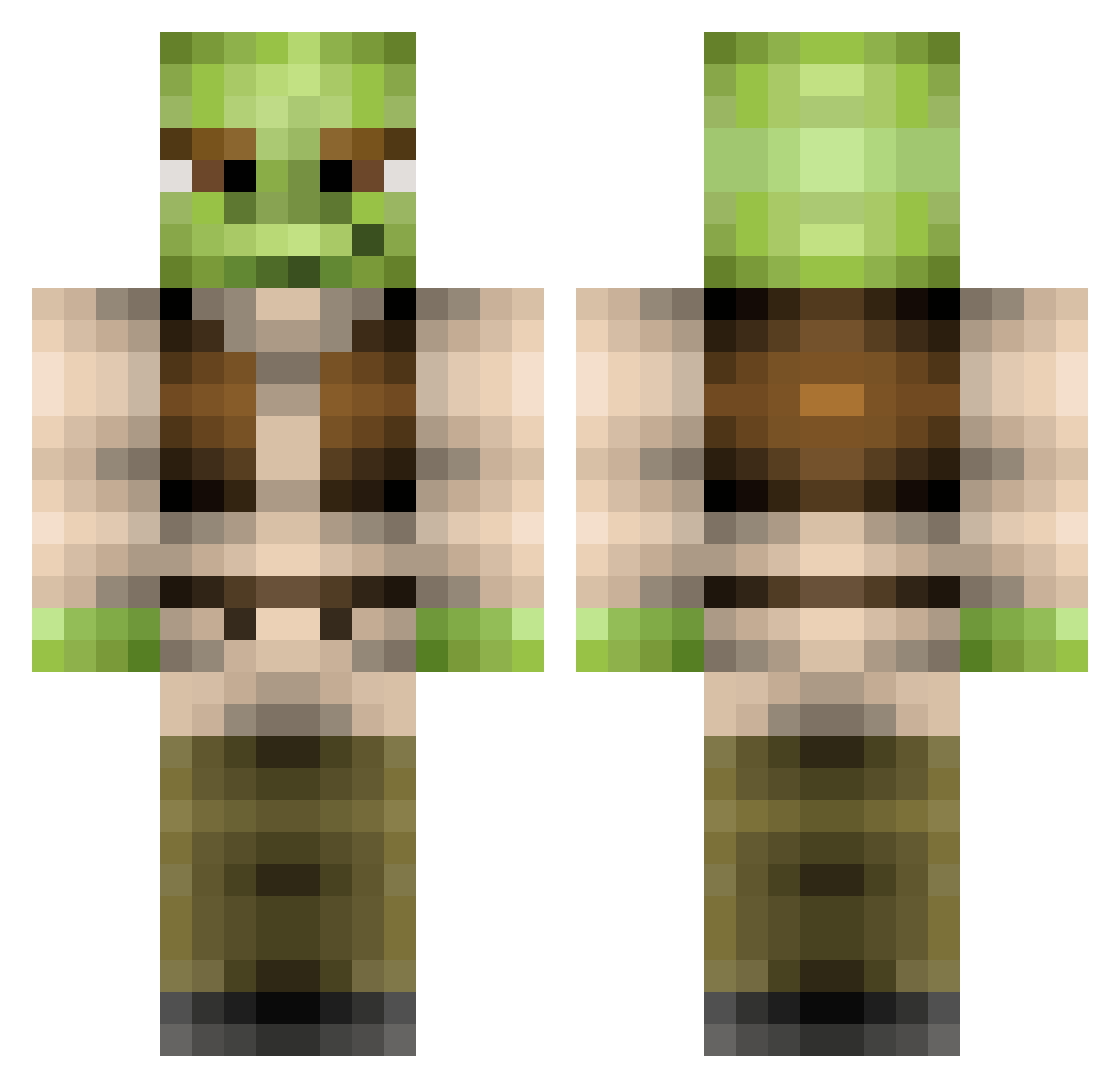
Current Minecraft skin of the player T_00_M, loaded from the official Mojang API. Rotate the 3D model with your mouse or finger, then download the skin as a PNG file and use it in Minecraft: Bedrock Edition or Java Edition for free. When T_00_M changes their skin, this page updates automatically and the old skin stays in the history below.
Other players with this skin (369)
T_00_M was the 49th player we have seen with this skin, first spotted on 10.08.2026. The same skin was seen on these players. Open a nickname to see their current skin and skin history.
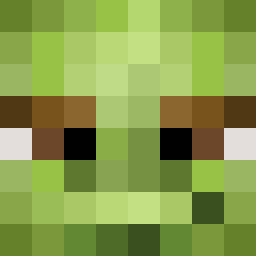 Deathbanisher animeshrek khiempham DONCOLA Shreks_Sacrifice Benaa NiallArthur hammy34 redyedy glutusmaximus Shrektaculator69 stingrays02 mr_valhall Sweetpete_ goldenmamba44 JackMacLAD Ganadorks SanctuaryMC pinkpanda8 Maximus253 Ballisticssss KungFuTommy Griffin24789 8liana8 Heybaychickenlay yung_vilhelm BrendanH Coolby777 Mmar1 bradders8000 spawnpigdontcare Overlord_Ranga Bercikovsky harry12417 BillyDcfc1810 scarlen NuRonic Wookiee1999 OfficialBasedGod Jambless xDylanBoyle CamZomSlay P3D0_SL0TH Sauegutten Qunoeourdt Krabbelmonster Jilted11 jmckee3 WasabiKamiKaze MaximumBearclaws CakeHate Jammo_ TehAmacdude DoYouCY TheRJY Broadshorts wann200 dadou04 lonestarreagan ixlzariuslxl
More Yoda Minecraft skins
How to install the T_00_M skin
- Press the Download button above to save the skin as a PNG file.
- Minecraft: Bedrock Edition (PE): open the Dressing Room from the main menu (or tap your character → Edit Character), go to Classic Skins → Owned, press the + (new skin) button, choose the downloaded PNG and pick the Classic (Steve) model. Works on PC and mobile; consoles cannot import custom skins.
- Minecraft: Java Edition: open the Minecraft Launcher, go to the Skins tab, click New Skin, load the PNG, pick the Classic (Steve) model and press Save & Use. You can also upload it at minecraft.net → Profile → Change Skin.
The skin does not show up after import - what should I do?
Restart Minecraft and open the Dressing Room again - imported skins sometimes appear only after a restart. Also make sure you selected the imported skin and picked the Classic (Steve) model.
Which model should I choose, Classic or Slim?
This skin is designed for the Classic (Steve) model. If you pick the wrong model, the arms of the skin will look stretched or squeezed.
Is the skin of T_00_M free to download?
Yes. Press Download, save the PNG file and use it in Minecraft: Bedrock Edition or Java Edition - no payment or registration needed. The skin also works on multiplayer servers and Realms.
More skins
Looking for more? Go back to all Minecraft skins and check the top skins of the week, month and all time, or find any player's skin by nickname.