
TT_SPADE33_ - Minecraft Skins & Skin History
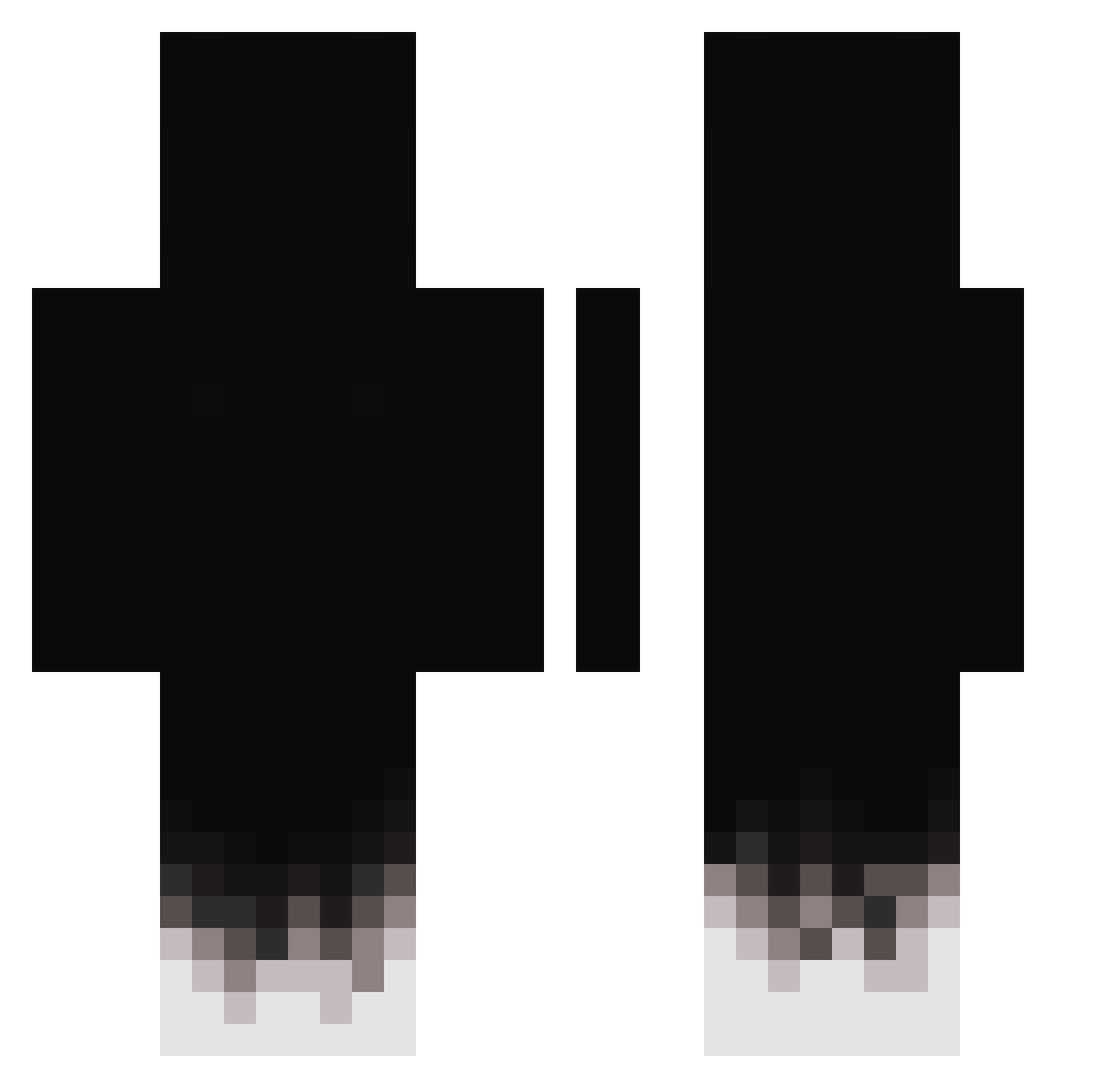
Current Minecraft skin of the player TT_SPADE33_, loaded from the official Mojang API. Rotate the 3D model with your mouse or finger, then download the skin as a PNG file and use it in Minecraft: Bedrock Edition or Java Edition for free. When TT_SPADE33_ changes their skin, this page updates automatically and the old skin stays in the history below.
Other players with this skin (431)
TT_SPADE33_ was the 132nd player we have seen with this skin, first spotted on 27.08.2026. The same skin was seen on these players. Open a nickname to see their current skin and skin history.
 zrx_ii Borgestreet RationallyPi ffq62 misicc Jasper_wct Darkzika33 ivanvd09 sinra3248 Hauptgewinny marcinekk12 Toasty237821 Theking_pro MILANESAPEEE Tony0116 ItxRazyy ElGatunoMc EternityLove522 pyzao t3uv InfinityIntruder 19kDenizx logosfrom Frayer1337 Awa200 TahaBedir PrzeCineK11 GabrielePonturo lllllllIIIlllIII TheChickenGang
 Kopatel2828 CATBOYAJ Otaldopasquini 2kPatx VUK09YT Getting_Mad 1_BAHT ErickAre Tissy1 Hiheyaiden123 Alan_on9 Blanksavage SanderLander Llama_ch Shyon1902 infamous_lunatic Evqn3233 P_atryk465 Hokageo CrownIX oCalamitouss Crowley1921 WindyYapper4478 Akqmelul cl0ud_swap Matcoucoul nkzlegitv2 szopen_n R4ben06 WEWPOO
How to install the TT_SPADE33_ skin
- Press the Download button above to save the skin as a PNG file.
- Minecraft: Bedrock Edition (PE): open the Dressing Room from the main menu (or tap your character → Edit Character), go to Classic Skins → Owned, press the + (new skin) button, choose the downloaded PNG and pick the Classic (Steve) model. Works on PC and mobile; consoles cannot import custom skins.
- Minecraft: Java Edition: open the Minecraft Launcher, go to the Skins tab, click New Skin, load the PNG, pick the Classic (Steve) model and press Save & Use. You can also upload it at minecraft.net → Profile → Change Skin.
The skin does not show up after import - what should I do?
Restart Minecraft and open the Dressing Room again - imported skins sometimes appear only after a restart. Also make sure you selected the imported skin and picked the Classic (Steve) model.
Which model should I choose, Classic or Slim?
This skin is designed for the Classic (Steve) model. If you pick the wrong model, the arms of the skin will look stretched or squeezed.
Is the skin of TT_SPADE33_ free to download?
Yes. Press Download, save the PNG file and use it in Minecraft: Bedrock Edition or Java Edition - no payment or registration needed. The skin also works on multiplayer servers and Realms.
More skins
Looking for more? Go back to all Minecraft skins and check the top skins of the week, month and all time, or find any player's skin by nickname.