
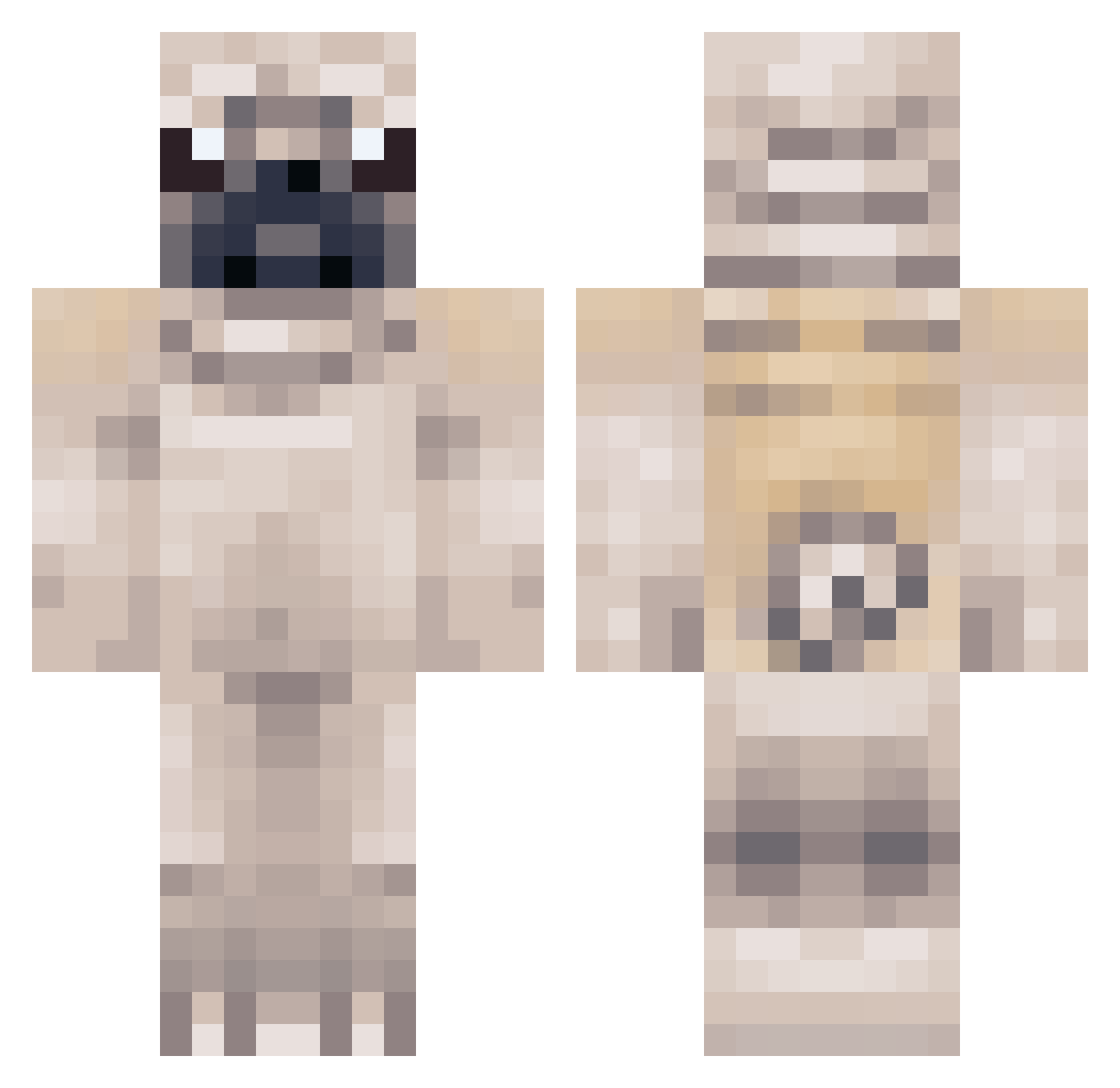
Current Minecraft skin of the player TG4R, loaded from the official Mojang API. Rotate the 3D model with your mouse or finger, then download the skin as a PNG file and use it in Minecraft: Bedrock Edition or Java Edition for free. When TG4R changes their skin, this page updates automatically and the old skin stays in the history below.
Other players with this skin (207)
TG4R was the 191st player we have seen with this skin, first spotted on 28.09.2026. The same skin was seen on these players. Open a nickname to see their current skin and skin history.
 pugsrule1000 oreounite Imaginess bpm43 Pugington0303 pfleck10 MegaFast3 DonDonCraft franklampard2 Max2803 pugz11 Murphy_Dog Anjero_69 Kash2014 Bangstabby ihazHiPpiepOWerz azerty13011 zenonrulez robinboy99 dafthaz nemokemas PersandoHD OopityOop frederik8aar monkeychair1 xDoggeh_Woodx Meepbloop thiiiicky cobraking7 Fennboys2 pippa555 Marek34567 simonefj Shimim easterbeast Flora7913 thatssaam pixelkatt puppy_lover_1753 built2build2899 Superpug8 pugsfordays2k16 OhMyZosh AWolfNamedWaffle AwesomeYak joey65749 RetributeSa1nt Httpster GGRStyle aria_pug conzo1304 el_de_bomb goonpigs iBaanksy JonaMonBro ChocolateDaPug68 UdGtitan PugAtlas Scarborough1994 izzy0107
More Pug Minecraft skins
How to install the TG4R skin
- Press the Download button above to save the skin as a PNG file.
- Minecraft: Bedrock Edition (PE): open the Dressing Room from the main menu (or tap your character → Edit Character), go to Classic Skins → Owned, press the + (new skin) button, choose the downloaded PNG and pick the Classic (Steve) model. Works on PC and mobile; consoles cannot import custom skins.
- Minecraft: Java Edition: open the Minecraft Launcher, go to the Skins tab, click New Skin, load the PNG, pick the Classic (Steve) model and press Save & Use. You can also upload it at minecraft.net → Profile → Change Skin.
The skin does not show up after import - what should I do?
Restart Minecraft and open the Dressing Room again - imported skins sometimes appear only after a restart. Also make sure you selected the imported skin and picked the Classic (Steve) model.
Which model should I choose, Classic or Slim?
This skin is designed for the Classic (Steve) model. If you pick the wrong model, the arms of the skin will look stretched or squeezed.
Is the skin of TG4R free to download?
Yes. Press Download, save the PNG file and use it in Minecraft: Bedrock Edition or Java Edition - no payment or registration needed. The skin also works on multiplayer servers and Realms.
More skins
Looking for more? Go back to all Minecraft skins and check the top skins of the week, month and all time, or find any player's skin by nickname.