
TETRAA99C - Minecraft Skins & Skin History
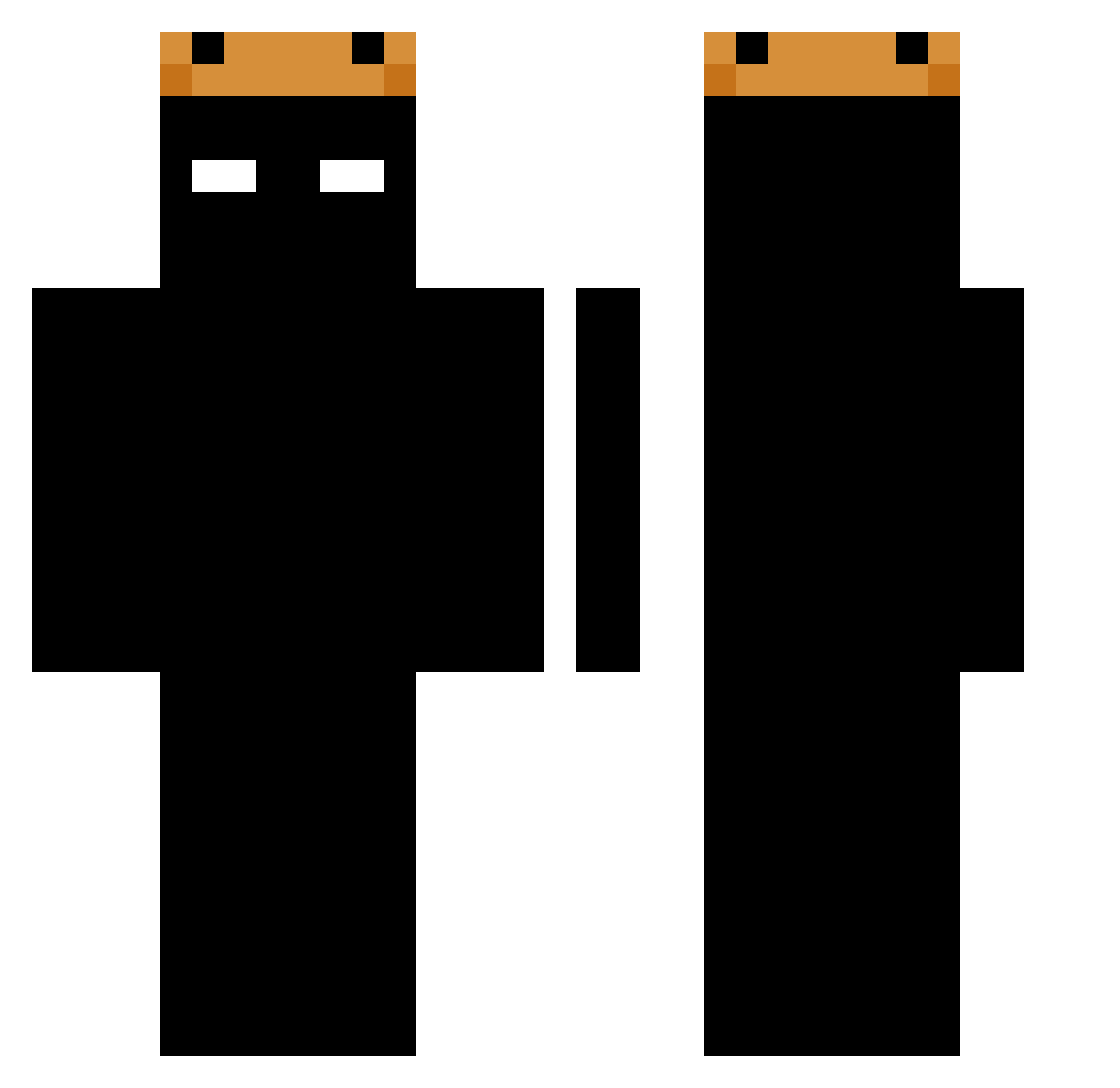
Current Minecraft skin of the player TETRAA99C, loaded from the official Mojang API. Rotate the 3D model with your mouse or finger, then download the skin as a PNG file and use it in Minecraft: Bedrock Edition or Java Edition for free. When TETRAA99C changes their skin, this page updates automatically and the old skin stays in the history below.
Other players with this skin (85)
TETRAA99C was the 69th player we have seen with this skin, first spotted on 09.10.2026. The same skin was seen on these players. Open a nickname to see their current skin and skin history.
 BIGMAN6008 ZSMITHZ fritzyn AlbinoGoose4 xjxlnskv ssssshhhhhhhhhh Konata2333 ItsChocapic _xex_12 Baug1s sxnsors jaydenspencer _MURGY_ Frank_26 Yeetus_0_0 Kaitoby2010 Nessi3047 Niack_k KhanMan2016 Z3WA_ Rrobinson Andrei7125 SkaffaYa 06d_ zxzboxed Aerion1 BullensVarmkorv RifthexMi nefq LUCIFERYT1 q45mzn CrazyWildCat14 Joaquin0178 I_M1ss_Her Miriyusif1234 Pjotter078628 DarkCace Zadrypk1234 Jnnlc inctve AdolfTiger18 Vort3X_ReX CozyKing1 sawkos mexica104 Fay200 Coldfal Mattlane767 Sm88th 44kubuss dragon087896 Pandmian12 Dgunner711 BXK20 Vickdy Rulinngo_ Sam1090_ Nagymolo JoseNLMB1 DexterSe
More Crown Minecraft skins
How to install the TETRAA99C skin
- Press the Download button above to save the skin as a PNG file.
- Minecraft: Bedrock Edition (PE): open the Dressing Room from the main menu (or tap your character → Edit Character), go to Classic Skins → Owned, press the + (new skin) button, choose the downloaded PNG and pick the Classic (Steve) model. Works on PC and mobile; consoles cannot import custom skins.
- Minecraft: Java Edition: open the Minecraft Launcher, go to the Skins tab, click New Skin, load the PNG, pick the Classic (Steve) model and press Save & Use. You can also upload it at minecraft.net → Profile → Change Skin.
The skin does not show up after import - what should I do?
Restart Minecraft and open the Dressing Room again - imported skins sometimes appear only after a restart. Also make sure you selected the imported skin and picked the Classic (Steve) model.
Which model should I choose, Classic or Slim?
This skin is designed for the Classic (Steve) model. If you pick the wrong model, the arms of the skin will look stretched or squeezed.
Is the skin of TETRAA99C free to download?
Yes. Press Download, save the PNG file and use it in Minecraft: Bedrock Edition or Java Edition - no payment or registration needed. The skin also works on multiplayer servers and Realms.
More skins
Looking for more? Go back to all Minecraft skins and check the top skins of the week, month and all time, or find any player's skin by nickname.