
SwaggyBeast3 - Minecraft Skins & Skin History
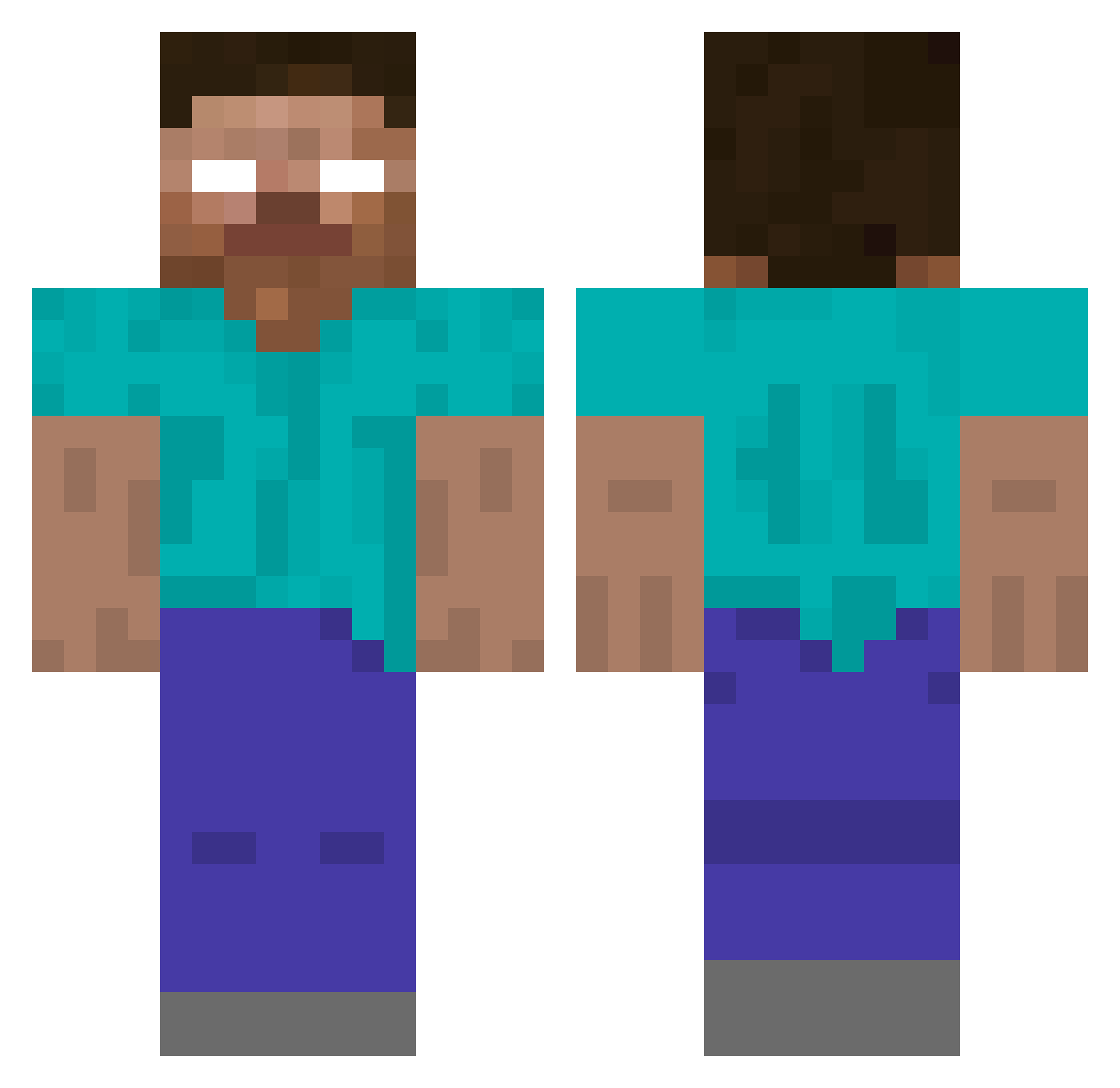
Current Minecraft skin of the player SwaggyBeast3, loaded from the official Mojang API. Rotate the 3D model with your mouse or finger, then download the skin as a PNG file and use it in Minecraft: Bedrock Edition or Java Edition for free. When SwaggyBeast3 changes their skin, this page updates automatically and the old skin stays in the history below.
Other players with this skin (424)
SwaggyBeast3 was the 366th player we have seen with this skin, first spotted on 27.10.2026. The same skin was seen on these players. Open a nickname to see their current skin and skin history.
 KristerLien AnwarHE supervince77 Allround BlackySYS mallekingen03 speedball007 Gnash35 Level002 Bubba2205 TigerGirl128 DTG2013 HerobrineSanti Lavan dylandcd511 Aiden_0923 FunkyCatz unicornlol19 lillythedoglover Parchimuss RyanStar1 TyA13 seekanddestroy10 JackFrost2712 zombiedealer Herobrine1839 ABCDGA luketheking982 nicklas0495 Zkai_Nan Herobrine_enter pichku510 megabob444 Mythical545 christopherbass HaggyTrager 0Zack0 angelmystery360 DRamplid TurnSQ blackek axew9 sarahnuggs JuliusMcDeere DesireName Melons7 Dananal azmodia1 Marsmissionben Xephos1213 IamTheBoss66778 dreylon101 kalebmichael michelino999 MasonLewisG VirtusNoob SnuppyPuppy AlTradeuto AJBHerobrine Clemenco
More Herobrine Minecraft skins
How to install the SwaggyBeast3 skin
- Press the Download button above to save the skin as a PNG file.
- Minecraft: Bedrock Edition (PE): open the Dressing Room from the main menu (or tap your character → Edit Character), go to Classic Skins → Owned, press the + (new skin) button, choose the downloaded PNG and pick the Classic (Steve) model. Works on PC and mobile; consoles cannot import custom skins.
- Minecraft: Java Edition: open the Minecraft Launcher, go to the Skins tab, click New Skin, load the PNG, pick the Classic (Steve) model and press Save & Use. You can also upload it at minecraft.net → Profile → Change Skin.
The skin does not show up after import - what should I do?
Restart Minecraft and open the Dressing Room again - imported skins sometimes appear only after a restart. Also make sure you selected the imported skin and picked the Classic (Steve) model.
Which model should I choose, Classic or Slim?
This skin is designed for the Classic (Steve) model. If you pick the wrong model, the arms of the skin will look stretched or squeezed.
Is the skin of SwaggyBeast3 free to download?
Yes. Press Download, save the PNG file and use it in Minecraft: Bedrock Edition or Java Edition - no payment or registration needed. The skin also works on multiplayer servers and Realms.
More skins
Looking for more? Go back to all Minecraft skins and check the top skins of the week, month and all time, or find any player's skin by nickname.