
Sully3581 - Minecraft Skins & Skin History
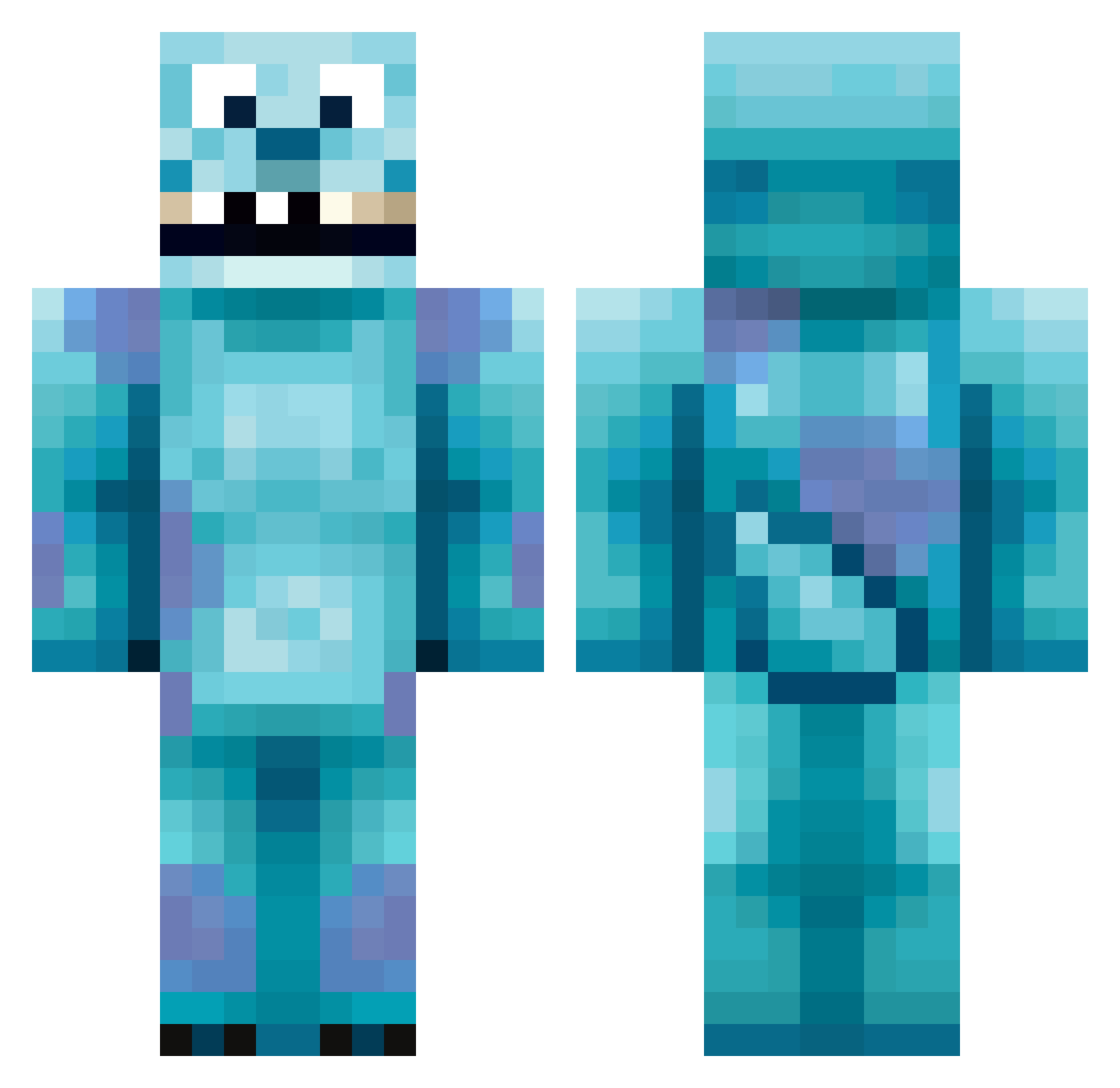
Current Minecraft skin of the player Sully3581, loaded from the official Mojang API. Rotate the 3D model with your mouse or finger, then download the skin as a PNG file and use it in Minecraft: Bedrock Edition or Java Edition for free. When Sully3581 changes their skin, this page updates automatically and the old skin stays in the history below.
Other players with this skin (418)
Sully3581 was the 311th player we have seen with this skin, first spotted on 11.10.2026. The same skin was seen on these players. Open a nickname to see their current skin and skin history.
 Nikki913 Durin83 random_marvin JahTheSaint Illuminated_392 jose_55 Elassco JeBaiseMaCousine vanEyckJPEG MARKLE10 14miren CloudNyn JeBolleMama iTs_SnoWii BobJeffrey01 jan0739 livvyhumphrey SrNeon Sulli2K10 ewanbrandon10 WookieBalls1 milster797 Sullyy_ DanTret BurtiiBoii aBraveToaster Best_Dad_Ever2 weLLy getoffmyd HairyEnd pferde_freund bailey_2 jessica7alax asvbydd I_DONT_LIKE_U plantje2501 iComboHard_ AMarie30 IdaLover Josh_Murray01 FuzzyLeprechaun ehehron7 Deadkill1224 DKK1N925 Leggy_Blonde101 La_Croix_11 Cl1ntB3astwood Jaspervz Beastman2496 EpicMarine1 tvg2001 Curry0304 DatBlackDude jsaxer20 TheRealParlock StorkLegss YoureEasy yogsforlife SuGuSuPra RebelPride1863
More Sulley Minecraft skins
How to install the Sully3581 skin
- Press the Download button above to save the skin as a PNG file.
- Minecraft: Bedrock Edition (PE): open the Dressing Room from the main menu (or tap your character → Edit Character), go to Classic Skins → Owned, press the + (new skin) button, choose the downloaded PNG and pick the Classic (Steve) model. Works on PC and mobile; consoles cannot import custom skins.
- Minecraft: Java Edition: open the Minecraft Launcher, go to the Skins tab, click New Skin, load the PNG, pick the Classic (Steve) model and press Save & Use. You can also upload it at minecraft.net → Profile → Change Skin.
The skin does not show up after import - what should I do?
Restart Minecraft and open the Dressing Room again - imported skins sometimes appear only after a restart. Also make sure you selected the imported skin and picked the Classic (Steve) model.
Which model should I choose, Classic or Slim?
This skin is designed for the Classic (Steve) model. If you pick the wrong model, the arms of the skin will look stretched or squeezed.
Is the skin of Sully3581 free to download?
Yes. Press Download, save the PNG file and use it in Minecraft: Bedrock Edition or Java Edition - no payment or registration needed. The skin also works on multiplayer servers and Realms.
More skins
Looking for more? Go back to all Minecraft skins and check the top skins of the week, month and all time, or find any player's skin by nickname.