
SuchterKingg - Minecraft Skins & Skin History
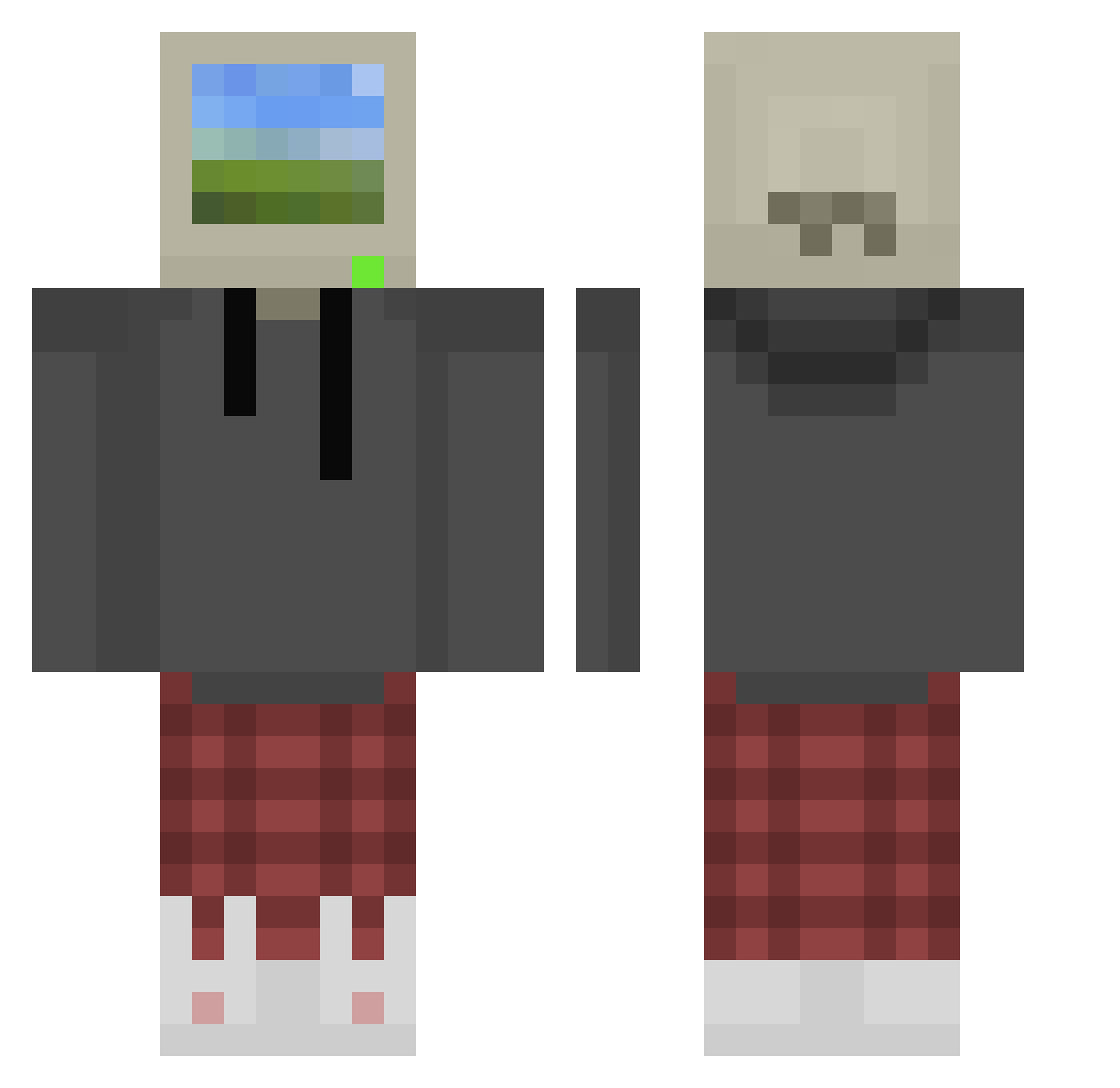
Current Minecraft skin of the player SuchterKingg, loaded from the official Mojang API. Rotate the 3D model with your mouse or finger, then download the skin as a PNG file and use it in Minecraft: Bedrock Edition or Java Edition for free. When SuchterKingg changes their skin, this page updates automatically and the old skin stays in the history below.
Other players with this skin (758)
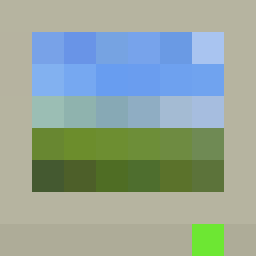
SuchterKingg was the 708th player we have seen with this skin, first spotted on 16.10.2026. The same skin was seen on these players. Open a nickname to see their current skin and skin history.
 Rourkian oscsboy ThisHipy SoggyMuffin7164 tbsRaiden VDR2 LOWtafa SeriesPlayboy Furgil03911 sharinyaka Tangerine_Cuties Reesie209 Novis1 JuiceboxyBoi PianoGeoduck321 Riley_TheCrafter BomberHarris123 TheDragonHunter2 ZM4C MauMF Burjaus123 JJKannyx testbench MandyCyber TurkishKebaq Minecreed703 M3LM_ML3M Gal4x14n HentXD PapaAustin44 kiryu163 l__Space__l _aryak Guppy200 InkWolf34 slugminion TweedierQuill23 DakDulGi_ twenty77 antino3112 Epicfail166 broby69 Mora082 LordWaffel9917 ellegal_elise FatMarble wooniee Krxy1 CheesyP1g Tiempox1 codesdaiSS1 K1NGlilG Kurkul608 01_delas 90sghost Grimbas_Grimbino Maxiponken12 CorbettHD MIRIO573 Snoupy12
More Windows XP Minecraft skins
How to install the SuchterKingg skin
- Press the Download button above to save the skin as a PNG file.
- Minecraft: Bedrock Edition (PE): open the Dressing Room from the main menu (or tap your character → Edit Character), go to Classic Skins → Owned, press the + (new skin) button, choose the downloaded PNG and pick the Classic (Steve) model. Works on PC and mobile; consoles cannot import custom skins.
- Minecraft: Java Edition: open the Minecraft Launcher, go to the Skins tab, click New Skin, load the PNG, pick the Classic (Steve) model and press Save & Use. You can also upload it at minecraft.net → Profile → Change Skin.
The skin does not show up after import - what should I do?
Restart Minecraft and open the Dressing Room again - imported skins sometimes appear only after a restart. Also make sure you selected the imported skin and picked the Classic (Steve) model.
Which model should I choose, Classic or Slim?
This skin is designed for the Classic (Steve) model. If you pick the wrong model, the arms of the skin will look stretched or squeezed.
Is the skin of SuchterKingg free to download?
Yes. Press Download, save the PNG file and use it in Minecraft: Bedrock Edition or Java Edition - no payment or registration needed. The skin also works on multiplayer servers and Realms.
More skins
Looking for more? Go back to all Minecraft skins and check the top skins of the week, month and all time, or find any player's skin by nickname.