
StoneGoat76 - Minecraft Skins & Skin History
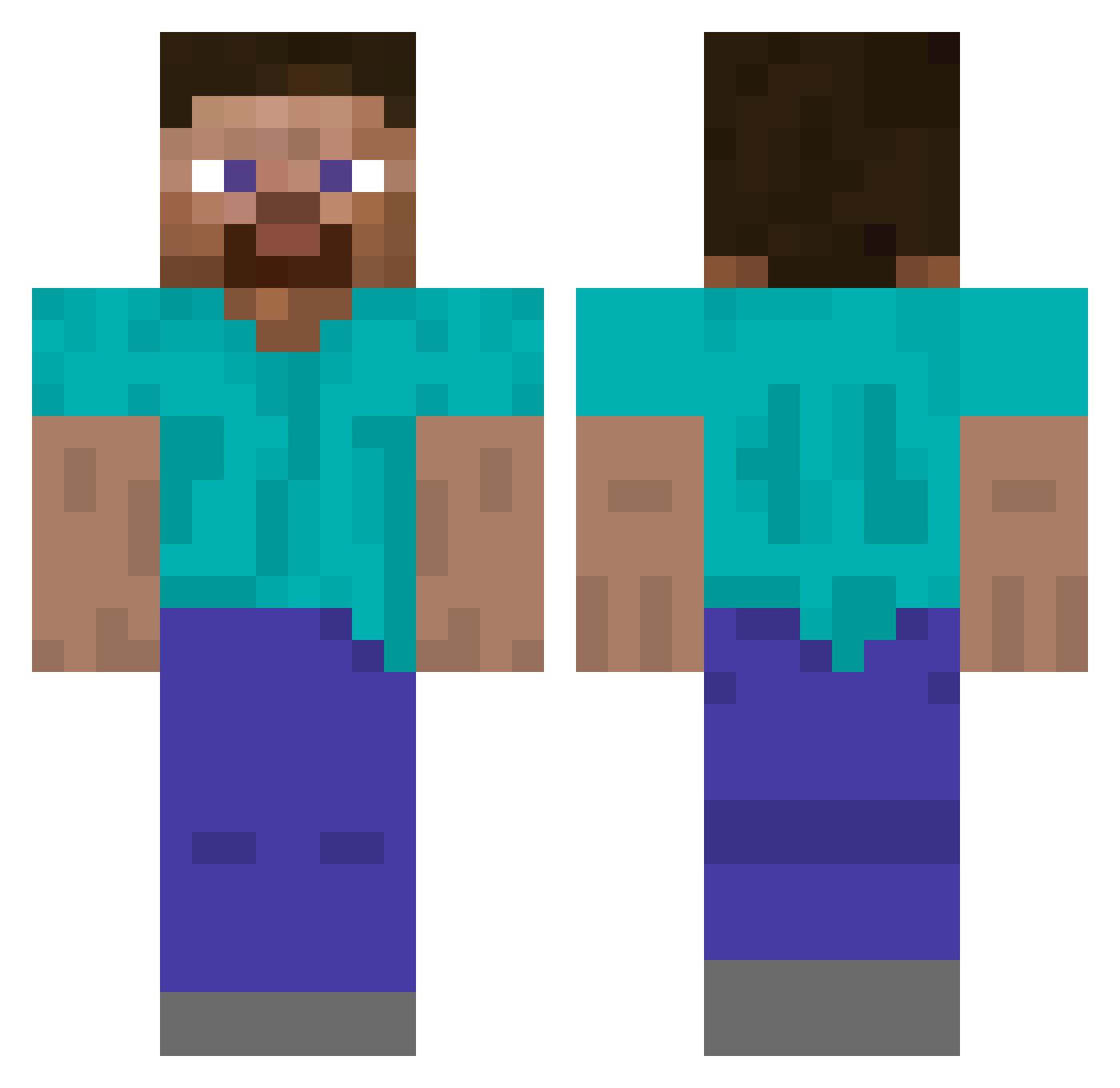
Current Minecraft skin of the player StoneGoat76, loaded from the official Mojang API. Rotate the 3D model with your mouse or finger, then download the skin as a PNG file and use it in Minecraft: Bedrock Edition or Java Edition for free. When StoneGoat76 changes their skin, this page updates automatically and the old skin stays in the history below.
Other players with this skin (622)
StoneGoat76 was the 588th player we have seen with this skin, first spotted on 12.11.2026. The same skin was seen on these players. Open a nickname to see their current skin and skin history.
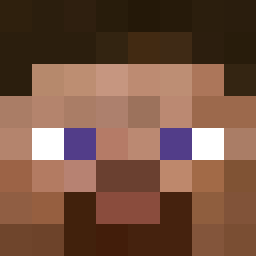 _qacks coysquash Mercedes190EEvo2 BadDecesions I_MY_MINE epicest_gamer LeoTheMan CoolGamerGuy579 GoogleManager Dippinglard FAST_01 Asriel_Stone Fro_fish crac888 MowMow007 Vracci yoshialvarez Doblesponns hxjm ADN_8551 HayBale177 i9uh AlbertoMinestein coolmaker3 Des07 Tunic_GG vend_a_goat Paddlefish2010 EJCRAFT0 Cezarenno Okraaaaaaaa Reaktt TexasChicken Mitowx thelysander Sqxidg3 Skullyy_07 RoccoPierri_123 DwukeMC aquaskull64 Xander0v ModernClient jovyn PlasmaFox256 Al3ryanii TTepcuk DRDpirateBoberts cloudsmoker ZyphonsTR panolaf1 Holdthephone tom2511 my2name Jellojoshie PizzaMitAnnanas Reaper_4251 VoidVortex_ Cheese_nugget21 Qookiie AveryTheCool1313
How to install the StoneGoat76 skin
- Press the Download button above to save the skin as a PNG file.
- Minecraft: Bedrock Edition (PE): open the Dressing Room from the main menu (or tap your character → Edit Character), go to Classic Skins → Owned, press the + (new skin) button, choose the downloaded PNG and pick the Classic (Steve) model. Works on PC and mobile; consoles cannot import custom skins.
- Minecraft: Java Edition: open the Minecraft Launcher, go to the Skins tab, click New Skin, load the PNG, pick the Classic (Steve) model and press Save & Use. You can also upload it at minecraft.net → Profile → Change Skin.
The skin does not show up after import - what should I do?
Restart Minecraft and open the Dressing Room again - imported skins sometimes appear only after a restart. Also make sure you selected the imported skin and picked the Classic (Steve) model.
Which model should I choose, Classic or Slim?
This skin is designed for the Classic (Steve) model. If you pick the wrong model, the arms of the skin will look stretched or squeezed.
Is the skin of StoneGoat76 free to download?
Yes. Press Download, save the PNG file and use it in Minecraft: Bedrock Edition or Java Edition - no payment or registration needed. The skin also works on multiplayer servers and Realms.
More skins
Looking for more? Go back to all Minecraft skins and check the top skins of the week, month and all time, or find any player's skin by nickname.