
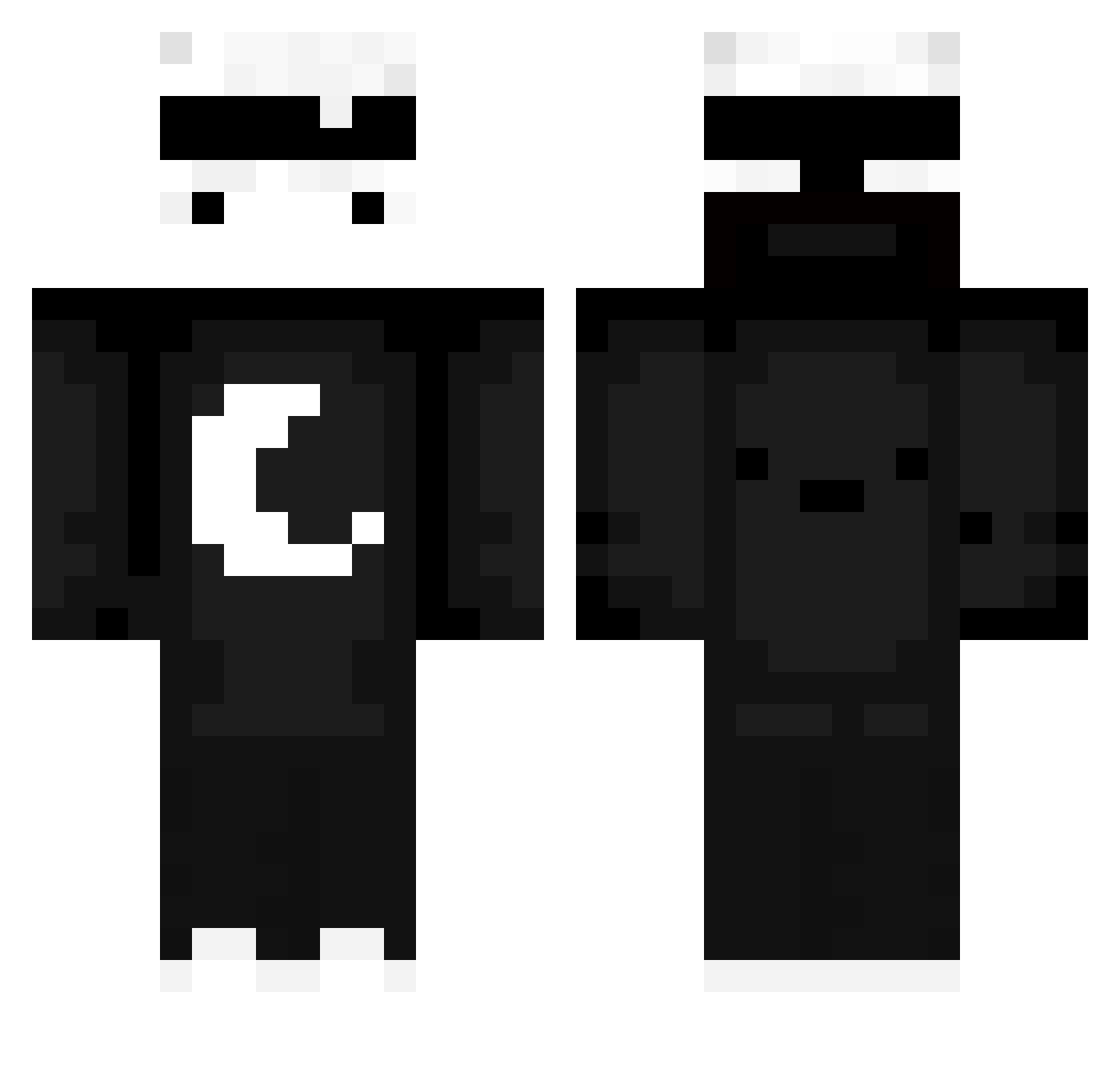
Current Minecraft skin of the player Stenonnoob, loaded from the official Mojang API. Rotate the 3D model with your mouse or finger, then download the skin as a PNG file and use it in Minecraft: Bedrock Edition or Java Edition for free. When Stenonnoob changes their skin, this page updates automatically and the old skin stays in the history below.
Other players with this skin (534)
Stenonnoob was the 245th player we have seen with this skin, first spotted on 04.09.2026. The same skin was seen on these players. Open a nickname to see their current skin and skin history.
 TristanAlto ItzmeSair ibx79 zuqwz JustLeo12 baltona_ rlatjsxo17 Ghxst_____ Sha_xx anzzen ItzHELLOU _AveragePlayer32 GloryToBenYahu noobeczek123 Cake584R Xonex1 NotGluftGfx _Riben_ idoderi _Schildkroete delibirs BIG960520 XiaoBai2746 Ghexo_08 nonkasual exchangell GreeneFN MeDraX1 IITzReelz Abe_Lincoln_ Ema1133 i4ngel monday0919 Arda04_ MakeHistory069 LivanBaba Morfin_61 SalimEla MinhMatTo Godekoog barbu142 f1rmas Dyerm Qash__ Necracker Blqbp spycraft777 Dastri Naisuru rorori02 CDNightmare _Mufasa2137_ JIC918 akki715 FPD_69420x WsmShard Sxsuke5791 milawolf16 elemurfoV3 CoCu_4LeH
More Moon Minecraft skins
How to install the Stenonnoob skin
- Press the Download button above to save the skin as a PNG file.
- Minecraft: Bedrock Edition (PE): open the Dressing Room from the main menu (or tap your character → Edit Character), go to Classic Skins → Owned, press the + (new skin) button, choose the downloaded PNG and pick the Classic (Steve) model. Works on PC and mobile; consoles cannot import custom skins.
- Minecraft: Java Edition: open the Minecraft Launcher, go to the Skins tab, click New Skin, load the PNG, pick the Classic (Steve) model and press Save & Use. You can also upload it at minecraft.net → Profile → Change Skin.
The skin does not show up after import - what should I do?
Restart Minecraft and open the Dressing Room again - imported skins sometimes appear only after a restart. Also make sure you selected the imported skin and picked the Classic (Steve) model.
Which model should I choose, Classic or Slim?
This skin is designed for the Classic (Steve) model. If you pick the wrong model, the arms of the skin will look stretched or squeezed.
Is the skin of Stenonnoob free to download?
Yes. Press Download, save the PNG file and use it in Minecraft: Bedrock Edition or Java Edition - no payment or registration needed. The skin also works on multiplayer servers and Realms.
More skins
Looking for more? Go back to all Minecraft skins and check the top skins of the week, month and all time, or find any player's skin by nickname.