
StarCrasher55 - Minecraft Skins & Skin History
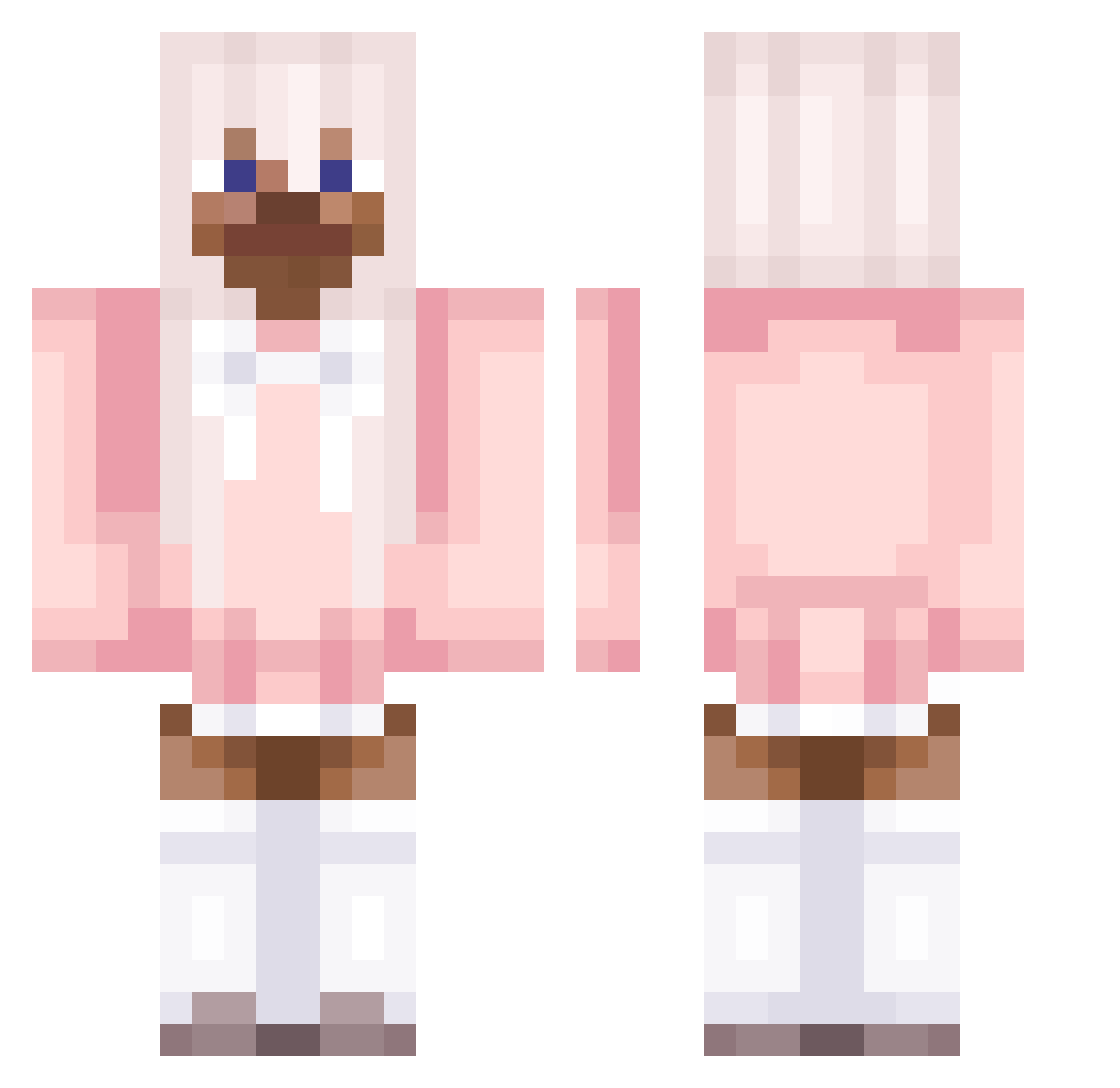
Current Minecraft skin of the player StarCrasher55, loaded from the official Mojang API. Rotate the 3D model with your mouse or finger, then download the skin as a PNG file and use it in Minecraft: Bedrock Edition or Java Edition for free. When StarCrasher55 changes their skin, this page updates automatically and the old skin stays in the history below.
Other players with this skin (90)
StarCrasher55 was the 63rd player we have seen with this skin, first spotted on 01.10.2026. The same skin was seen on these players. Open a nickname to see their current skin and skin history.
 Big_Booty_Bertha Dankyes jusweco oai LinkThePanda JormisJortikka QuickNam 1Fion PLadex_ SaltIsgoodAsF peeposimp Toix_Bomb NukeAlt17 Hoes_Mad_UwU rAyi_ HaraBunny Pierani jho9 _Shantae_ NukeAlt18 Business_Girl kkamillimak TeamSnapchat MRC07125 Ryevv jeepersjebes Senna1z KapYsta09 gabemartin mawa109 verlangen MichaSup_ Mueez012 gnoms69 AnimeBreasts_ DuckNWoofles chiakixd Pinkv0dka7 kyanx KazukiUwU NukeAlt11 iaravic2008 Terpila0722 c21h23no5_ Neroo12 NukeAlt15 iamaratman NukeAlt3 LlamaEater772 xpto ghoriko helovek11 SH4RPNESS______ Sk3lzz taromilkteaaa16 SiropDeBanane Jean_Cachette rare_devil PINKTRO NukeAlt12
More Pastel Minecraft skins
How to install the StarCrasher55 skin
- Press the Download button above to save the skin as a PNG file.
- Minecraft: Bedrock Edition (PE): open the Dressing Room from the main menu (or tap your character → Edit Character), go to Classic Skins → Owned, press the + (new skin) button, choose the downloaded PNG and pick the Classic (Steve) model. Works on PC and mobile; consoles cannot import custom skins.
- Minecraft: Java Edition: open the Minecraft Launcher, go to the Skins tab, click New Skin, load the PNG, pick the Classic (Steve) model and press Save & Use. You can also upload it at minecraft.net → Profile → Change Skin.
The skin does not show up after import - what should I do?
Restart Minecraft and open the Dressing Room again - imported skins sometimes appear only after a restart. Also make sure you selected the imported skin and picked the Classic (Steve) model.
Which model should I choose, Classic or Slim?
This skin is designed for the Classic (Steve) model. If you pick the wrong model, the arms of the skin will look stretched or squeezed.
Is the skin of StarCrasher55 free to download?
Yes. Press Download, save the PNG file and use it in Minecraft: Bedrock Edition or Java Edition - no payment or registration needed. The skin also works on multiplayer servers and Realms.
More skins
Looking for more? Go back to all Minecraft skins and check the top skins of the week, month and all time, or find any player's skin by nickname.