
SrRaiden - Minecraft Skins & Skin History
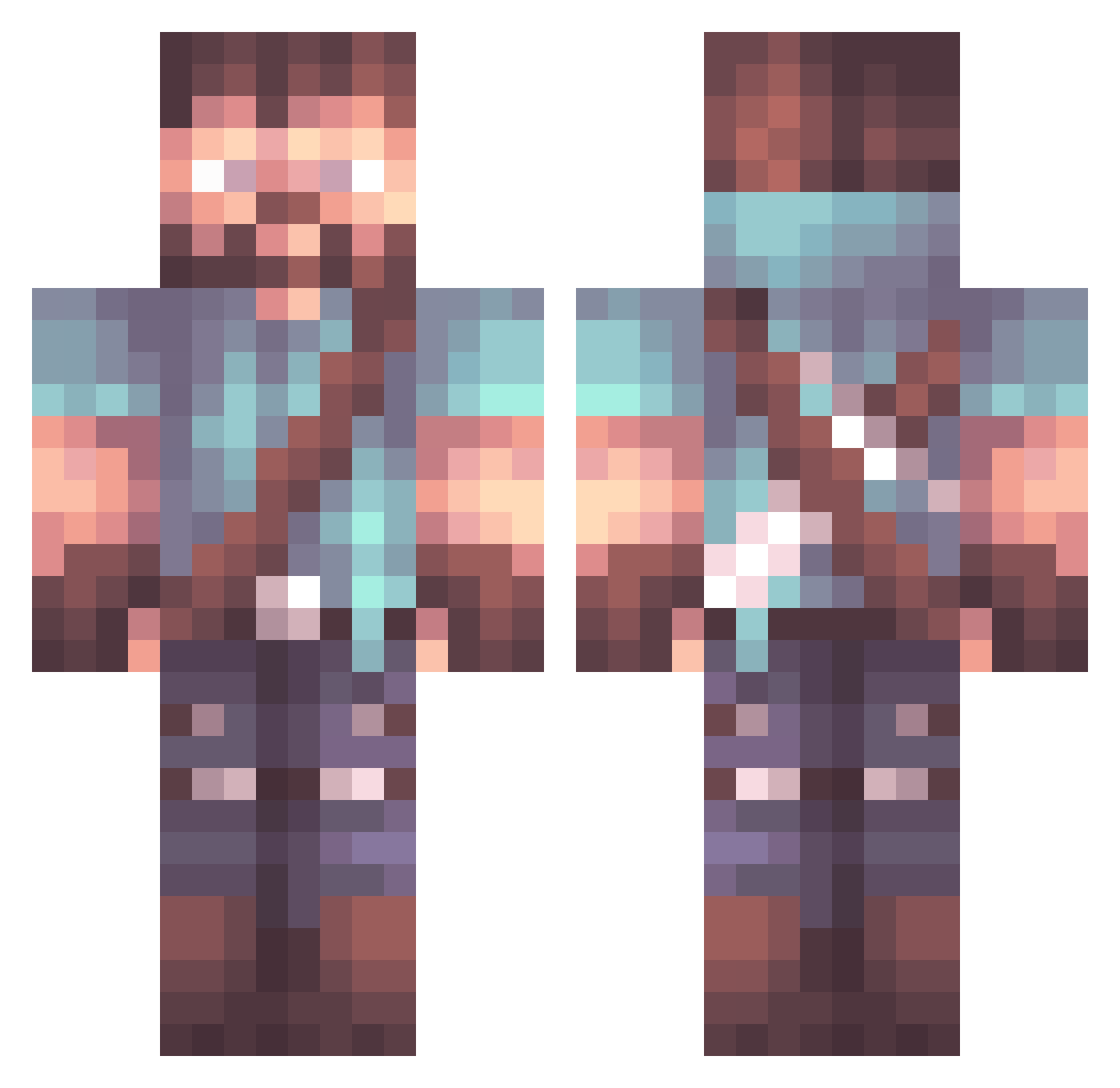
Current Minecraft skin of the player SrRaiden, loaded from the official Mojang API. Rotate the 3D model with your mouse or finger, then download the skin as a PNG file and use it in Minecraft: Bedrock Edition or Java Edition for free. When SrRaiden changes their skin, this page updates automatically and the old skin stays in the history below.
Other players with this skin (1070)
SrRaiden was the 826th player we have seen with this skin, first spotted on 19.10.2026. The same skin was seen on these players. Open a nickname to see their current skin and skin history.
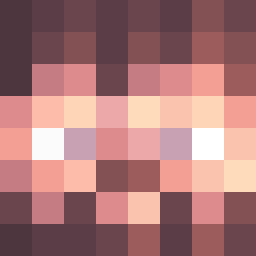 fidzAPIH Solar9267 MangoBombs Zekum Zina390 Alvierri Thanos_L HostilChihuahua Gerwyn Free_Lube Yew69 Jay_KO_Bee PSSwifty Unknown5103 ThePaleOniOG squareBringer RiddleKingIII Albruto Striderplus111 Bufalozboub SecretVenom RetroInvasion Redwin___ Supreme_PunkK VentusDotEXE DocGarrett A_Messenger Shyx_ noob330 SuperBloedi Jokk1 Spero1 P0nyfight3r dudernr1 DogmaticArrow21 Kirby_008 iSquizzy chef3490 stategamer Grokka malmajed1982 Mid9ight XeNoZombie DutchGlaen Kirdeam SLIONEMC_ CapitanSando Primatensalat janonkus Avgeek_Racer Mostafa07 Havok_God dmishkov21 Seofa Vormund Xynelio Anr_Dew CaptSmoky Bresee47 MoNingMo
More Herobrine Minecraft skins
How to install the SrRaiden skin
- Press the Download button above to save the skin as a PNG file.
- Minecraft: Bedrock Edition (PE): open the Dressing Room from the main menu (or tap your character → Edit Character), go to Classic Skins → Owned, press the + (new skin) button, choose the downloaded PNG and pick the Classic (Steve) model. Works on PC and mobile; consoles cannot import custom skins.
- Minecraft: Java Edition: open the Minecraft Launcher, go to the Skins tab, click New Skin, load the PNG, pick the Classic (Steve) model and press Save & Use. You can also upload it at minecraft.net → Profile → Change Skin.
The skin does not show up after import - what should I do?
Restart Minecraft and open the Dressing Room again - imported skins sometimes appear only after a restart. Also make sure you selected the imported skin and picked the Classic (Steve) model.
Which model should I choose, Classic or Slim?
This skin is designed for the Classic (Steve) model. If you pick the wrong model, the arms of the skin will look stretched or squeezed.
Is the skin of SrRaiden free to download?
Yes. Press Download, save the PNG file and use it in Minecraft: Bedrock Edition or Java Edition - no payment or registration needed. The skin also works on multiplayer servers and Realms.
More skins
Looking for more? Go back to all Minecraft skins and check the top skins of the week, month and all time, or find any player's skin by nickname.