
SpangLee - Minecraft Skins & Skin History
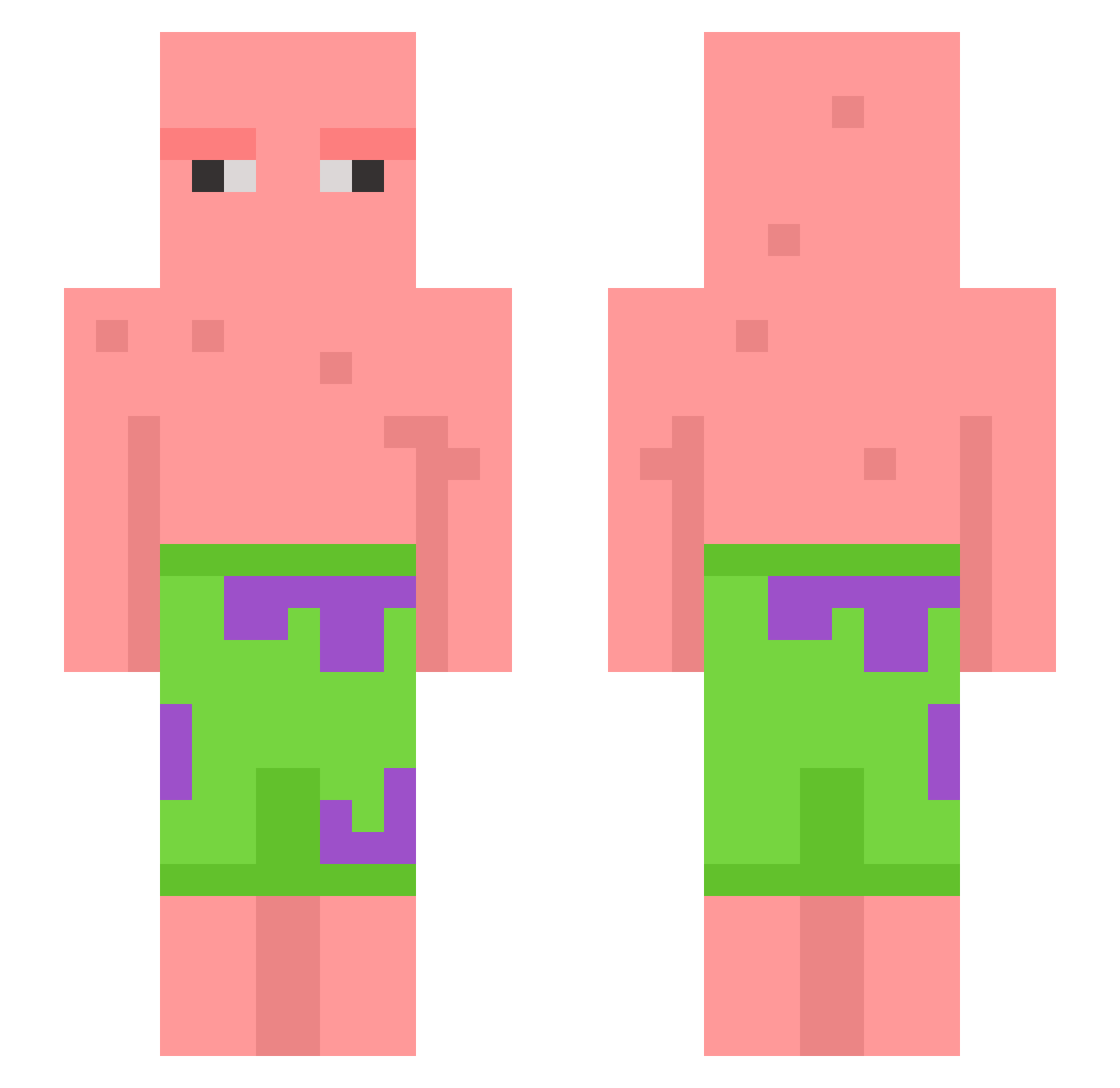
Current Minecraft skin of the player SpangLee, loaded from the official Mojang API. Rotate the 3D model with your mouse or finger, then download the skin as a PNG file and use it in Minecraft: Bedrock Edition or Java Edition for free. When SpangLee changes their skin, this page updates automatically and the old skin stays in the history below.
Other players with this skin (604)
SpangLee was the 23rd player we have seen with this skin, first spotted on 28.07.2026. The same skin was seen on these players. Open a nickname to see their current skin and skin history.
 Yourmxm SIMPSON_05 stokken010 _Luis_x Keexe Dezznuts091 patrickstar0000 Baybriel rozbujnik_ Meepnugget8088 surfz1x Visjoch weedwhacker6 stevelov3r taco1221 BoBE13 CiNiko00 InTheClouts HarryHirsch921 TurkeySquirtzz josefc95 john220615 James8mac Frosted_Juicebox Turtle_glass Ems2k Legend0fGlory cosmiccooper Agelis MigurXD Wrxv luckzy15 callmekirk2432 Heraclxs PieSorcerer PetitePasteK TubeGold Aarouf woniyo Fayzan_Jr
 fornaxxx Unrealnicks Matiensso 7I28 L33no_ Papa_Bruh MagneStenbaek kodgy_ EgonmKowalski Phaxt0m032610 Nw_22 thomler65 MetaChat SauceTrebuchet WildHt4 Cowsfurt2themoon Memina2002 JunSe0k Brotpilotenjoyer AlbinGrek
More Patrick Star Minecraft skins
See all 612 Patrick Star skins
How to install the SpangLee skin
- Press the Download button above to save the skin as a PNG file.
- Minecraft: Bedrock Edition (PE): open the Dressing Room from the main menu (or tap your character → Edit Character), go to Classic Skins → Owned, press the + (new skin) button, choose the downloaded PNG and pick the Slim (Alex) model. Works on PC and mobile; consoles cannot import custom skins.
- Minecraft: Java Edition: open the Minecraft Launcher, go to the Skins tab, click New Skin, load the PNG, pick the Slim (Alex) model and press Save & Use. You can also upload it at minecraft.net → Profile → Change Skin.
The skin does not show up after import - what should I do?
Restart Minecraft and open the Dressing Room again - imported skins sometimes appear only after a restart. Also make sure you selected the imported skin and picked the Slim (Alex) model.
Which model should I choose, Classic or Slim?
This skin is designed for the Slim (Alex) model. If you pick the wrong model, the arms of the skin will look stretched or squeezed.
Is the skin of SpangLee free to download?
Yes. Press Download, save the PNG file and use it in Minecraft: Bedrock Edition or Java Edition - no payment or registration needed. The skin also works on multiplayer servers and Realms.
More skins
Looking for more? Go back to all Minecraft skins and check the top skins of the week, month and all time, or find any player's skin by nickname.