
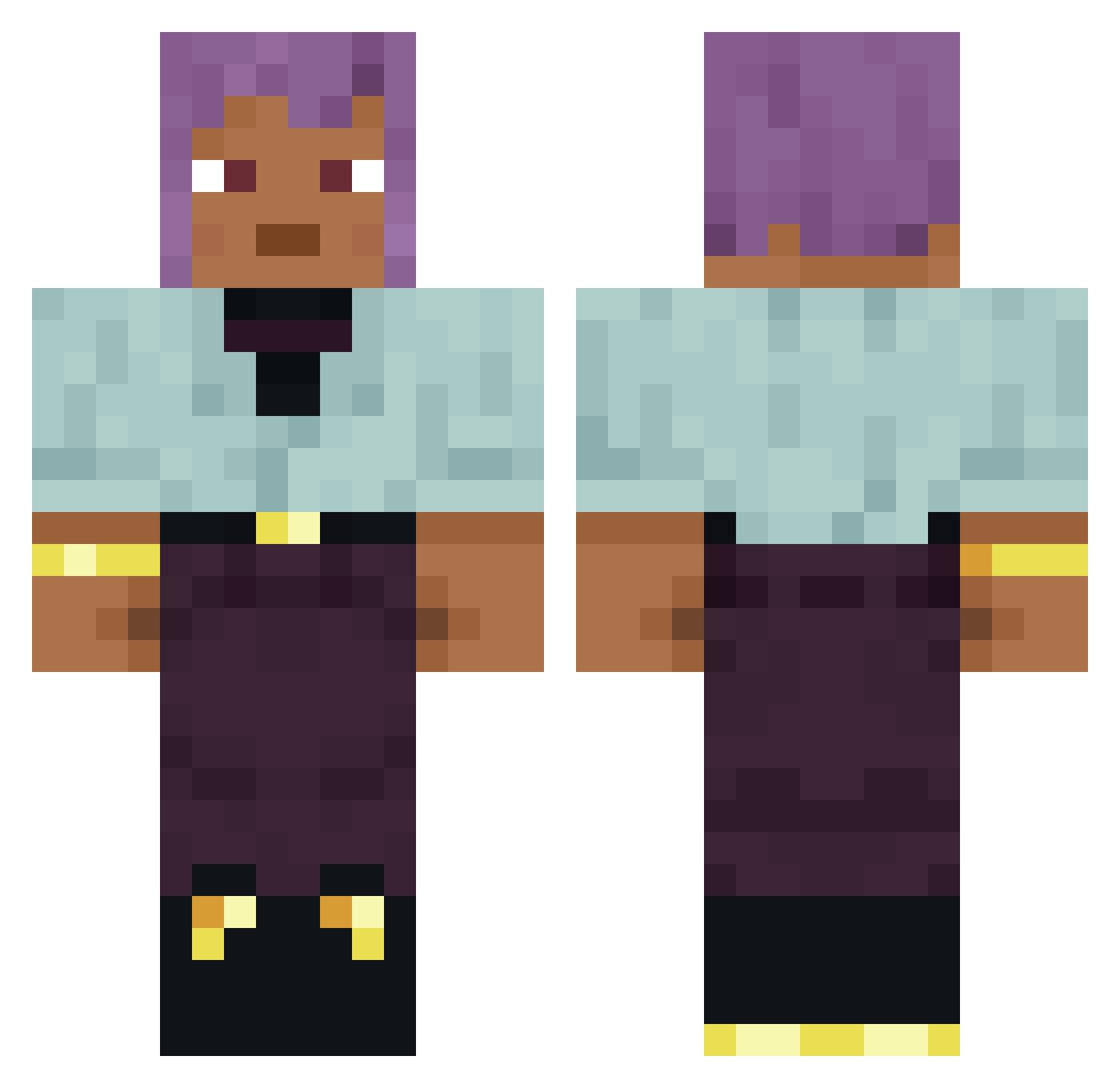
Current Minecraft skin of the player Sovran, loaded from the official Mojang API. Rotate the 3D model with your mouse or finger, then download the skin as a PNG file and use it in Minecraft: Bedrock Edition or Java Edition for free. When Sovran changes their skin, this page updates automatically and the old skin stays in the history below.
Other players with this skin (703)
Sovran was the 238th player we have seen with this skin, first spotted on 23.08.2026. The same skin was seen on these players. Open a nickname to see their current skin and skin history.
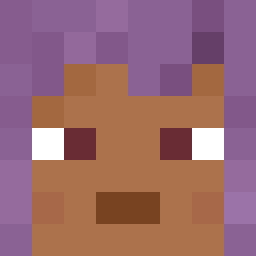 0yuzu PabloChillE1 totsukisan vVanya228 MicroSoftware JimSki Kails Dramm mlody_j Koppies Patellofemoral G_72 Tricksters
 iverno clochan KoolMonsta8174 Ricercata HammerToe mrgrabber Hylomorphism Think Rocketeer Palatian pretend DiddyBludV2 Dryer 519w1g EndoRsers Calynto e77_Epstein_40u zenek123ez MultiTeee Hudsonian Jestee portfresh Vowers CHM WideLeftFakeLeft Staithe Braw Tranquillization BaseBoss Nicothewall JAKEioi Orach inksitu knn03 quickk1 RedstoneTechnike 1likka Megaloceros zzxgp_QWEVD bernade CoolNinja8 Maniaphobia Nitroaniline Baldfaced Outsmarts sharkzig Krispybot
How to install the Sovran skin
- Press the Download button above to save the skin as a PNG file.
- Minecraft: Bedrock Edition (PE): open the Dressing Room from the main menu (or tap your character → Edit Character), go to Classic Skins → Owned, press the + (new skin) button, choose the downloaded PNG and pick the Classic (Steve) model. Works on PC and mobile; consoles cannot import custom skins.
- Minecraft: Java Edition: open the Minecraft Launcher, go to the Skins tab, click New Skin, load the PNG, pick the Classic (Steve) model and press Save & Use. You can also upload it at minecraft.net → Profile → Change Skin.
The skin does not show up after import - what should I do?
Restart Minecraft and open the Dressing Room again - imported skins sometimes appear only after a restart. Also make sure you selected the imported skin and picked the Classic (Steve) model.
Which model should I choose, Classic or Slim?
This skin is designed for the Classic (Steve) model. If you pick the wrong model, the arms of the skin will look stretched or squeezed.
Is the skin of Sovran free to download?
Yes. Press Download, save the PNG file and use it in Minecraft: Bedrock Edition or Java Edition - no payment or registration needed. The skin also works on multiplayer servers and Realms.
More skins
Looking for more? Go back to all Minecraft skins and check the top skins of the week, month and all time, or find any player's skin by nickname.