
Solimoni - Minecraft Skins & Skin History
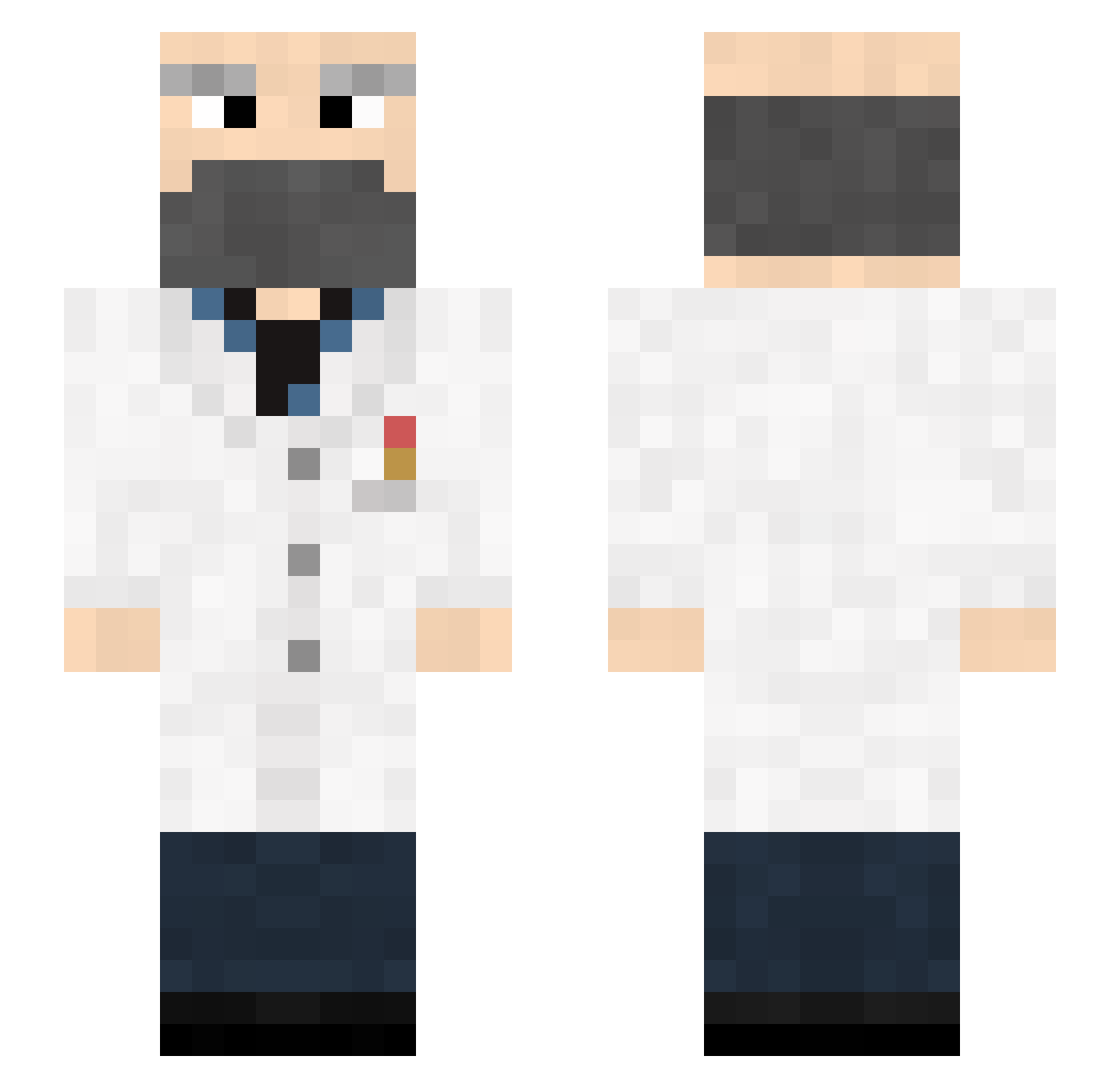
Current Minecraft skin of the player Solimoni, loaded from the official Mojang API. Rotate the 3D model with your mouse or finger, then download the skin as a PNG file and use it in Minecraft: Bedrock Edition or Java Edition for free. When Solimoni changes their skin, this page updates automatically and the old skin stays in the history below.
Other players with this skin (146)
Solimoni was the 36th player we have seen with this skin, first spotted on 20.08.2026. The same skin was seen on these players. Open a nickname to see their current skin and skin history.
 tara1115 surc_04 TheMuffinPwner der_quattro PanBart1 elektromanager 233662 MrBirkemose Togayther Lortcraft Giant_Red_Wood derHoke lWeeksl breadmaster_mike Breaking_Vlad RNG_Rick IV_NITROGYN_VI AvenoirZ markmuffin qwoper_ NEKOPICO sexy0622 Sworry STVN_Net _Forellenlord PedritoJr Mister_E_Man8 Tugg_Speedman123 hackimson Mr_Kofte_ glitterpeace doctor_gaming26 Camomiles Shouds YummyWaffle4858 hkinn MYTDU ewferee Unijust D_233_ zhouhongxin Nasloos hakushi69 Elsgu Hafer0 The_Ubi Sh0rtyMcN0stril goldminer931 PugPlug Diya_Di noypiman12 waLBANK r0ach138 PiriReis Barluxe lekotique DeStrOyEr1997 xpcShuttle HarryKeeling PerDan
More Doctor Minecraft skins
How to install the Solimoni skin
- Press the Download button above to save the skin as a PNG file.
- Minecraft: Bedrock Edition (PE): open the Dressing Room from the main menu (or tap your character → Edit Character), go to Classic Skins → Owned, press the + (new skin) button, choose the downloaded PNG and pick the Slim (Alex) model. Works on PC and mobile; consoles cannot import custom skins.
- Minecraft: Java Edition: open the Minecraft Launcher, go to the Skins tab, click New Skin, load the PNG, pick the Slim (Alex) model and press Save & Use. You can also upload it at minecraft.net → Profile → Change Skin.
The skin does not show up after import - what should I do?
Restart Minecraft and open the Dressing Room again - imported skins sometimes appear only after a restart. Also make sure you selected the imported skin and picked the Slim (Alex) model.
Which model should I choose, Classic or Slim?
This skin is designed for the Slim (Alex) model. If you pick the wrong model, the arms of the skin will look stretched or squeezed.
Is the skin of Solimoni free to download?
Yes. Press Download, save the PNG file and use it in Minecraft: Bedrock Edition or Java Edition - no payment or registration needed. The skin also works on multiplayer servers and Realms.
More skins
Looking for more? Go back to all Minecraft skins and check the top skins of the week, month and all time, or find any player's skin by nickname.