
SnazzySunChip - Minecraft Skins & Skin History
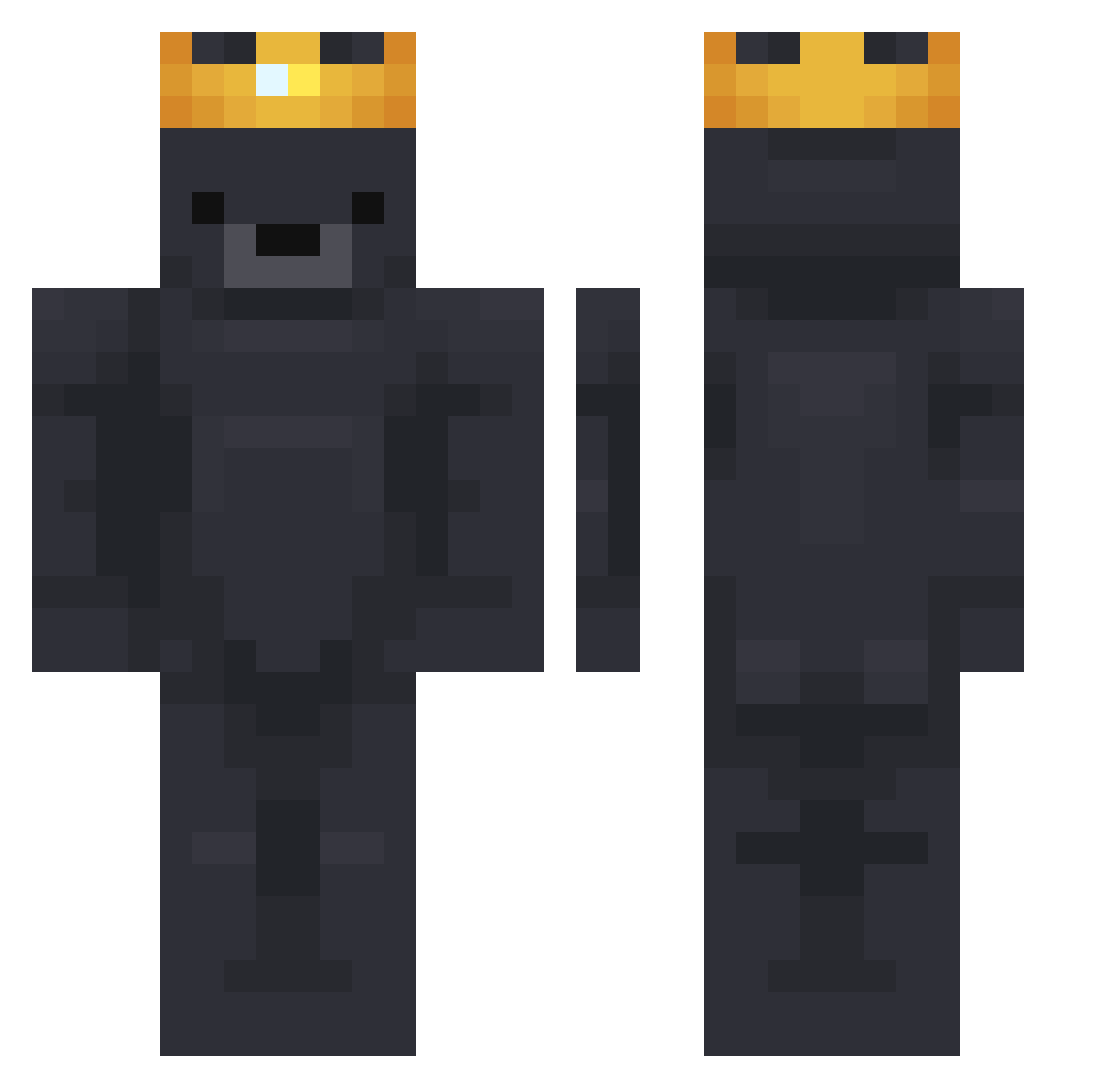
Current Minecraft skin of the player SnazzySunChip, loaded from the official Mojang API. Rotate the 3D model with your mouse or finger, then download the skin as a PNG file and use it in Minecraft: Bedrock Edition or Java Edition for free. When SnazzySunChip changes their skin, this page updates automatically and the old skin stays in the history below.
Other players with this skin (628)
SnazzySunChip was the 51st player we have seen with this skin, first spotted on 31.07.2026. The same skin was seen on these players. Open a nickname to see their current skin and skin history.
 trdntaqua69 krizim2017 nichirins MaraMcC Vortex23911 kdkdyewo qkrwlgns07 zTayshaun KinqLeoo Not_Benj0 _Rybak_ lG0Dl albzx44 qowo07 aaavv Atoms99 LenYveltal Yoepyee MSkejj Excorpse PooMiixz zxcextas1 xX_SLD_Xx SARASAIN go_n3xt DaGurun MacMars usmans00 dr123ds WaffleWhisperer Asesh AdrianoKrack0010 Azza76 niko13206 tecc0 KieGobi Z0dec winter900 luiz_herek Goose_star Romeoriginal TTVElHugono WhosTorreS chrixxi24 laynooov wpdl07 kroole Chamson Rivelier hollamba StepBroZeus BroKarim JJANGJUNHYUK dobleyei dhiau RedRejected xanaxor Pinillo NorthernAdamz corbie9
More Crown Minecraft skins
How to install the SnazzySunChip skin
- Press the Download button above to save the skin as a PNG file.
- Minecraft: Bedrock Edition (PE): open the Dressing Room from the main menu (or tap your character → Edit Character), go to Classic Skins → Owned, press the + (new skin) button, choose the downloaded PNG and pick the Classic (Steve) model. Works on PC and mobile; consoles cannot import custom skins.
- Minecraft: Java Edition: open the Minecraft Launcher, go to the Skins tab, click New Skin, load the PNG, pick the Classic (Steve) model and press Save & Use. You can also upload it at minecraft.net → Profile → Change Skin.
The skin does not show up after import - what should I do?
Restart Minecraft and open the Dressing Room again - imported skins sometimes appear only after a restart. Also make sure you selected the imported skin and picked the Classic (Steve) model.
Which model should I choose, Classic or Slim?
This skin is designed for the Classic (Steve) model. If you pick the wrong model, the arms of the skin will look stretched or squeezed.
Is the skin of SnazzySunChip free to download?
Yes. Press Download, save the PNG file and use it in Minecraft: Bedrock Edition or Java Edition - no payment or registration needed. The skin also works on multiplayer servers and Realms.
More skins
Looking for more? Go back to all Minecraft skins and check the top skins of the week, month and all time, or find any player's skin by nickname.