
Smartypants2013 - Minecraft Skins & Skin History
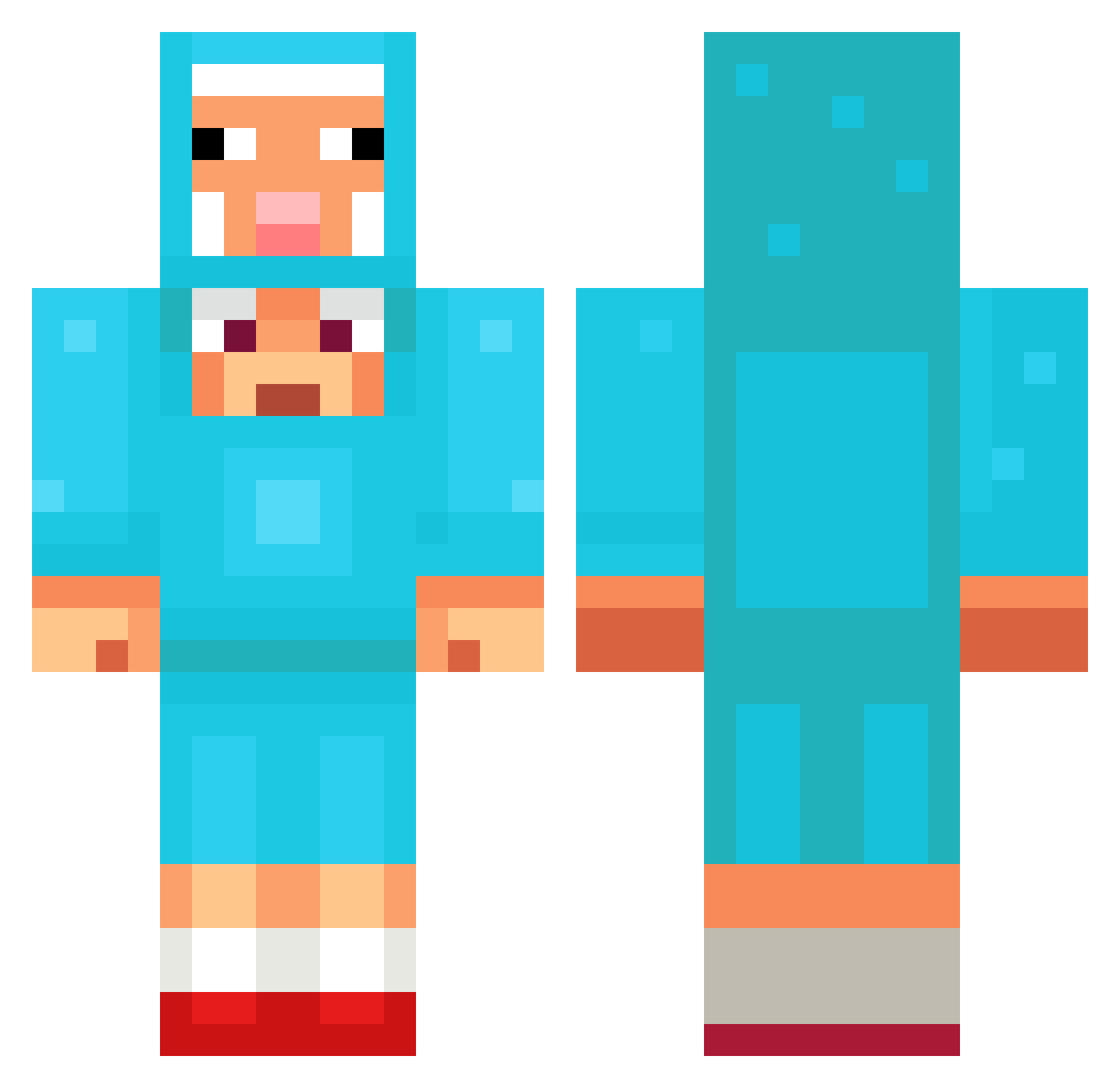
Current Minecraft skin of the player Smartypants2013, loaded from the official Mojang API. Rotate the 3D model with your mouse or finger, then download the skin as a PNG file and use it in Minecraft: Bedrock Edition or Java Edition for free. When Smartypants2013 changes their skin, this page updates automatically and the old skin stays in the history below.
Other players with this skin (1308)
Smartypants2013 was the 1020th player we have seen with this skin, first spotted on 16.10.2026. The same skin was seen on these players. Open a nickname to see their current skin and skin history.
 MasterWU__ Hometargeting 473rl DUSTYBALL59535 yesol07 Painsang_usa r3blol FrontLoaded SR220 Swan1567 Shningu Poofendol52 susgangster rockwinner5573 SEANEO32 medoruma47 Lyrrixxs Eternal_49 poopyqween am2pms Eternal891 Nickeleon Ysto Poptarts_Liam123 Jiangyiheng Jaau05 GingerBread0506 mario23bello sycanort mvpmvpmvpmvpmvp _Heygreen2 anacleta18 cowba69 Hlaz LewisCunn arabus123 zhoskokrutoi TuriDoBem Ice_Amulet kirbybanks raphou4 navdab1234 ththththe HiepDamSau Suwiballs oriman1909 KAMICHI1894 DemonicRay savesforge TeddyBear100 givemeurheart Aesoy Nasti_Fantasti Nemosen _duckliing hkjlmln Codecinder 4nwp tobi821 igna77787
More Sheep Minecraft skins
How to install the Smartypants2013 skin
- Press the Download button above to save the skin as a PNG file.
- Minecraft: Bedrock Edition (PE): open the Dressing Room from the main menu (or tap your character → Edit Character), go to Classic Skins → Owned, press the + (new skin) button, choose the downloaded PNG and pick the Classic (Steve) model. Works on PC and mobile; consoles cannot import custom skins.
- Minecraft: Java Edition: open the Minecraft Launcher, go to the Skins tab, click New Skin, load the PNG, pick the Classic (Steve) model and press Save & Use. You can also upload it at minecraft.net → Profile → Change Skin.
The skin does not show up after import - what should I do?
Restart Minecraft and open the Dressing Room again - imported skins sometimes appear only after a restart. Also make sure you selected the imported skin and picked the Classic (Steve) model.
Which model should I choose, Classic or Slim?
This skin is designed for the Classic (Steve) model. If you pick the wrong model, the arms of the skin will look stretched or squeezed.
Is the skin of Smartypants2013 free to download?
Yes. Press Download, save the PNG file and use it in Minecraft: Bedrock Edition or Java Edition - no payment or registration needed. The skin also works on multiplayer servers and Realms.
More skins
Looking for more? Go back to all Minecraft skins and check the top skins of the week, month and all time, or find any player's skin by nickname.