
Slimy_kos - Minecraft Skins & Skin History
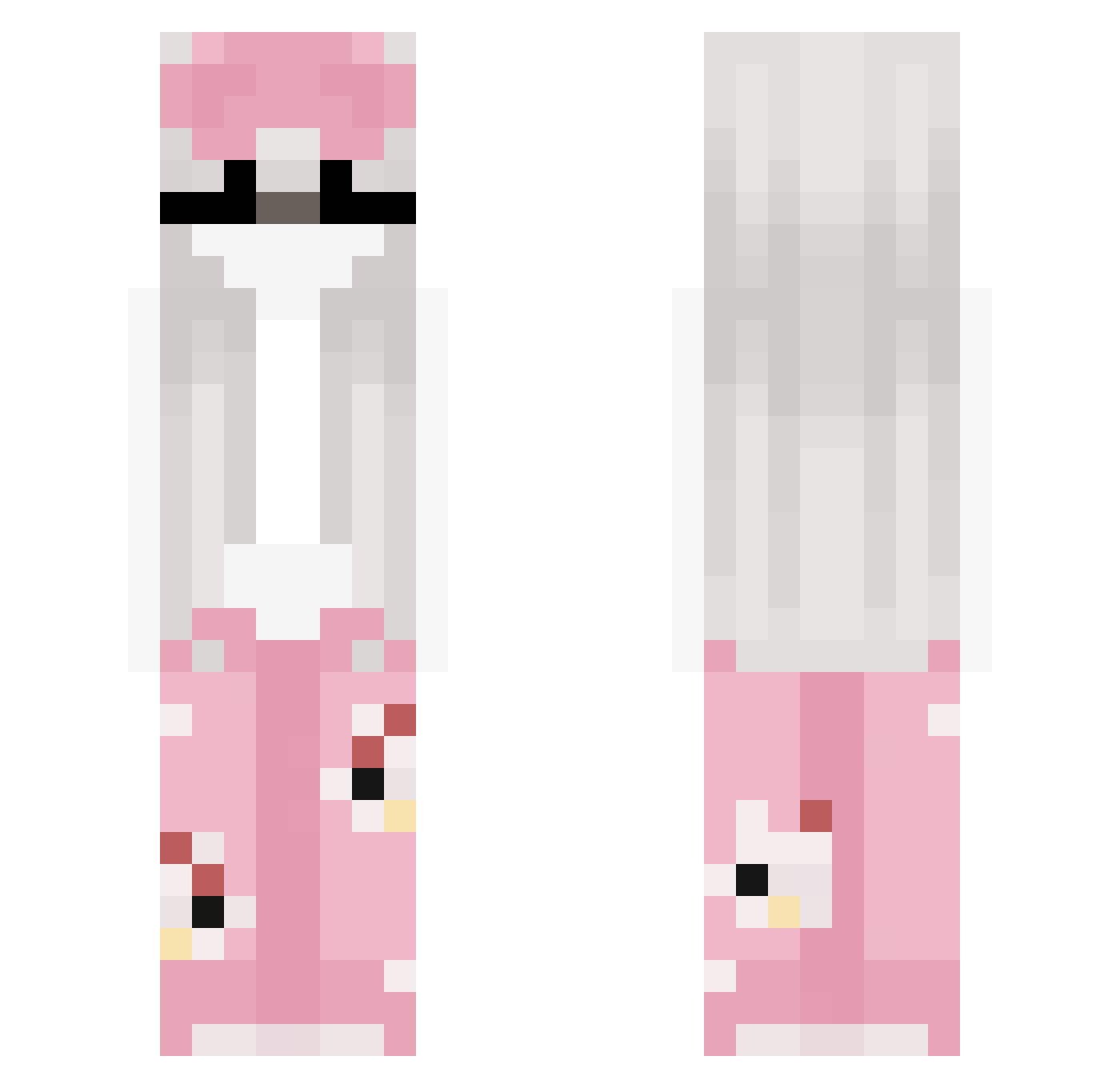
Current Minecraft skin of the player Slimy_kos, loaded from the official Mojang API. Rotate the 3D model with your mouse or finger, then download the skin as a PNG file and use it in Minecraft: Bedrock Edition or Java Edition for free. When Slimy_kos changes their skin, this page updates automatically and the old skin stays in the history below.
Other players with this skin (60)
Slimy_kos was the 45th player we have seen with this skin, first spotted on 04.10.2026. The same skin was seen on these players. Open a nickname to see their current skin and skin history.
 fartmissile xrainyydays JmSK1 Kltsuki Milkaczyna Majcixx69 Losiie Hi_aya julialuvskalxb fenirska28 Ultramegafarmer Franka456 Eso1120 lena234 AppleAmy laraibiije Jestem_Ami _uQvQu_ zaczznij streliais T0jku_ rosa0570x Rain5t0rm_ kryskii hx_11 forellll bananealkylo gabigrl7 Kris_On_Top_S0k0 Pakote_Espectro chaskar420 mymelod4y cream0W0 Hviper18 Anetqq_
 stab1gail yukacs lxne_walker Ejumpy mvrcia JorJorYummerss BeckieLama yourmdaygaylol lanicaa _Tokami churaqcka Car_pet volcani Spellbook Sylneth uikis
 AkariHyenkk julcaa ItsVanessuh SushiMyo_ neptumnees aecl11 xMattiii
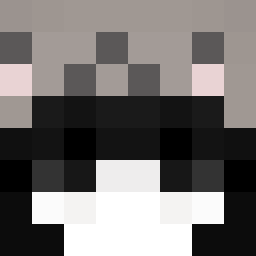 xv7a
xv7a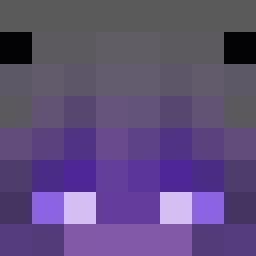 Alvinia
More Bunny Minecraft skins
How to install the Slimy_kos skin
- Press the Download button above to save the skin as a PNG file.
- Minecraft: Bedrock Edition (PE): open the Dressing Room from the main menu (or tap your character → Edit Character), go to Classic Skins → Owned, press the + (new skin) button, choose the downloaded PNG and pick the Slim (Alex) model. Works on PC and mobile; consoles cannot import custom skins.
- Minecraft: Java Edition: open the Minecraft Launcher, go to the Skins tab, click New Skin, load the PNG, pick the Slim (Alex) model and press Save & Use. You can also upload it at minecraft.net → Profile → Change Skin.
The skin does not show up after import - what should I do?
Restart Minecraft and open the Dressing Room again - imported skins sometimes appear only after a restart. Also make sure you selected the imported skin and picked the Slim (Alex) model.
Which model should I choose, Classic or Slim?
This skin is designed for the Slim (Alex) model. If you pick the wrong model, the arms of the skin will look stretched or squeezed.
Is the skin of Slimy_kos free to download?
Yes. Press Download, save the PNG file and use it in Minecraft: Bedrock Edition or Java Edition - no payment or registration needed. The skin also works on multiplayer servers and Realms.
More skins
Looking for more? Go back to all Minecraft skins and check the top skins of the week, month and all time, or find any player's skin by nickname.