
Skzrr - Minecraft Skins & Skin History
Current Minecraft skin of the player Skzrr, loaded from the official Mojang API. Rotate the 3D model with your mouse or finger, then download the skin as a PNG file and use it in Minecraft: Bedrock Edition or Java Edition for free. When Skzrr changes their skin, this page updates automatically and the old skin stays in the history below.
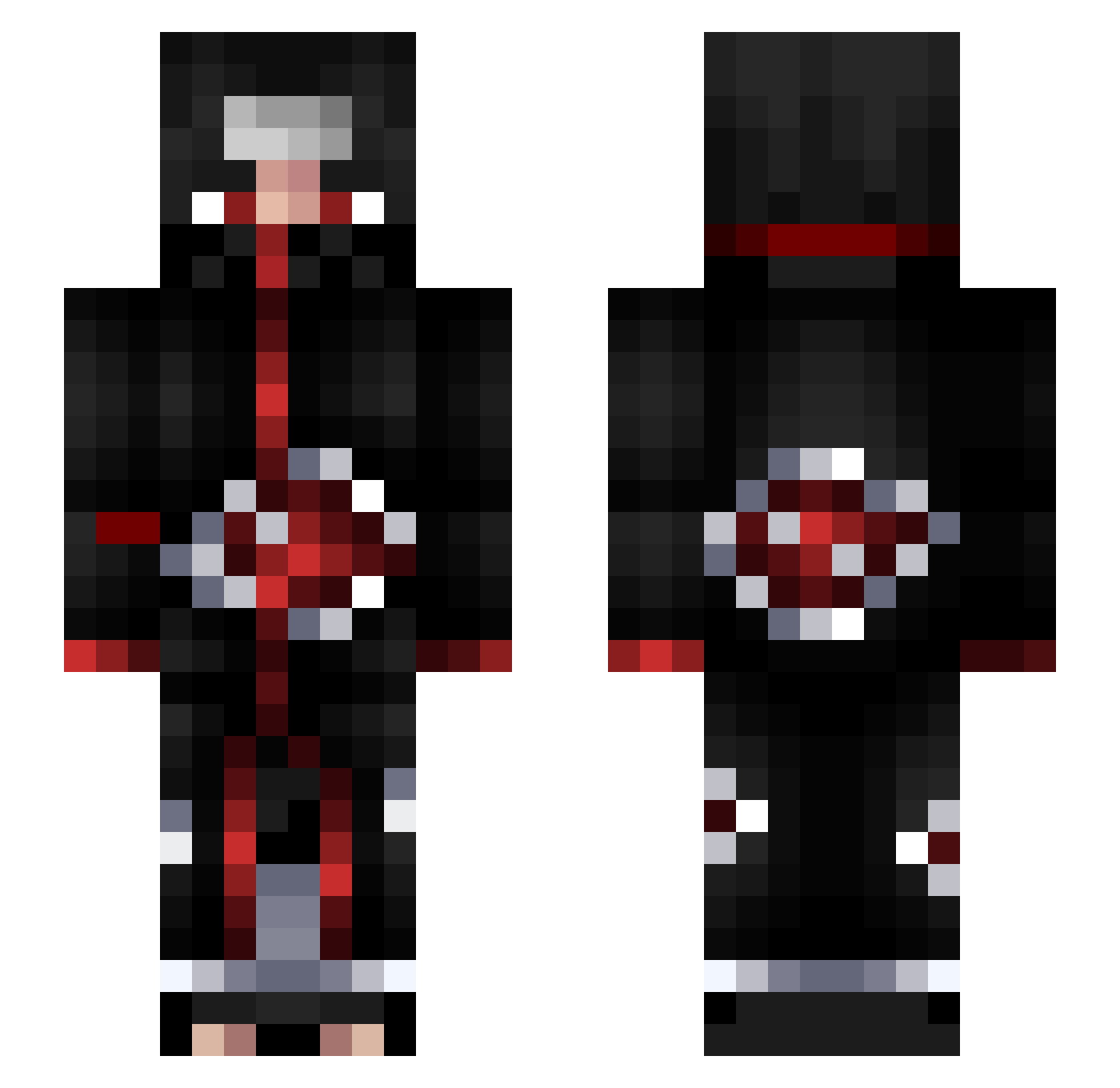
Other players with this skin (51)
Skzrr was the 31st player we have seen with this skin, first spotted on 28.09.2026. The same skin was seen on these players. Open a nickname to see their current skin and skin history.
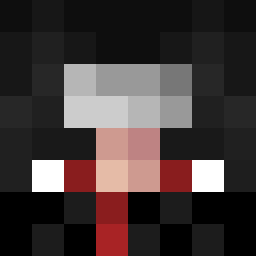 noel23w232 Justin9455 Warcart JacobMC5 Ayako83 wocberry67 Ampedd Chen0822 LuccaNr10 MKVGHIRP sVylinkz Kilinymus AudazNS Lelekx lol3r_11 weeyusi Damn_Daniel GhostDragon91 k3_Yuji Rainianak XurozWrld BlackpitOfficial wolfcc59 Mubz7Z AiNyX LaM0rtis KnownAs_L shadoweros Damian124 RobertoTbaili AlcaPrime THe_Blackshinobi recloaked Lil_Orbit rollingstar3d2y yoav98 pasacable24 vitorrossi KKavon Mujang Mxtthew35 OneAndOnlyRaheem kdetore03 Benytou Fredstone97 ArkhamJP SlicerPhobic chaosvibesz DaniGoul notblck KebabMaker123
More Itachi Uchiha Minecraft skins
See all 344 Itachi Uchiha skins
How to install the Skzrr skin
- Press the Download button above to save the skin as a PNG file.
- Minecraft: Bedrock Edition (PE): open the Dressing Room from the main menu (or tap your character → Edit Character), go to Classic Skins → Owned, press the + (new skin) button, choose the downloaded PNG and pick the Slim (Alex) model. Works on PC and mobile; consoles cannot import custom skins.
- Minecraft: Java Edition: open the Minecraft Launcher, go to the Skins tab, click New Skin, load the PNG, pick the Slim (Alex) model and press Save & Use. You can also upload it at minecraft.net → Profile → Change Skin.
The skin does not show up after import - what should I do?
Restart Minecraft and open the Dressing Room again - imported skins sometimes appear only after a restart. Also make sure you selected the imported skin and picked the Slim (Alex) model.
Which model should I choose, Classic or Slim?
This skin is designed for the Slim (Alex) model. If you pick the wrong model, the arms of the skin will look stretched or squeezed.
Is the skin of Skzrr free to download?
Yes. Press Download, save the PNG file and use it in Minecraft: Bedrock Edition or Java Edition - no payment or registration needed. The skin also works on multiplayer servers and Realms.
More skins
Looking for more? Go back to all Minecraft skins and check the top skins of the week, month and all time, or find any player's skin by nickname.