
SilentlySly - Minecraft Skins & Skin History
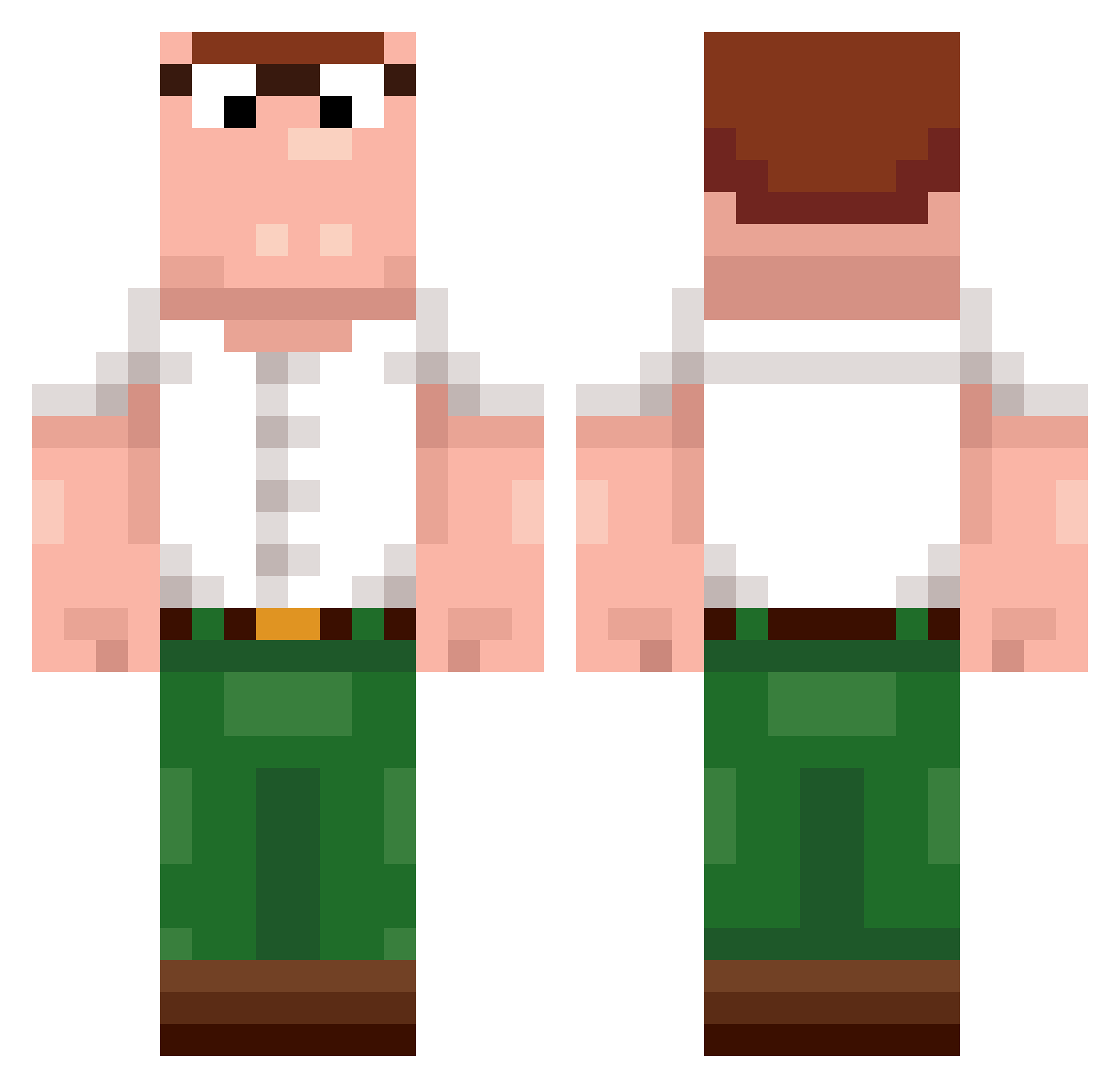
Current Minecraft skin of the player SilentlySly, loaded from the official Mojang API. Rotate the 3D model with your mouse or finger, then download the skin as a PNG file and use it in Minecraft: Bedrock Edition or Java Edition for free. When SilentlySly changes their skin, this page updates automatically and the old skin stays in the history below.
Other players with this skin (270)
SilentlySly was the 249th player we have seen with this skin, first spotted on 12.11.2026. The same skin was seen on these players. Open a nickname to see their current skin and skin history.
 Zeerno kuroneta Sanchess293 __cryptic_ XuatTinhGaming Mrxsire kalzeruthh yahoo77 ChazGreen Rush___b MRMANIEK777 TheHogan First_Fxnn Zy_V102 trytophan SlakBW _Y_A AcerCutter OmarRezk Reynno Toastas lmaleo DAJZ HF11R dannyy1016 Turbotaube dawsonn_ Z1four Tousanjx CarGlasDE Detp01 MunJun1010 LegendaryPotat0 Miriio_ elencio1 idksui vlemftmxlr Auseee JeffreyEpste1n1 Octosol Bierbauchkolle JHB_Davi choi75002 IckyZach gupcat tchouma VinciPVP imsusUWU mapuchae PeetandPPPP ChillDude2012 pablofs03 FRANGUINO RadgerSpice SwagSeller Wazelin Hkellerr TahaVex Minimilian1 Jesus228
More Peter Griffin Minecraft skins
See all 245 Peter Griffin skins
How to install the SilentlySly skin
- Press the Download button above to save the skin as a PNG file.
- Minecraft: Bedrock Edition (PE): open the Dressing Room from the main menu (or tap your character → Edit Character), go to Classic Skins → Owned, press the + (new skin) button, choose the downloaded PNG and pick the Classic (Steve) model. Works on PC and mobile; consoles cannot import custom skins.
- Minecraft: Java Edition: open the Minecraft Launcher, go to the Skins tab, click New Skin, load the PNG, pick the Classic (Steve) model and press Save & Use. You can also upload it at minecraft.net → Profile → Change Skin.
The skin does not show up after import - what should I do?
Restart Minecraft and open the Dressing Room again - imported skins sometimes appear only after a restart. Also make sure you selected the imported skin and picked the Classic (Steve) model.
Which model should I choose, Classic or Slim?
This skin is designed for the Classic (Steve) model. If you pick the wrong model, the arms of the skin will look stretched or squeezed.
Is the skin of SilentlySly free to download?
Yes. Press Download, save the PNG file and use it in Minecraft: Bedrock Edition or Java Edition - no payment or registration needed. The skin also works on multiplayer servers and Realms.
More skins
Looking for more? Go back to all Minecraft skins and check the top skins of the week, month and all time, or find any player's skin by nickname.