
Silentiumcore - Minecraft Skins & Skin History
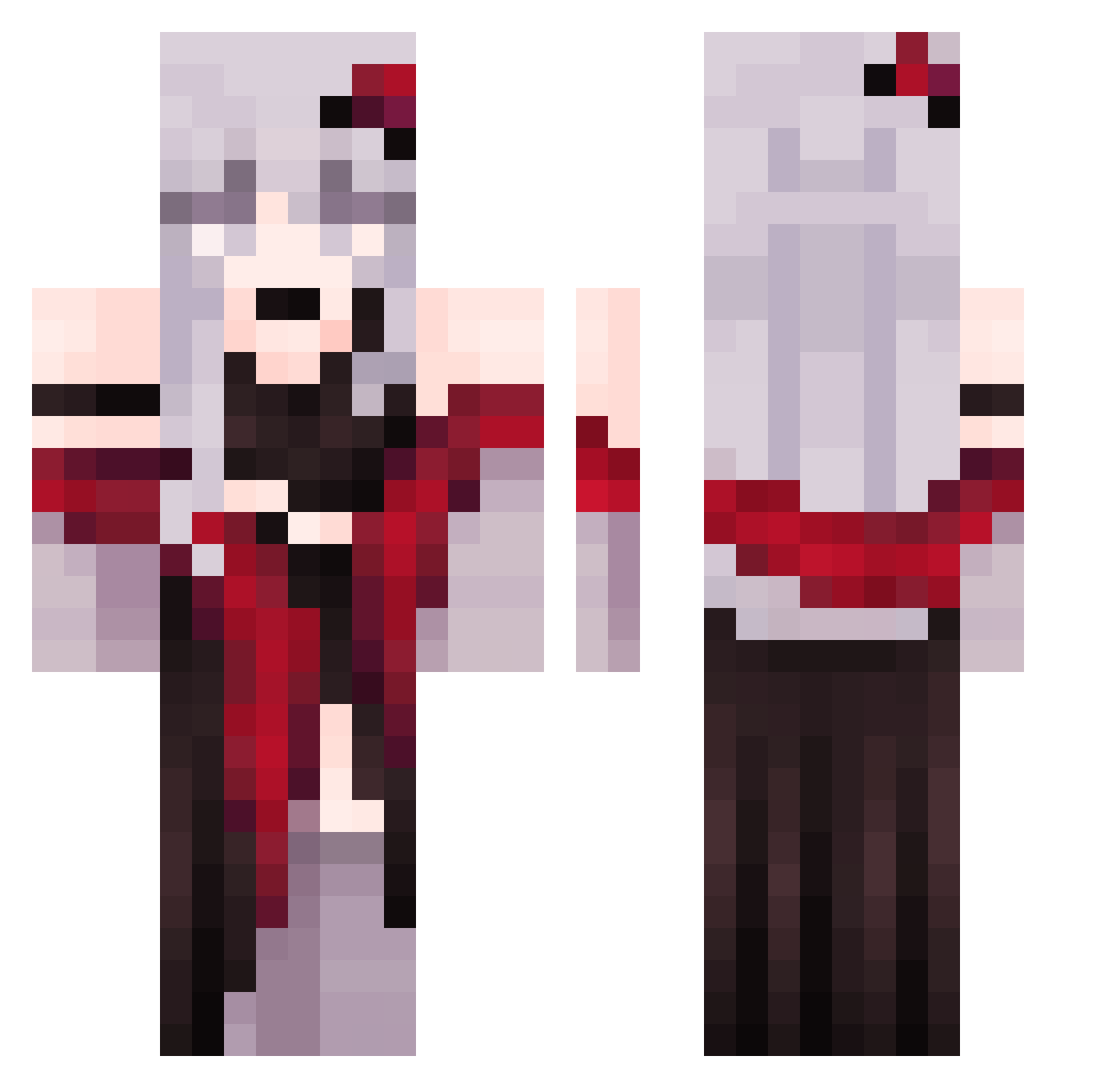
Current Minecraft skin of the player Silentiumcore, loaded from the official Mojang API. Rotate the 3D model with your mouse or finger, then download the skin as a PNG file and use it in Minecraft: Bedrock Edition or Java Edition for free. When Silentiumcore changes their skin, this page updates automatically and the old skin stays in the history below.
Other players with this skin (306)
Silentiumcore was the 279th player we have seen with this skin, first spotted on 24.10.2026. The same skin was seen on these players. Open a nickname to see their current skin and skin history.
 Ozx_ lilyhow Yeyu0124 Kyrene_Rosay Krasiaya Mirsennnn77 Anihf skyLin51115 Dashuda Hixuri GrayDArc Callie0_0 tunatuna218 xXLaliSsaXx jessqf redvelvetcake27 Xchri62_ ehdghks0122 DRAXOUNE Yukimey lingyuel Control_Myself a853816 Aendhero notaperson34 kolbita BubblySky ALIcESis shi_meng_ Janazahh YuuSempai Ruri_Tsuki Oldmansami Krandonix Forc_500 DianaCz lanpinghui lazytitanic666 zsoull Shinnoooo Keith12 Devke5 BlackPinkL1SA wxb111 SleepinglnMyRoom SomerOwO Kyrozn Meet_End maran2020 IronghMan im_a_patato OngMommy FlimXo Melia184 et200415 Leylaaaa1 Oxlets Grechid Oliverpour SchleimReal
More Anime Girl Minecraft skins
See all 12935 Anime Girl skins
How to install the Silentiumcore skin
- Press the Download button above to save the skin as a PNG file.
- Minecraft: Bedrock Edition (PE): open the Dressing Room from the main menu (or tap your character → Edit Character), go to Classic Skins → Owned, press the + (new skin) button, choose the downloaded PNG and pick the Classic (Steve) model. Works on PC and mobile; consoles cannot import custom skins.
- Minecraft: Java Edition: open the Minecraft Launcher, go to the Skins tab, click New Skin, load the PNG, pick the Classic (Steve) model and press Save & Use. You can also upload it at minecraft.net → Profile → Change Skin.
The skin does not show up after import - what should I do?
Restart Minecraft and open the Dressing Room again - imported skins sometimes appear only after a restart. Also make sure you selected the imported skin and picked the Classic (Steve) model.
Which model should I choose, Classic or Slim?
This skin is designed for the Classic (Steve) model. If you pick the wrong model, the arms of the skin will look stretched or squeezed.
Is the skin of Silentiumcore free to download?
Yes. Press Download, save the PNG file and use it in Minecraft: Bedrock Edition or Java Edition - no payment or registration needed. The skin also works on multiplayer servers and Realms.
More skins
Looking for more? Go back to all Minecraft skins and check the top skins of the week, month and all time, or find any player's skin by nickname.