
Silent__CM - Minecraft Skins & Skin History
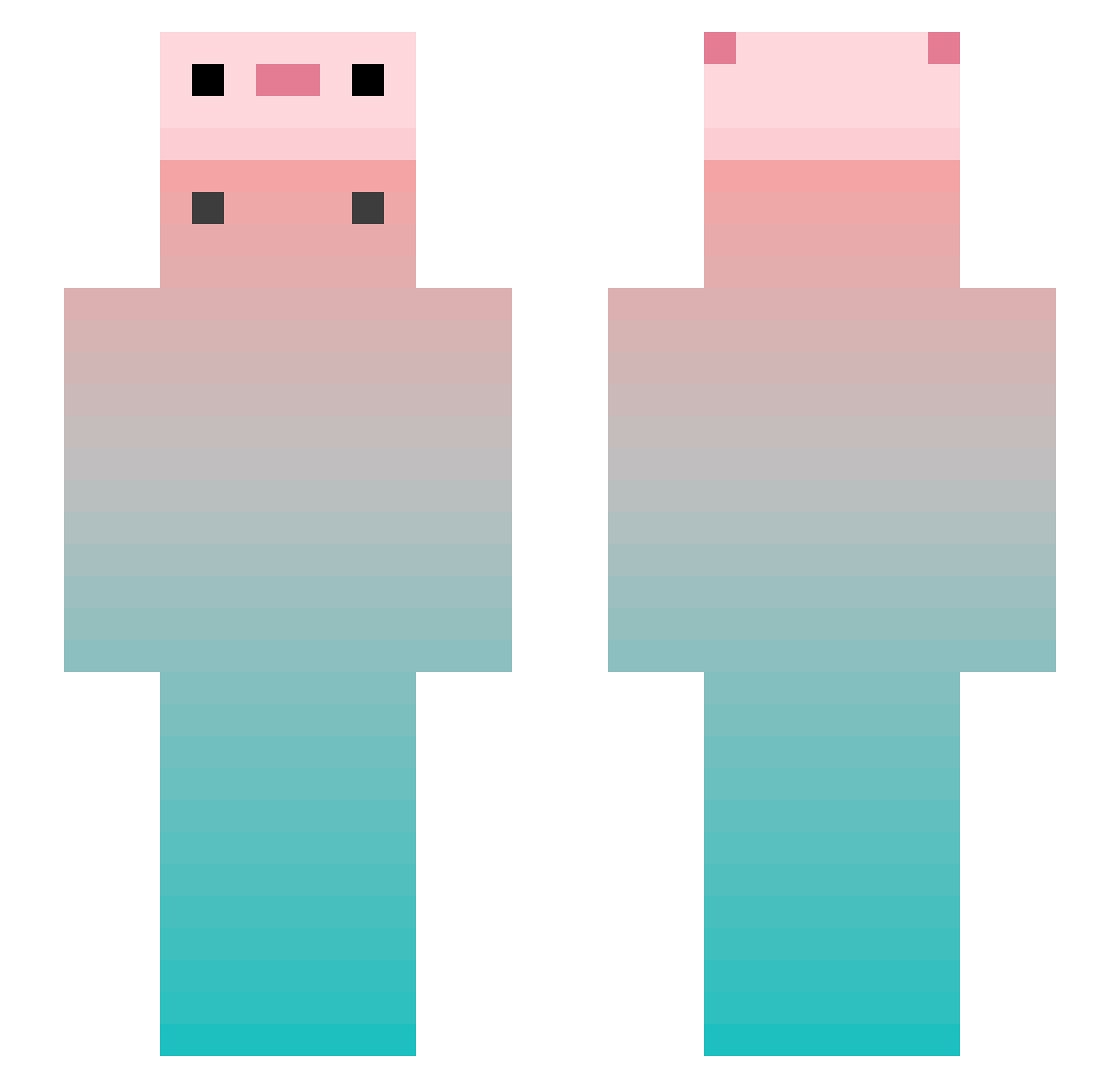
Current Minecraft skin of the player Silent__CM, loaded from the official Mojang API. Rotate the 3D model with your mouse or finger, then download the skin as a PNG file and use it in Minecraft: Bedrock Edition or Java Edition for free. When Silent__CM changes their skin, this page updates automatically and the old skin stays in the history below.
Other players with this skin (747)
Silent__CM was the 678th player we have seen with this skin, first spotted on 18.10.2026. The same skin was seen on these players. Open a nickname to see their current skin and skin history.
 _Husti_ yuanyu993 tusiji138 N1neSo kawauso110 Zero_Kung pvpkoper xiaoyingtao124 serein011 Terminrtor ToBite02 kcpark BERRYZABETH DovisZ0703 LEMON_FFISH TacticalMTF kugua911 DuckYuan MIADW Tail_24 UNCLE_ZHONG Dpi4643 1__PLUTO__1 Xiaocong6666666 Heimat_t sevenele wmy777 DelIcIous_AppLe2 hddsy Lechuguito08 Kether_A galuo COAJK DementedGnat570 PolskiLaczek SUNNY561 MarlinxON tiresome_ xi_bei YLsBy Tudoufena chena22 FRAUKOUJIRO_ DEVIL1129 i_love_the_world dkm7778 Cumulus0116 hahaURmad HDSDR Slipperyaisha Yelrine acacac666 abiubiu1 violet07126 Mimic_sL Axxxxo zQhan PAPER0804 Yossi4 Chook_mo
More Gradient Minecraft skins
How to install the Silent__CM skin
- Press the Download button above to save the skin as a PNG file.
- Minecraft: Bedrock Edition (PE): open the Dressing Room from the main menu (or tap your character → Edit Character), go to Classic Skins → Owned, press the + (new skin) button, choose the downloaded PNG and pick the Slim (Alex) model. Works on PC and mobile; consoles cannot import custom skins.
- Minecraft: Java Edition: open the Minecraft Launcher, go to the Skins tab, click New Skin, load the PNG, pick the Slim (Alex) model and press Save & Use. You can also upload it at minecraft.net → Profile → Change Skin.
The skin does not show up after import - what should I do?
Restart Minecraft and open the Dressing Room again - imported skins sometimes appear only after a restart. Also make sure you selected the imported skin and picked the Slim (Alex) model.
Which model should I choose, Classic or Slim?
This skin is designed for the Slim (Alex) model. If you pick the wrong model, the arms of the skin will look stretched or squeezed.
Is the skin of Silent__CM free to download?
Yes. Press Download, save the PNG file and use it in Minecraft: Bedrock Edition or Java Edition - no payment or registration needed. The skin also works on multiplayer servers and Realms.
More skins
Looking for more? Go back to all Minecraft skins and check the top skins of the week, month and all time, or find any player's skin by nickname.