
Sijo54 - Minecraft Skins & Skin History
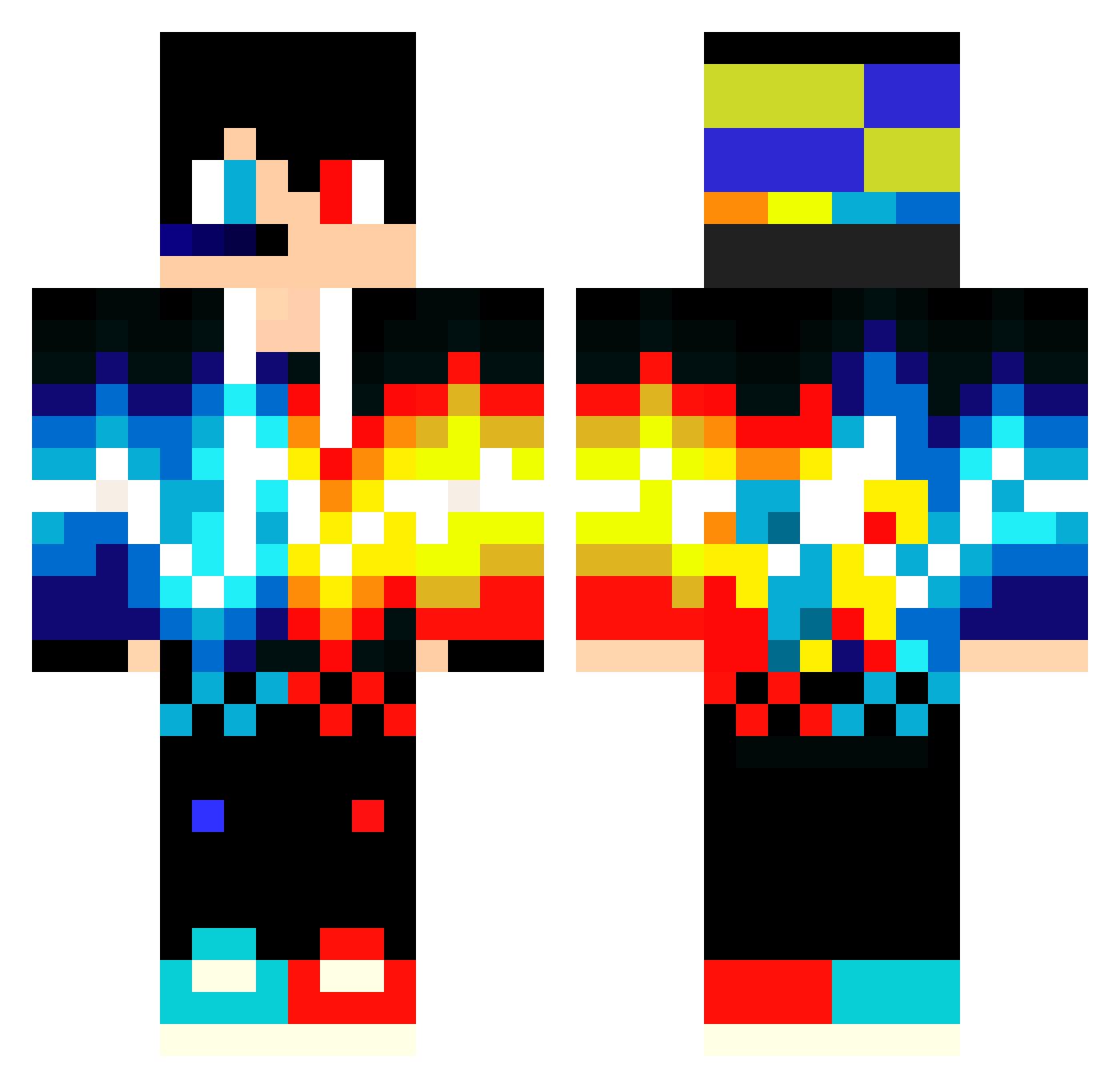
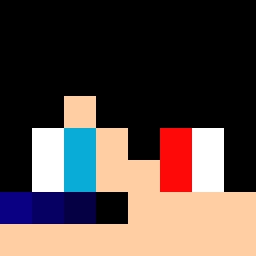
Current Minecraft skin of the player Sijo54, loaded from the official Mojang API. Rotate the 3D model with your mouse or finger, then download the skin as a PNG file and use it in Minecraft: Bedrock Edition or Java Edition for free. When Sijo54 changes their skin, this page updates automatically and the old skin stays in the history below.
Other players with this skin (549)
Sijo54 was the 379th player we have seen with this skin, first spotted on 06.10.2026. The same skin was seen on these players. Open a nickname to see their current skin and skin history.
 Titek45 Cosme061 ryanvdalen fortnitelover132 minecraft5882124 oliver_yay dci1997 remon1199 AznShyp xReadyHDx DjJuby ppu007 Knoedelgerda ProfiSpion BM_Mustafa DSY_Matt Dark_Elite_06 j_man2134 calibersbeast Menezes79 xaneth26 yakov1104 Mr_Benito1997 OzeanMan2008 KamikazeJAM_YT Tomiixx Harryteddy2021 RICKYSKIIL11 maurice22222 Pedro23_Dela letroxxx Maximilian8068 NineCirclesX fedippo AhmetimenPower Callofmine23212 Toinou Frost815dressy plookon aleksandrmaslov sebaspelu Ikkiunowen X_Nikz_X Alex_The_Beast21 dvilmos siru0509 jeno2017 peaceluv nicegame97 Affe11 Nikzss Tr4ccK SkeyDax gutotoramnas RUGUAM Alcimum Gabrielj09 PHsIuoL rin916 Archietom
More Fire And Ice Minecraft skins
See all 697 Fire And Ice skins
How to install the Sijo54 skin
- Press the Download button above to save the skin as a PNG file.
- Minecraft: Bedrock Edition (PE): open the Dressing Room from the main menu (or tap your character → Edit Character), go to Classic Skins → Owned, press the + (new skin) button, choose the downloaded PNG and pick the Classic (Steve) model. Works on PC and mobile; consoles cannot import custom skins.
- Minecraft: Java Edition: open the Minecraft Launcher, go to the Skins tab, click New Skin, load the PNG, pick the Classic (Steve) model and press Save & Use. You can also upload it at minecraft.net → Profile → Change Skin.
The skin does not show up after import - what should I do?
Restart Minecraft and open the Dressing Room again - imported skins sometimes appear only after a restart. Also make sure you selected the imported skin and picked the Classic (Steve) model.
Which model should I choose, Classic or Slim?
This skin is designed for the Classic (Steve) model. If you pick the wrong model, the arms of the skin will look stretched or squeezed.
Is the skin of Sijo54 free to download?
Yes. Press Download, save the PNG file and use it in Minecraft: Bedrock Edition or Java Edition - no payment or registration needed. The skin also works on multiplayer servers and Realms.
More skins
Looking for more? Go back to all Minecraft skins and check the top skins of the week, month and all time, or find any player's skin by nickname.