
Shuxra - Minecraft Skins & Skin History
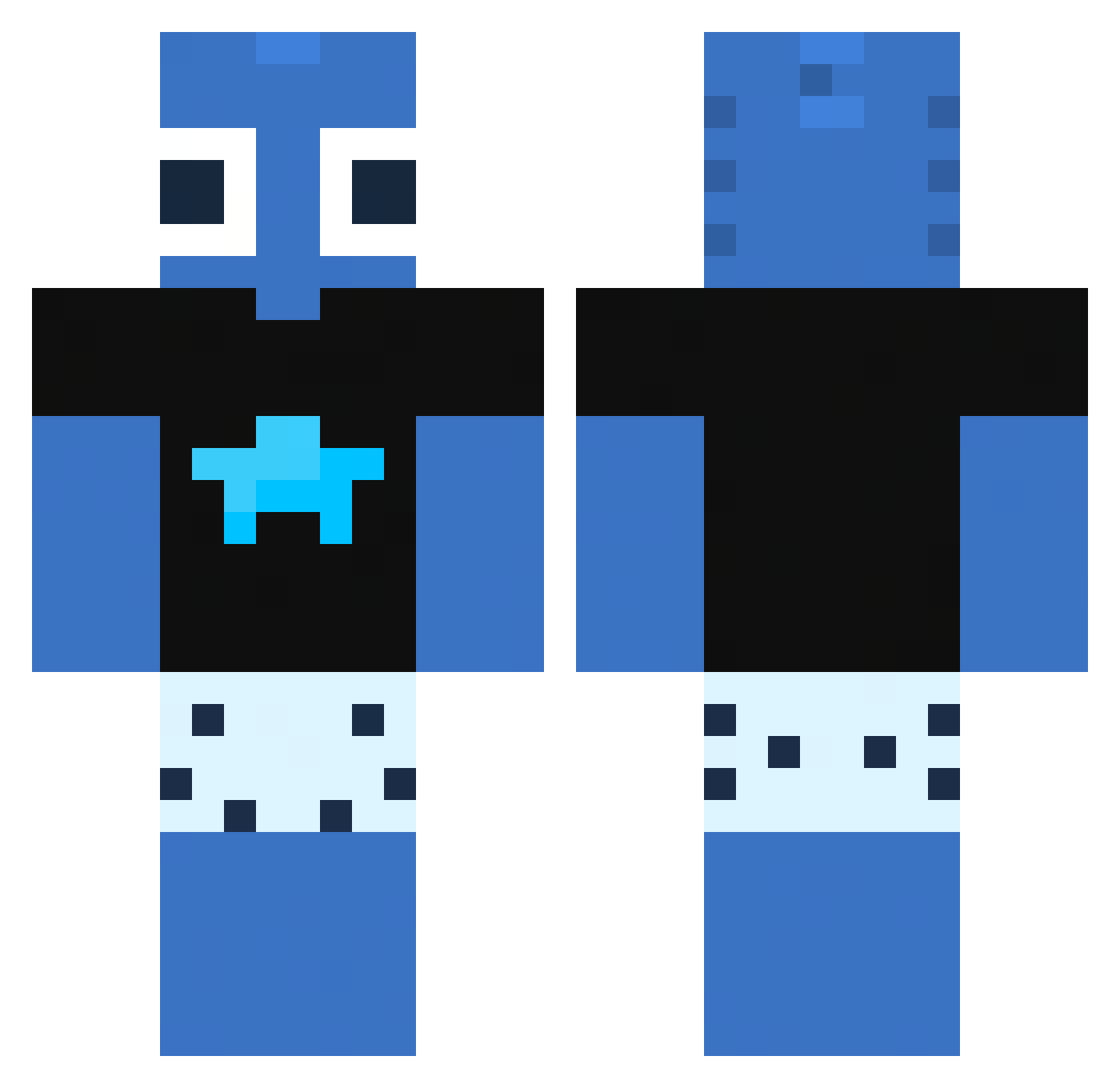
Current Minecraft skin of the player Shuxra, loaded from the official Mojang API. Rotate the 3D model with your mouse or finger, then download the skin as a PNG file and use it in Minecraft: Bedrock Edition or Java Edition for free. When Shuxra changes their skin, this page updates automatically and the old skin stays in the history below.
Other players with this skin (104)
Shuxra was the 40th player we have seen with this skin, first spotted on 04.09.2026. The same skin was seen on these players. Open a nickname to see their current skin and skin history.
 DoLow2
 IsaacXD__ Echo_Fang Draven_V _TheWhiteFish Yco12 Ukota_ MinezoFlip WiiZz29 vzxbrxh MyTae00 Nikodem0104 SzucsBalazs07 FabiDaddy1 kolevv RuiRui0809 TowerLC_pt xmfhf Berky1 PaperRexx the_dyly MY5TERY_ Covb_ ECLIP_X0 Bluqk Elasthicc Honza72 XXLpancake _Ntinozz_ imAlex_ HydroHalo529133 oleksa111 InfamousM43l BowArrows francy342445425 CMJ07 affexions daviispidey Schromed DrFischkxpf Pokizt maathiG askerbeypazari uMvvrtinnn_ HeyGM shadowworks231 WXSXy sylaa__ Letha_0115 o_ree0 Axozq Kasiexxx69 SAUD201413 taykw47shawty kptavares true_Amigo Lemon4ik87
 Tuxedo_Benjimo PikaDom Smilez_0
More Alien Minecraft skins
How to install the Shuxra skin
- Press the Download button above to save the skin as a PNG file.
- Minecraft: Bedrock Edition (PE): open the Dressing Room from the main menu (or tap your character → Edit Character), go to Classic Skins → Owned, press the + (new skin) button, choose the downloaded PNG and pick the Classic (Steve) model. Works on PC and mobile; consoles cannot import custom skins.
- Minecraft: Java Edition: open the Minecraft Launcher, go to the Skins tab, click New Skin, load the PNG, pick the Classic (Steve) model and press Save & Use. You can also upload it at minecraft.net → Profile → Change Skin.
The skin does not show up after import - what should I do?
Restart Minecraft and open the Dressing Room again - imported skins sometimes appear only after a restart. Also make sure you selected the imported skin and picked the Classic (Steve) model.
Which model should I choose, Classic or Slim?
This skin is designed for the Classic (Steve) model. If you pick the wrong model, the arms of the skin will look stretched or squeezed.
Is the skin of Shuxra free to download?
Yes. Press Download, save the PNG file and use it in Minecraft: Bedrock Edition or Java Edition - no payment or registration needed. The skin also works on multiplayer servers and Realms.
More skins
Looking for more? Go back to all Minecraft skins and check the top skins of the week, month and all time, or find any player's skin by nickname.