
Shiromii - Minecraft Skins & Skin History
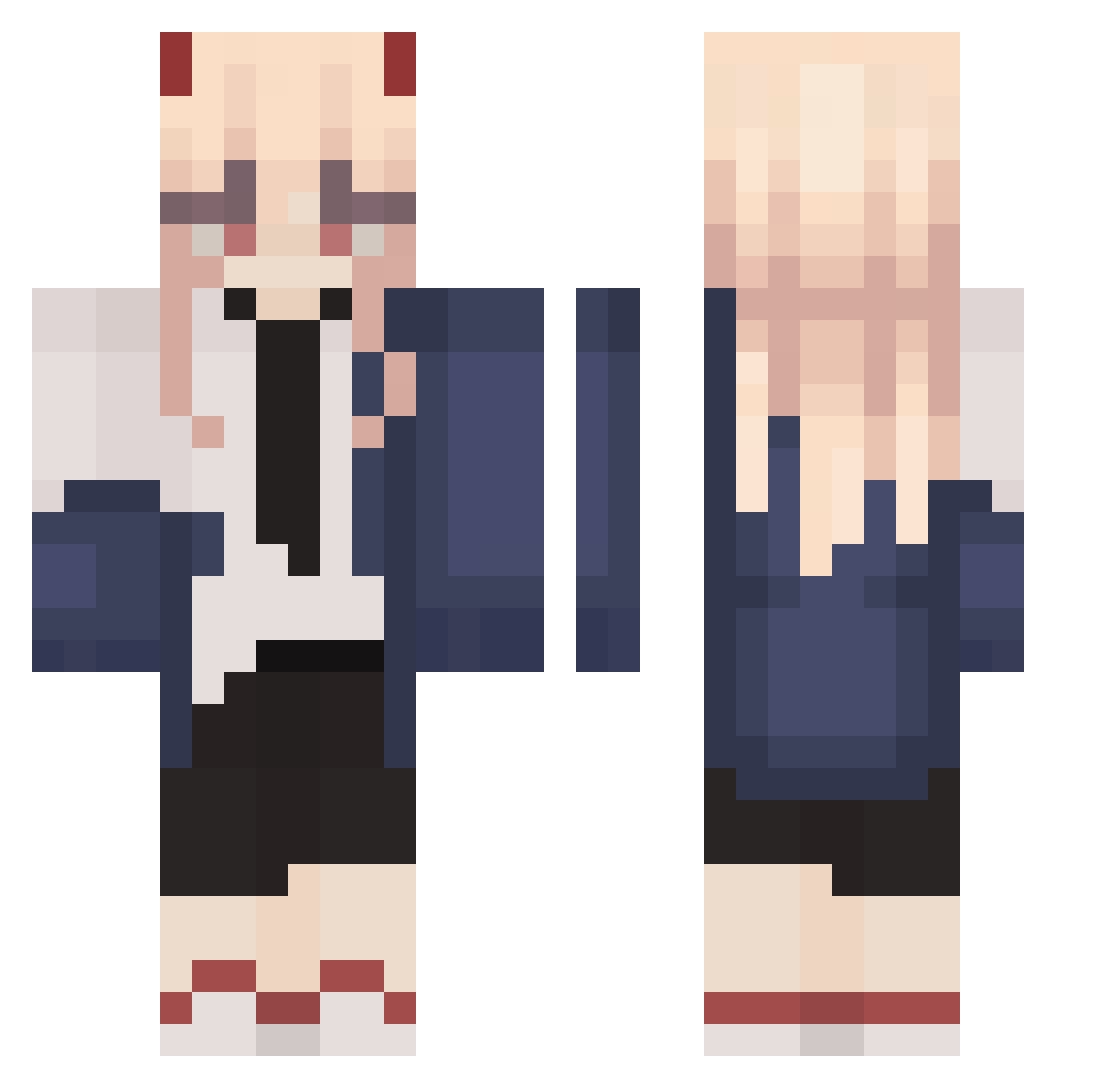
Current Minecraft skin of the player Shiromii, loaded from the official Mojang API. Rotate the 3D model with your mouse or finger, then download the skin as a PNG file and use it in Minecraft: Bedrock Edition or Java Edition for free. When Shiromii changes their skin, this page updates automatically and the old skin stays in the history below.
Other players with this skin (261)
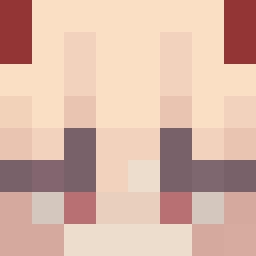
Shiromii was the 198th player we have seen with this skin, first spotted on 10.10.2026. The same skin was seen on these players. Open a nickname to see their current skin and skin history.
 stitch_forever japap zer0____2 PinkPoison67 eroniveroni JUICETHEGOD brainmovies Kot1095 Nixzyy POWER_chang raptzy xCxld kokuuuu vis_vitae HegeTT HIDEKI00 Vanteu jerry14e ayurunrun Odch Sebaneki PowPowPower1 AndreaaaAxd Baganono9501 DastBell OhaKyuubi diastma 6eomgyu Liviyachi Squirtle1x 3leva FluffyNinjaFox iSxbs_ Kinnisa Huohua10 Polkk4 Ga_Heaul Lilium_owo Yahikosweet itywtd SaintRavena Lehendy I_Subaru_I CCCyanideee Bloodyloco1 Suzaru_k aushollywood kraackito MIKATOLV5 Prongs1212 Bigmasisi yahaan lanalsecso Arieh_ KatieGames17 _fPang Trico913 itslarinha SKYNETWORKS Ann0_1
More Power Minecraft skins
How to install the Shiromii skin
- Press the Download button above to save the skin as a PNG file.
- Minecraft: Bedrock Edition (PE): open the Dressing Room from the main menu (or tap your character → Edit Character), go to Classic Skins → Owned, press the + (new skin) button, choose the downloaded PNG and pick the Classic (Steve) model. Works on PC and mobile; consoles cannot import custom skins.
- Minecraft: Java Edition: open the Minecraft Launcher, go to the Skins tab, click New Skin, load the PNG, pick the Classic (Steve) model and press Save & Use. You can also upload it at minecraft.net → Profile → Change Skin.
The skin does not show up after import - what should I do?
Restart Minecraft and open the Dressing Room again - imported skins sometimes appear only after a restart. Also make sure you selected the imported skin and picked the Classic (Steve) model.
Which model should I choose, Classic or Slim?
This skin is designed for the Classic (Steve) model. If you pick the wrong model, the arms of the skin will look stretched or squeezed.
Is the skin of Shiromii free to download?
Yes. Press Download, save the PNG file and use it in Minecraft: Bedrock Edition or Java Edition - no payment or registration needed. The skin also works on multiplayer servers and Realms.
More skins
Looking for more? Go back to all Minecraft skins and check the top skins of the week, month and all time, or find any player's skin by nickname.