
Shaz41 - Minecraft Skins & Skin History
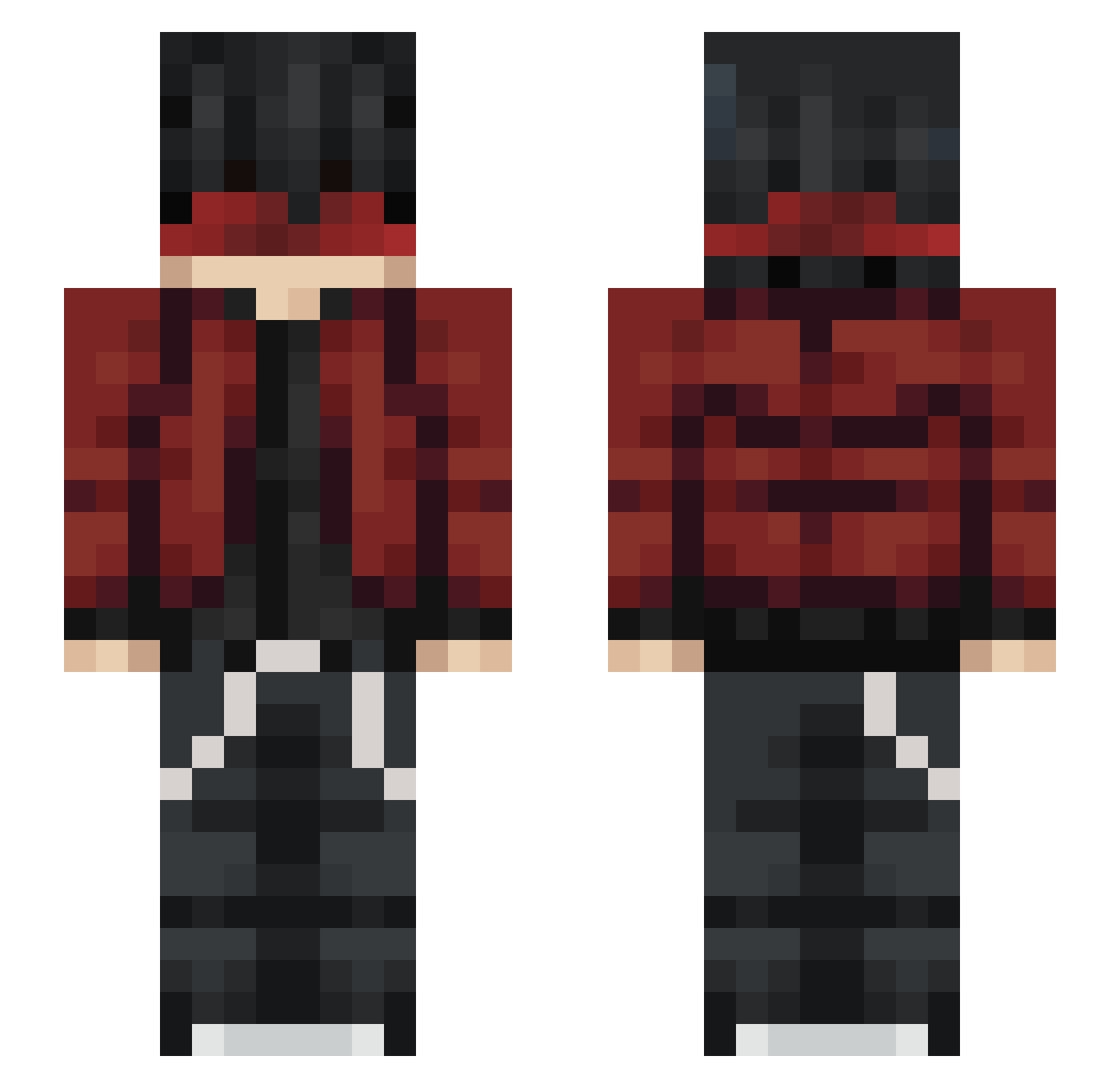
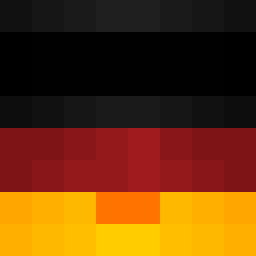
Current Minecraft skin of the player Shaz41, loaded from the official Mojang API. Rotate the 3D model with your mouse or finger, then download the skin as a PNG file and use it in Minecraft: Bedrock Edition or Java Edition for free. When Shaz41 changes their skin, this page updates automatically and the old skin stays in the history below.
Other players with this skin (52)
Shaz41 was the 24th player we have seen with this skin, first spotted on 09.09.2026. The same skin was seen on these players. Open a nickname to see their current skin and skin history.
 enima09 xtores QQssHka IamTOXCY Tomazo07 Gustav49 ayggmate volli_q Dr_AShark LateRide
 Therion2703 ProstoEdy
 AbyssPaladin s1naa nowatsana
 MyoPlokkSS itzmanu2 Thiago0X _lZeckerl_ Yahzi_Satoru ZappyWrecks mimikz_ More_Combo Xerox1945 foregold Unique_Angel Q1Aan Ragnachar faisalksah Stachujomez
 Daito345 Grafusiak
 ChamorroKid99 lesha2pitza666 TryItAgain _ONDRELIX_ IceLucidify higooe
 bm4_ youwais
 MadaraPlayz7 Ky_Kuro1 Alca007 Vasena Hayato543 Savantzz GollySoviet Danteware
 only5xp Rick_Tre Vlnakos Kubuvagyokhelo
More Streetwear Minecraft skins
How to install the Shaz41 skin
- Press the Download button above to save the skin as a PNG file.
- Minecraft: Bedrock Edition (PE): open the Dressing Room from the main menu (or tap your character → Edit Character), go to Classic Skins → Owned, press the + (new skin) button, choose the downloaded PNG and pick the Slim (Alex) model. Works on PC and mobile; consoles cannot import custom skins.
- Minecraft: Java Edition: open the Minecraft Launcher, go to the Skins tab, click New Skin, load the PNG, pick the Slim (Alex) model and press Save & Use. You can also upload it at minecraft.net → Profile → Change Skin.
The skin does not show up after import - what should I do?
Restart Minecraft and open the Dressing Room again - imported skins sometimes appear only after a restart. Also make sure you selected the imported skin and picked the Slim (Alex) model.
Which model should I choose, Classic or Slim?
This skin is designed for the Slim (Alex) model. If you pick the wrong model, the arms of the skin will look stretched or squeezed.
Is the skin of Shaz41 free to download?
Yes. Press Download, save the PNG file and use it in Minecraft: Bedrock Edition or Java Edition - no payment or registration needed. The skin also works on multiplayer servers and Realms.
More skins
Looking for more? Go back to all Minecraft skins and check the top skins of the week, month and all time, or find any player's skin by nickname.