
ShadowUchihaYT - Minecraft Skins & Skin History
Current Minecraft skin of the player ShadowUchihaYT, loaded from the official Mojang API. Rotate the 3D model with your mouse or finger, then download the skin as a PNG file and use it in Minecraft: Bedrock Edition or Java Edition for free. When ShadowUchihaYT changes their skin, this page updates automatically and the old skin stays in the history below.
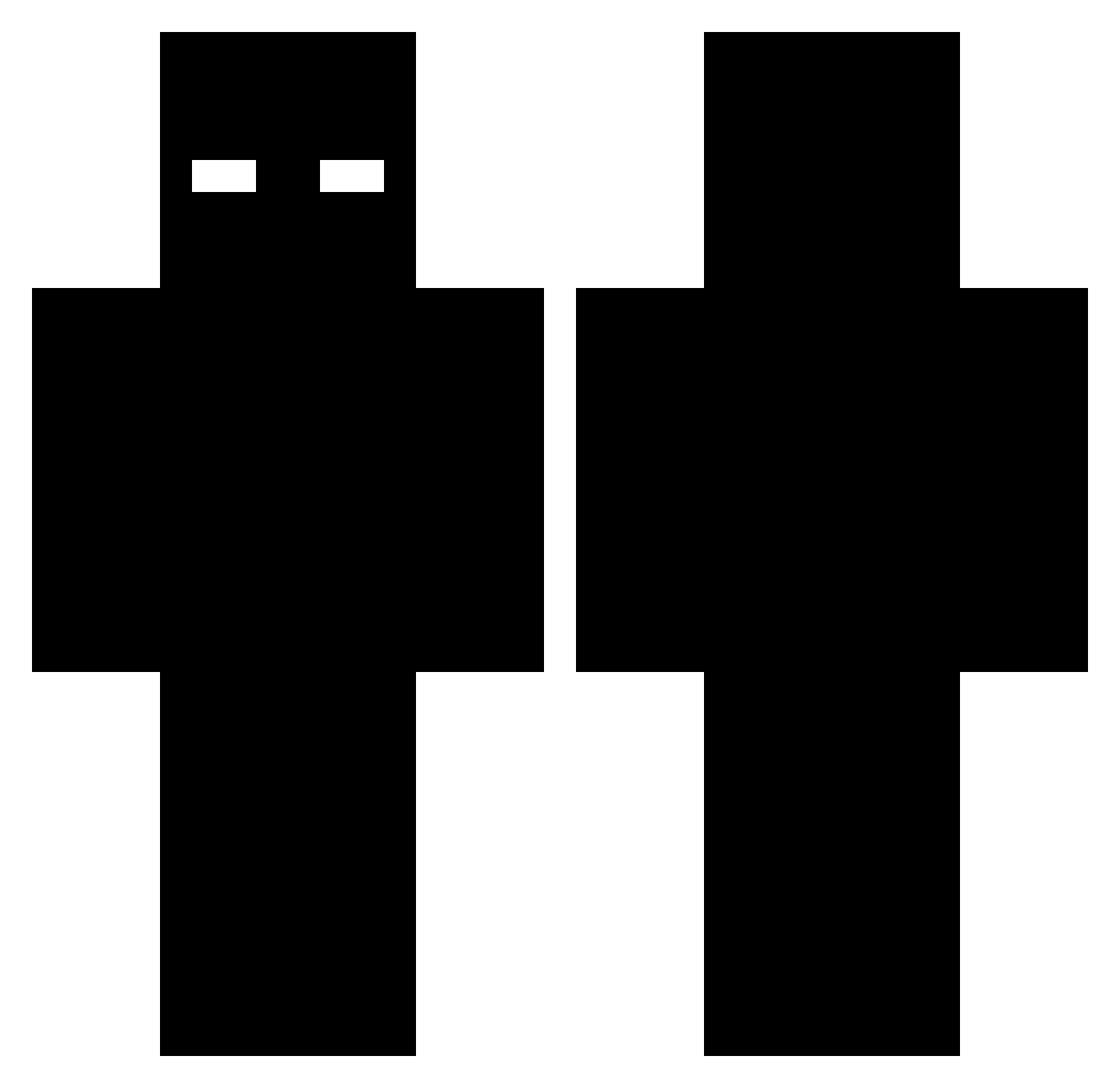
Other players with this skin (526)
ShadowUchihaYT was the 151st player we have seen with this skin, first spotted on 26.08.2026. The same skin was seen on these players. Open a nickname to see their current skin and skin history.
 AutoParandaja MackHopkins STI4GOS Astrologoofffiii blackbird2112 Wyatt177 Nel1726 arturzinnn Mutantti OnionBhajii22 _Minelix
 lynz_11 Amatu_AMT WilliamVang Freddi2k12 Bdx100 knashkuma yarr7004 VolcanoGuide71 ori2016 GhxstPlug Torfuyann II_S_II qnoxxp Hydraja envxxd KV786 DARK_54 NetflixAnPopcorn ValidSal MrKickNClobber Moonzsy haj511 _Legxacy_ JustM32016 LuisZazueta CoolestDiamonds TitaniumRock x_Heimdall qpel rosamusse34 semitens KelsDD EpicSAW kb_6e3 FINF1N n9ree cookie8212 TheShad0w2010 OOMrwille danissuees MaxBlocky T8bz 0_BuTaJIuK_0 FrancoZg JaydillaG Atlas_0X BlakeMA12 ClutchFriend218 BeiWeiXiaoChao
More Entity 303 Minecraft skins
How to install the ShadowUchihaYT skin
- Press the Download button above to save the skin as a PNG file.
- Minecraft: Bedrock Edition (PE): open the Dressing Room from the main menu (or tap your character → Edit Character), go to Classic Skins → Owned, press the + (new skin) button, choose the downloaded PNG and pick the Classic (Steve) model. Works on PC and mobile; consoles cannot import custom skins.
- Minecraft: Java Edition: open the Minecraft Launcher, go to the Skins tab, click New Skin, load the PNG, pick the Classic (Steve) model and press Save & Use. You can also upload it at minecraft.net → Profile → Change Skin.
The skin does not show up after import - what should I do?
Restart Minecraft and open the Dressing Room again - imported skins sometimes appear only after a restart. Also make sure you selected the imported skin and picked the Classic (Steve) model.
Which model should I choose, Classic or Slim?
This skin is designed for the Classic (Steve) model. If you pick the wrong model, the arms of the skin will look stretched or squeezed.
Is the skin of ShadowUchihaYT free to download?
Yes. Press Download, save the PNG file and use it in Minecraft: Bedrock Edition or Java Edition - no payment or registration needed. The skin also works on multiplayer servers and Realms.
More skins
Looking for more? Go back to all Minecraft skins and check the top skins of the week, month and all time, or find any player's skin by nickname.