
Sh4rkM4st3r - Minecraft Skins & Skin History
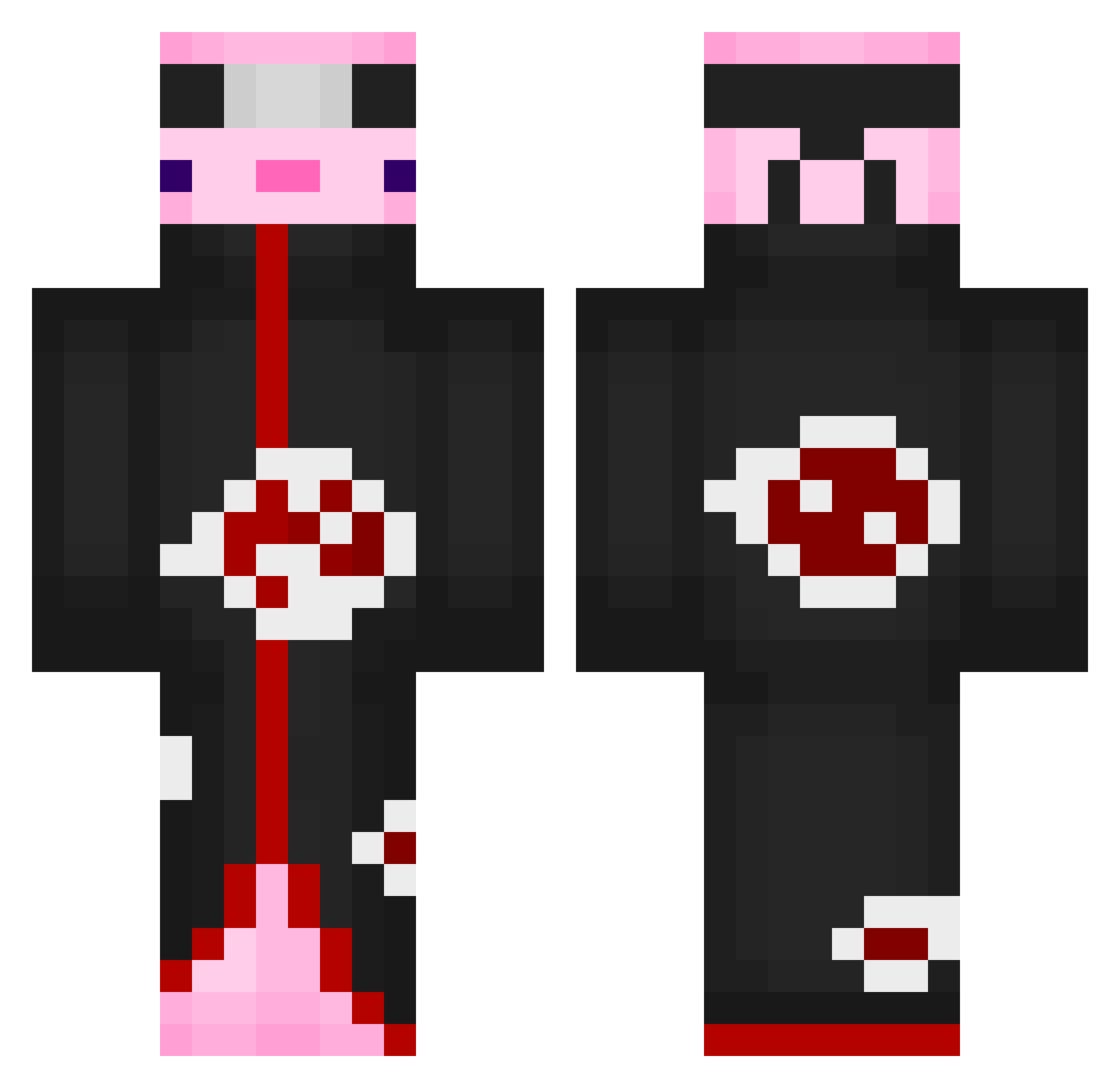
Current Minecraft skin of the player Sh4rkM4st3r, loaded from the official Mojang API. Rotate the 3D model with your mouse or finger, then download the skin as a PNG file and use it in Minecraft: Bedrock Edition or Java Edition for free. When Sh4rkM4st3r changes their skin, this page updates automatically and the old skin stays in the history below.
Other players with this skin (698)
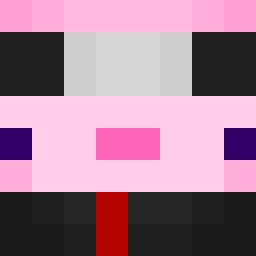
Sh4rkM4st3r was the 637th player we have seen with this skin, first spotted on 02.11.2026. The same skin was seen on these players. Open a nickname to see their current skin and skin history.
 steventso ttvTobee GABECR3 Maniasa Nolimit3_ JoshuaTheReal _isekarl BiZark AcidApple PatyaKM IamZelius Krysae20 sisax_twitch LuffyKWt isster08 Sean_Stanley23 Lil_Indian_Girl FluffyPotato420 Frazzlehoon llFade zocksocki THE_0NE__ genson Pattas5555 Gopher_0508 owieplaysmc iViTuu ZuperFly3r NoHxnor Faln_ MrStayAtHomeDad OmegaXGD ZombieGutter courtneyann0419 PREALUX SOOM_03 Luvvv Juazy csfangtian isapro8567 ssu_0_ __puppet Jeremixyz Takiabyy Edward_ATALS RealRanjit nova_motz Irenex16 xZodiac26 Zibtacular Mari_Is_Cool stefan4787 lokeisgod1254 ARISUzzz Enderpro1598 osushd Anaaabg LiquidAbyss ichimaru__ _Jiinx
More Akatsuki Minecraft skins
How to install the Sh4rkM4st3r skin
- Press the Download button above to save the skin as a PNG file.
- Minecraft: Bedrock Edition (PE): open the Dressing Room from the main menu (or tap your character → Edit Character), go to Classic Skins → Owned, press the + (new skin) button, choose the downloaded PNG and pick the Classic (Steve) model. Works on PC and mobile; consoles cannot import custom skins.
- Minecraft: Java Edition: open the Minecraft Launcher, go to the Skins tab, click New Skin, load the PNG, pick the Classic (Steve) model and press Save & Use. You can also upload it at minecraft.net → Profile → Change Skin.
The skin does not show up after import - what should I do?
Restart Minecraft and open the Dressing Room again - imported skins sometimes appear only after a restart. Also make sure you selected the imported skin and picked the Classic (Steve) model.
Which model should I choose, Classic or Slim?
This skin is designed for the Classic (Steve) model. If you pick the wrong model, the arms of the skin will look stretched or squeezed.
Is the skin of Sh4rkM4st3r free to download?
Yes. Press Download, save the PNG file and use it in Minecraft: Bedrock Edition or Java Edition - no payment or registration needed. The skin also works on multiplayer servers and Realms.
More skins
Looking for more? Go back to all Minecraft skins and check the top skins of the week, month and all time, or find any player's skin by nickname.