
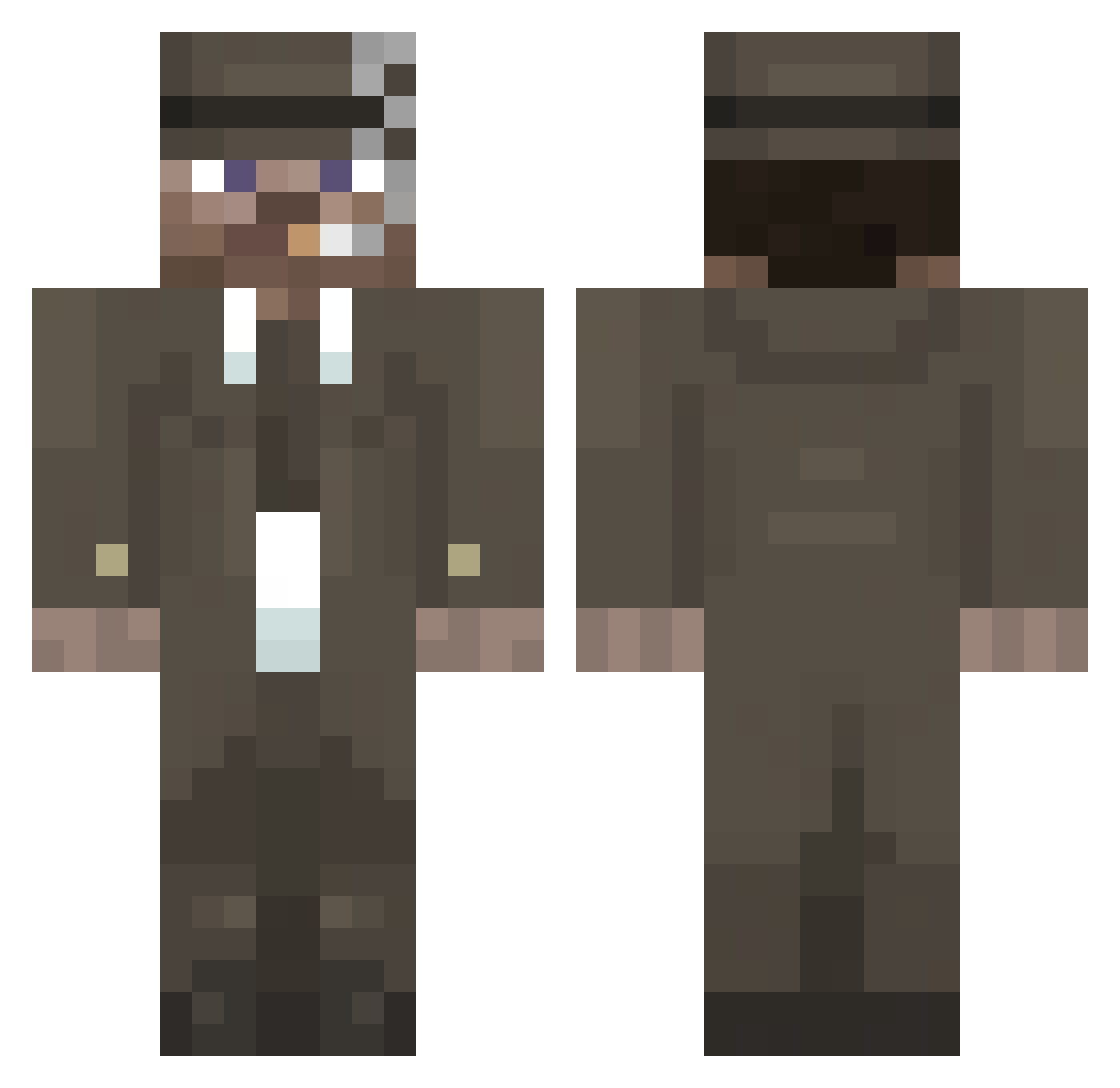
Current Minecraft skin of the player Sezz1ne, loaded from the official Mojang API. Rotate the 3D model with your mouse or finger, then download the skin as a PNG file and use it in Minecraft: Bedrock Edition or Java Edition for free. When Sezz1ne changes their skin, this page updates automatically and the old skin stays in the history below.
Other players with this skin (85)
Sezz1ne was the 38th player we have seen with this skin, first spotted on 01.08.2026. The same skin was seen on these players. Open a nickname to see their current skin and skin history.
 BOSF7
BOSF7 318f
318f mdcha12
 sabec
sabec hasarbaidschan
 Krythorax
 DragoniteRplays PengwinzZzZ
 oVega_ ACIDHOUSE420
 Phantomgamer516
 infinite_chris
 Balex082
 LunseSpirit
 autobusik1337
 weke_ Verix223
 WiezaZegar0wa
 the67maik
 Dejwson12
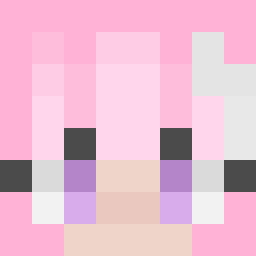 CheiraPeido2000
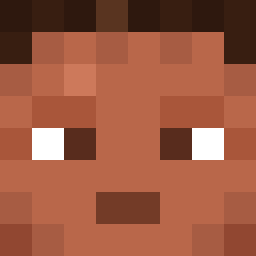 Dodong_Gamay OHM012
 PantheRRed_0805
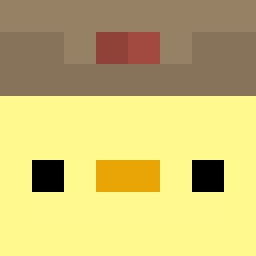 duck54321
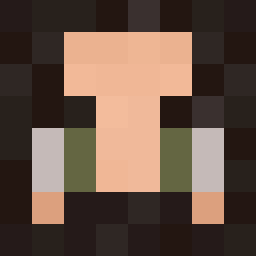 cicijim
 brayden11111
 x_XpvpX_x KVIX_ L1s0neEIEI
 xELITEx6812
 Bobxva
 Godproplayer2000
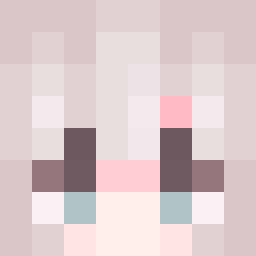 SashaToon JustStan1
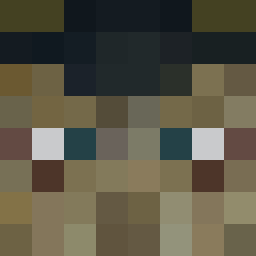 Theolajv
 uosv osuby
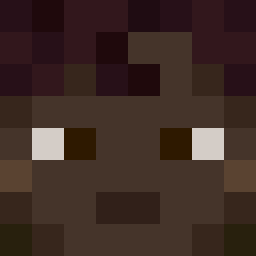 GGFltu
 LeXD2025 LesteANAaURA
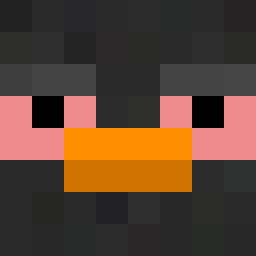 samuks_
 d0brik AIEFOY
 Jrodnin rusak21 EVILmeokima
 L0lluz_
 b0gg0s Bladyy_
 naugahyde Neogmao S9mar
 Bilti7
 smallwellIII songoflove SushiMaster5487 ChristopherQWQ
 Guerrero80 ssjwjw
More Mafia Minecraft skins
How to install the Sezz1ne skin
- Press the Download button above to save the skin as a PNG file.
- Minecraft: Bedrock Edition (PE): open the Dressing Room from the main menu (or tap your character → Edit Character), go to Classic Skins → Owned, press the + (new skin) button, choose the downloaded PNG and pick the Classic (Steve) model. Works on PC and mobile; consoles cannot import custom skins.
- Minecraft: Java Edition: open the Minecraft Launcher, go to the Skins tab, click New Skin, load the PNG, pick the Classic (Steve) model and press Save & Use. You can also upload it at minecraft.net → Profile → Change Skin.
The skin does not show up after import - what should I do?
Restart Minecraft and open the Dressing Room again - imported skins sometimes appear only after a restart. Also make sure you selected the imported skin and picked the Classic (Steve) model.
Which model should I choose, Classic or Slim?
This skin is designed for the Classic (Steve) model. If you pick the wrong model, the arms of the skin will look stretched or squeezed.
Is the skin of Sezz1ne free to download?
Yes. Press Download, save the PNG file and use it in Minecraft: Bedrock Edition or Java Edition - no payment or registration needed. The skin also works on multiplayer servers and Realms.
More skins
Looking for more? Go back to all Minecraft skins and check the top skins of the week, month and all time, or find any player's skin by nickname.