
Seventhmedusa - Minecraft Skins & Skin History
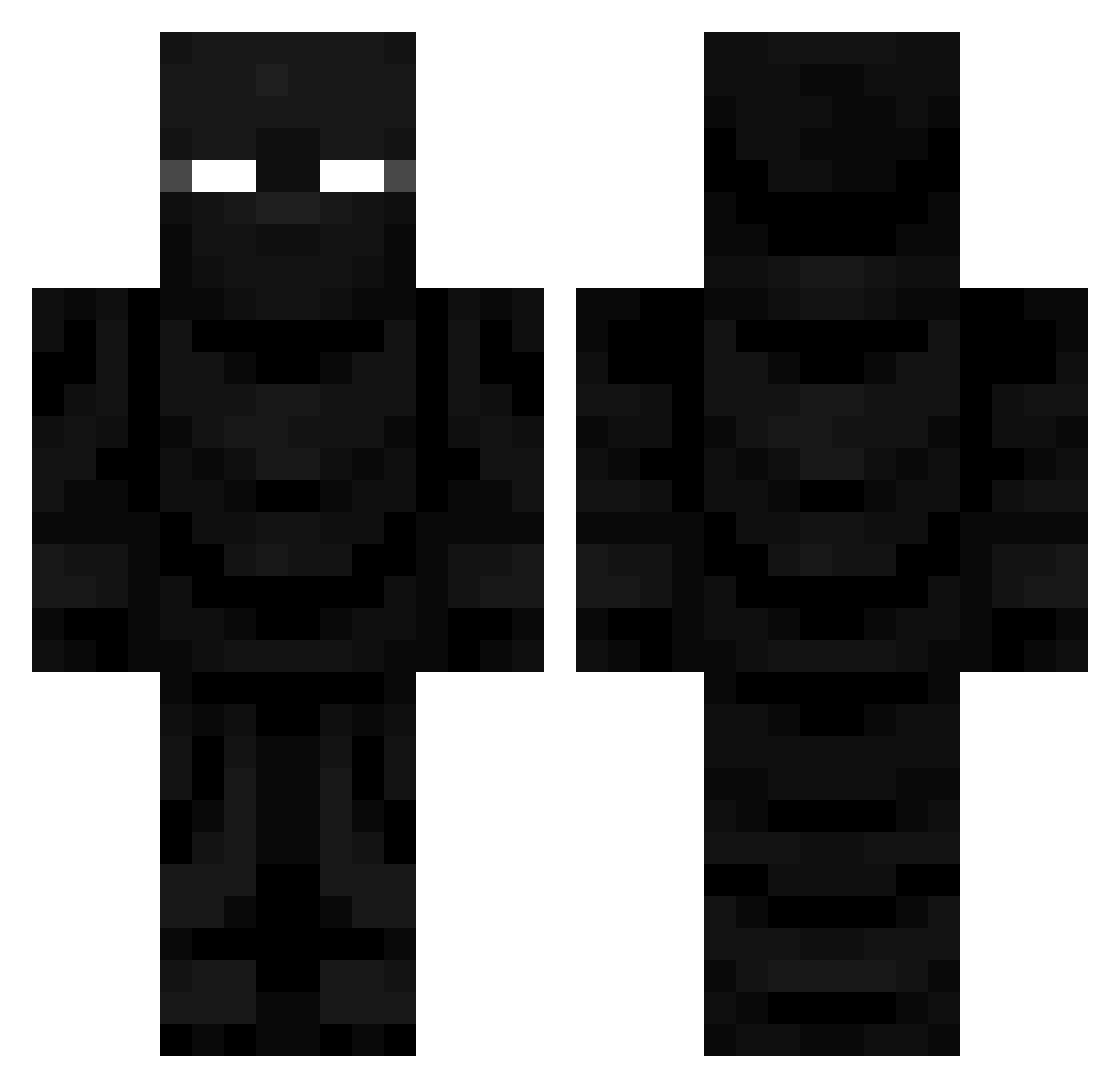
Current Minecraft skin of the player Seventhmedusa, loaded from the official Mojang API. Rotate the 3D model with your mouse or finger, then download the skin as a PNG file and use it in Minecraft: Bedrock Edition or Java Edition for free. When Seventhmedusa changes their skin, this page updates automatically and the old skin stays in the history below.
Other players with this skin (680)
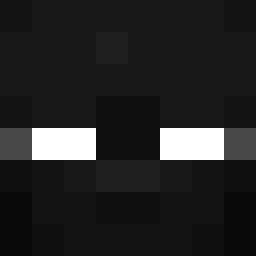
Seventhmedusa was the 449th player we have seen with this skin, first spotted on 01.10.2026. The same skin was seen on these players. Open a nickname to see their current skin and skin history.
 Ymparileikkaaja ghost69873 MattifiedM5 rusciiz Fatalis1996 Axelgame1234 asdxiao Snuzie_ sarunas1111 MinerVictor mchk_vtikB_1125 Luemel _SnowScar_ exkodex Auxhu captainmig0 ST4Risreal Tamatoa78 Sunnywar Loewe111YT NnUuNnOo Inzur AppleTon4892 Icewizard023 OriginSherBert AlaricThunderrod Lunarkiller317 _TheDarknes_ MrNexus501 jasonvorhees163 Lucifer3926 Yunxiaqi79 Bobcatz Navluc VoidXB F3lix_huluk BothWings23 Skyclaw100000000 KaniKaizen Shadow_Fear STLWHITEB0Y Talentedgirafe RizinArchangel dahodak kolbzz PepsiSucks1221 AkireShots Cow2222 Yoshiou_ Jacob66XD theonlyog69 BertsDaPro CobinMyMan realbashy LukoAndras LewSputhole69 TOBYLOBYTHEGREAT NobodyWantsYou theblack_tophat MastJagermeister
More Ninja Minecraft skins
How to install the Seventhmedusa skin
- Press the Download button above to save the skin as a PNG file.
- Minecraft: Bedrock Edition (PE): open the Dressing Room from the main menu (or tap your character → Edit Character), go to Classic Skins → Owned, press the + (new skin) button, choose the downloaded PNG and pick the Classic (Steve) model. Works on PC and mobile; consoles cannot import custom skins.
- Minecraft: Java Edition: open the Minecraft Launcher, go to the Skins tab, click New Skin, load the PNG, pick the Classic (Steve) model and press Save & Use. You can also upload it at minecraft.net → Profile → Change Skin.
The skin does not show up after import - what should I do?
Restart Minecraft and open the Dressing Room again - imported skins sometimes appear only after a restart. Also make sure you selected the imported skin and picked the Classic (Steve) model.
Which model should I choose, Classic or Slim?
This skin is designed for the Classic (Steve) model. If you pick the wrong model, the arms of the skin will look stretched or squeezed.
Is the skin of Seventhmedusa free to download?
Yes. Press Download, save the PNG file and use it in Minecraft: Bedrock Edition or Java Edition - no payment or registration needed. The skin also works on multiplayer servers and Realms.
More skins
Looking for more? Go back to all Minecraft skins and check the top skins of the week, month and all time, or find any player's skin by nickname.