
Scott_Bot69 - Minecraft Skins & Skin History
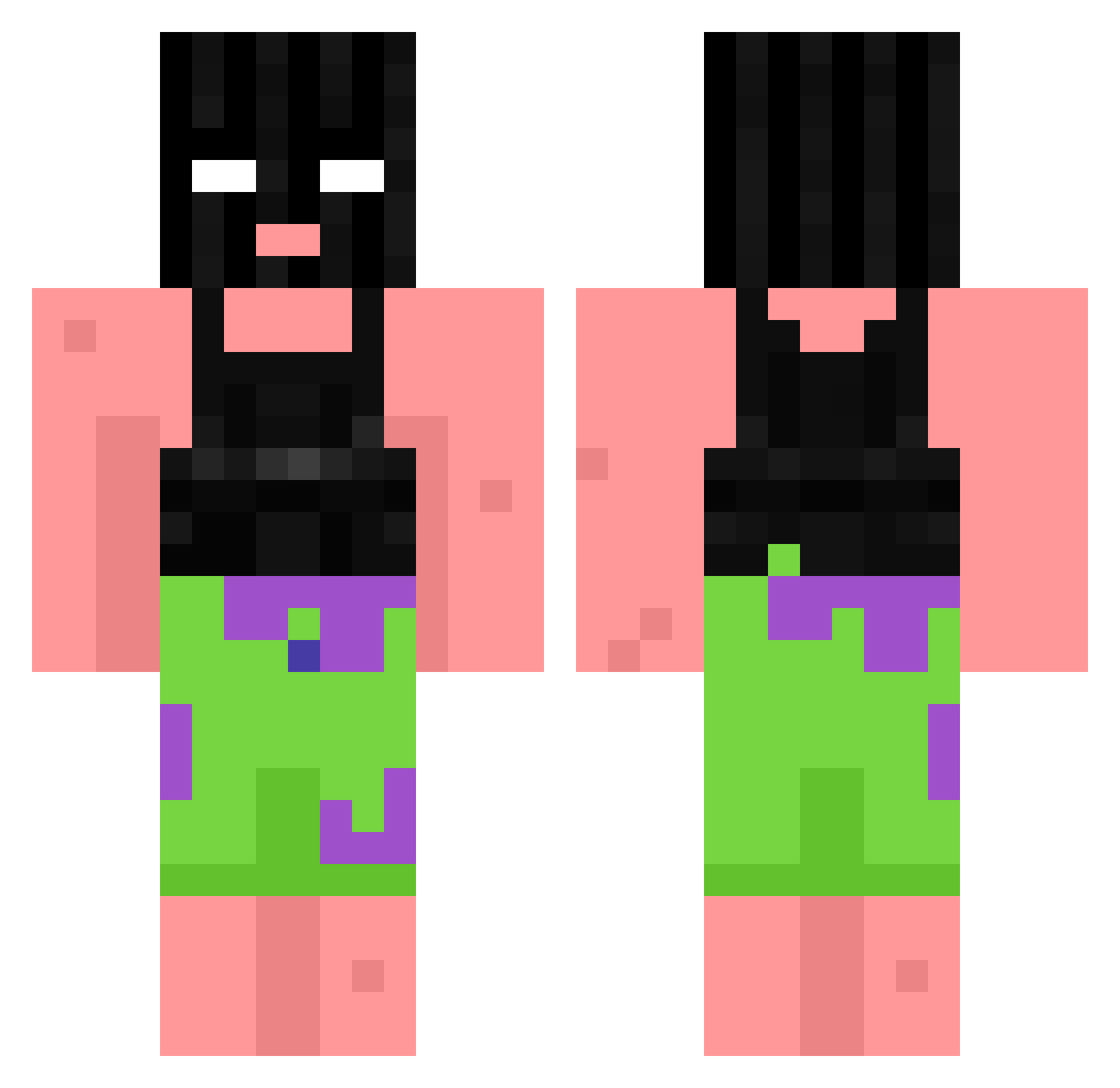
Current Minecraft skin of the player Scott_Bot69, loaded from the official Mojang API. Rotate the 3D model with your mouse or finger, then download the skin as a PNG file and use it in Minecraft: Bedrock Edition or Java Edition for free. When Scott_Bot69 changes their skin, this page updates automatically and the old skin stays in the history below.
Other players with this skin (1061)
Scott_Bot69 was the 869th player we have seen with this skin, first spotted on 31.10.2026. The same skin was seen on these players. Open a nickname to see their current skin and skin history.
 TTVpizzaroll JavidIstKrass SmartCowGaming chillinCHAD Brzoza29 szymvo _luuka_ GlizzyGooblin Jogo_HD biG_Yee fritzi03 RedDay_ szikan_jp cuckmaster99 oRxbby KAUEEEEE fmgsdh DerQuallie hAQYiX WaffleToucher FlameOfDivinity VitoK1NGKONG jaydenpalmer321 AlvinYakitori1 Masonizer3811 akaStemCells Flachsen RgNxHagrid RoliHolzi96 TalentlessFur vrixk Soondea_Gukbap AerialTorque Bonais_1313 Vqard TSnino idk_Xeon SoccerMaster88 Blu3Balls nathan1258 SubSoldado35 Pedro12B Nickspark66 carrotstealhuman mojochocho sobenm Culcita TKG3_ Supermax213916 PapiChulloJr Keqay beeformed KAYAKQUEEN42069 Natedog01 DDusin0614 jackonis_ zSqueeezzY unicorngirl_2478 saulea_ teeth_juice
More Ski Mask Minecraft skins
How to install the Scott_Bot69 skin
- Press the Download button above to save the skin as a PNG file.
- Minecraft: Bedrock Edition (PE): open the Dressing Room from the main menu (or tap your character → Edit Character), go to Classic Skins → Owned, press the + (new skin) button, choose the downloaded PNG and pick the Classic (Steve) model. Works on PC and mobile; consoles cannot import custom skins.
- Minecraft: Java Edition: open the Minecraft Launcher, go to the Skins tab, click New Skin, load the PNG, pick the Classic (Steve) model and press Save & Use. You can also upload it at minecraft.net → Profile → Change Skin.
The skin does not show up after import - what should I do?
Restart Minecraft and open the Dressing Room again - imported skins sometimes appear only after a restart. Also make sure you selected the imported skin and picked the Classic (Steve) model.
Which model should I choose, Classic or Slim?
This skin is designed for the Classic (Steve) model. If you pick the wrong model, the arms of the skin will look stretched or squeezed.
Is the skin of Scott_Bot69 free to download?
Yes. Press Download, save the PNG file and use it in Minecraft: Bedrock Edition or Java Edition - no payment or registration needed. The skin also works on multiplayer servers and Realms.
More skins
Looking for more? Go back to all Minecraft skins and check the top skins of the week, month and all time, or find any player's skin by nickname.