
Sayushimi - Minecraft Skins & Skin History
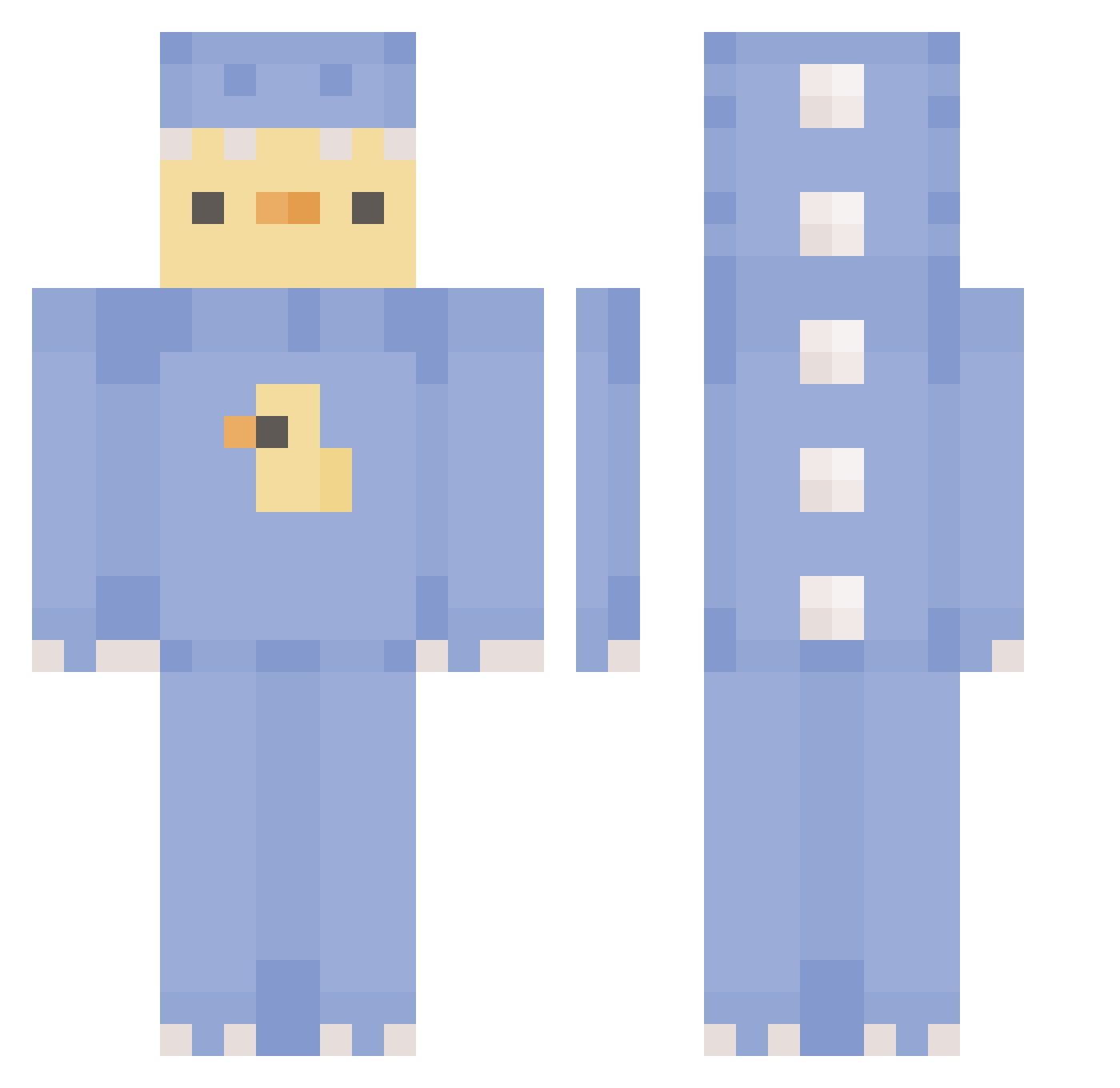
Current Minecraft skin of the player Sayushimi, loaded from the official Mojang API. Rotate the 3D model with your mouse or finger, then download the skin as a PNG file and use it in Minecraft: Bedrock Edition or Java Edition for free. When Sayushimi changes their skin, this page updates automatically and the old skin stays in the history below.
Other players with this skin (451)
Sayushimi was the 358th player we have seen with this skin, first spotted on 28.10.2026. The same skin was seen on these players. Open a nickname to see their current skin and skin history.
 xdstro MiguelTruel spicagirl HakunamaTATA1124 Romleo65 orione111 OHOvv wowChicken OnlyBox Sofffffi ppg078 ShiningBobzB soyeon023 O0O00O0Ol Yukiame_chan Mexxs_ Xevz_ platinum_dub Belgumjitse SkittleChes betsfel1 rooberduck69 Lilithaaa kuszken ANIAAV2 ItsGarb Jonas_2912 synapseeistaken EllaGu08 ggnao sakuraserisier Asio22 k4cz0r3k_ Michelle1512 nenne31 Executor_Gaming kkingkking123 DbroGaming maxtopyt666 SweetCherryTea ItsRektBtw qwerq_ Deathqt pinkybatch LeechyWeechy MudheOnline Samuka202 anth0ttie Mi07 darkawoken damdascraazy bbover0711 hami_0 Mako1234567890M Ruuuuu113 Mikiskut pikalani kulsid Primoroni LucyGoosey__
More Dinosaur Onesie Minecraft skins
See all 795 Dinosaur Onesie skins
How to install the Sayushimi skin
- Press the Download button above to save the skin as a PNG file.
- Minecraft: Bedrock Edition (PE): open the Dressing Room from the main menu (or tap your character → Edit Character), go to Classic Skins → Owned, press the + (new skin) button, choose the downloaded PNG and pick the Classic (Steve) model. Works on PC and mobile; consoles cannot import custom skins.
- Minecraft: Java Edition: open the Minecraft Launcher, go to the Skins tab, click New Skin, load the PNG, pick the Classic (Steve) model and press Save & Use. You can also upload it at minecraft.net → Profile → Change Skin.
The skin does not show up after import - what should I do?
Restart Minecraft and open the Dressing Room again - imported skins sometimes appear only after a restart. Also make sure you selected the imported skin and picked the Classic (Steve) model.
Which model should I choose, Classic or Slim?
This skin is designed for the Classic (Steve) model. If you pick the wrong model, the arms of the skin will look stretched or squeezed.
Is the skin of Sayushimi free to download?
Yes. Press Download, save the PNG file and use it in Minecraft: Bedrock Edition or Java Edition - no payment or registration needed. The skin also works on multiplayer servers and Realms.
More skins
Looking for more? Go back to all Minecraft skins and check the top skins of the week, month and all time, or find any player's skin by nickname.