
Sanex970 - Minecraft Skins & Skin History
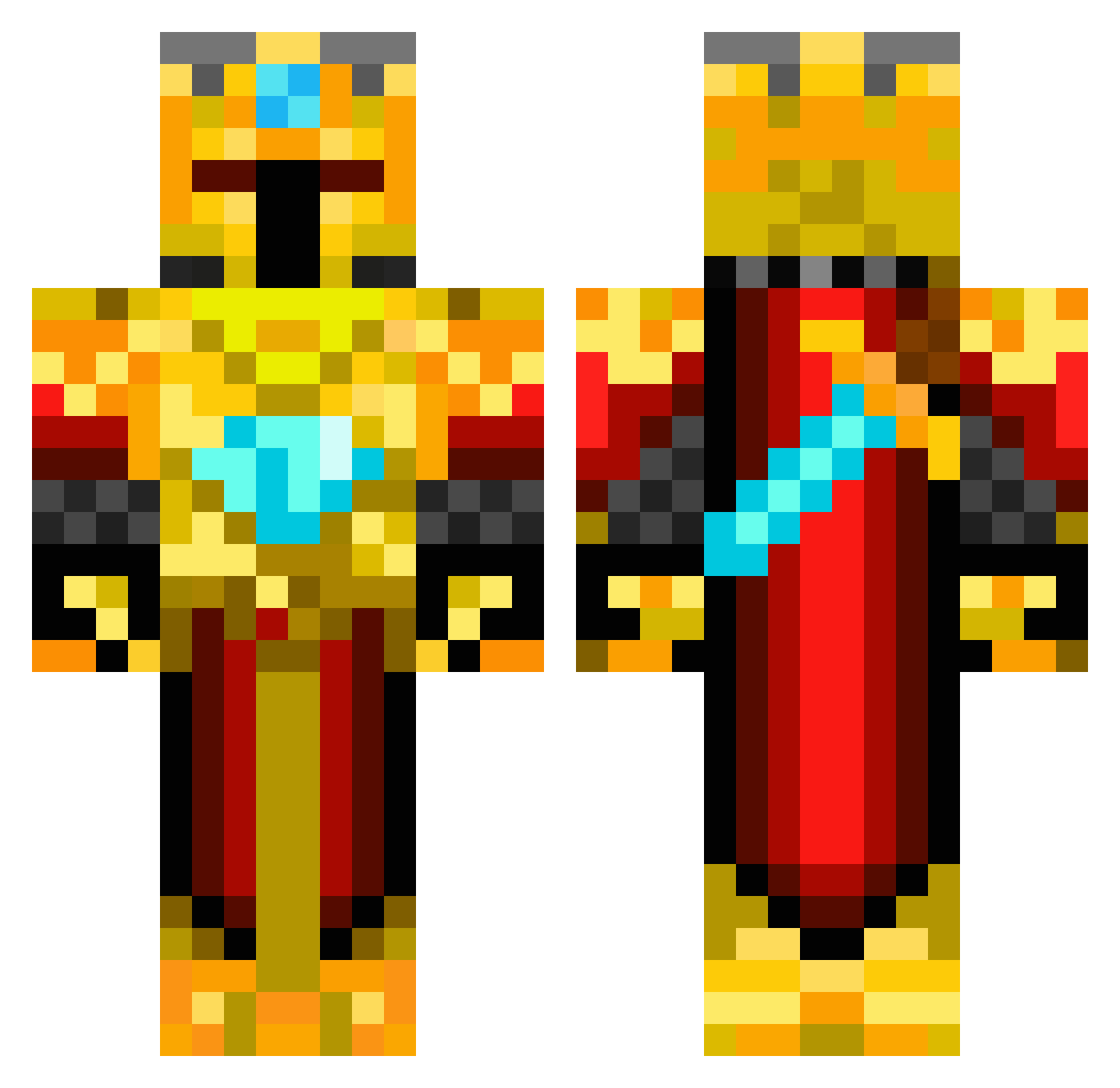
Current Minecraft skin of the player Sanex970, loaded from the official Mojang API. Rotate the 3D model with your mouse or finger, then download the skin as a PNG file and use it in Minecraft: Bedrock Edition or Java Edition for free. When Sanex970 changes their skin, this page updates automatically and the old skin stays in the history below.
Other players with this skin (169)
Sanex970 was the 64th player we have seen with this skin, first spotted on 27.08.2026. The same skin was seen on these players. Open a nickname to see their current skin and skin history.
 THESTIFFLER99 Casper7210 ekkanitmel NinjaMCplayer XxLeTiTbUrN mandaden Shiningstorm DarthValkore SwatShadow01 Anandebeast k3ntinus0t0 Smitty_Da_Dog MicDogChapple TheKing_801 bossbiermann adi380 Pu55y_Dest0yer Bradwyck Butter_Knight720 chaile04 Severinx99 fhofman superstu11 NMDubs3 KeevKK masouva sweetdady ilz Zemos69 joao443 miggitymike gmoney08 Trommern Menzimal King_Alex_III netkcid ZanesInsane thenoshinator awesomepiranha montelin Raidarn98 Suraj3315 TOBOK55 Kyotero Rayenos abbyrose2004 Pouppinette DrxTurtle SkaterKid96 Goeven DreadTheBread z00miwnl Theo_D06 Necron115 Seego yomynameisjoe dominantdado Field_Of_Dreams TheBlackFalcon bakster33
More Golden Armor Minecraft skins
See all 170 Golden Armor skins
How to install the Sanex970 skin
- Press the Download button above to save the skin as a PNG file.
- Minecraft: Bedrock Edition (PE): open the Dressing Room from the main menu (or tap your character → Edit Character), go to Classic Skins → Owned, press the + (new skin) button, choose the downloaded PNG and pick the Classic (Steve) model. Works on PC and mobile; consoles cannot import custom skins.
- Minecraft: Java Edition: open the Minecraft Launcher, go to the Skins tab, click New Skin, load the PNG, pick the Classic (Steve) model and press Save & Use. You can also upload it at minecraft.net → Profile → Change Skin.
The skin does not show up after import - what should I do?
Restart Minecraft and open the Dressing Room again - imported skins sometimes appear only after a restart. Also make sure you selected the imported skin and picked the Classic (Steve) model.
Which model should I choose, Classic or Slim?
This skin is designed for the Classic (Steve) model. If you pick the wrong model, the arms of the skin will look stretched or squeezed.
Is the skin of Sanex970 free to download?
Yes. Press Download, save the PNG file and use it in Minecraft: Bedrock Edition or Java Edition - no payment or registration needed. The skin also works on multiplayer servers and Realms.
More skins
Looking for more? Go back to all Minecraft skins and check the top skins of the week, month and all time, or find any player's skin by nickname.