
Samq0 - Minecraft Skins & Skin History
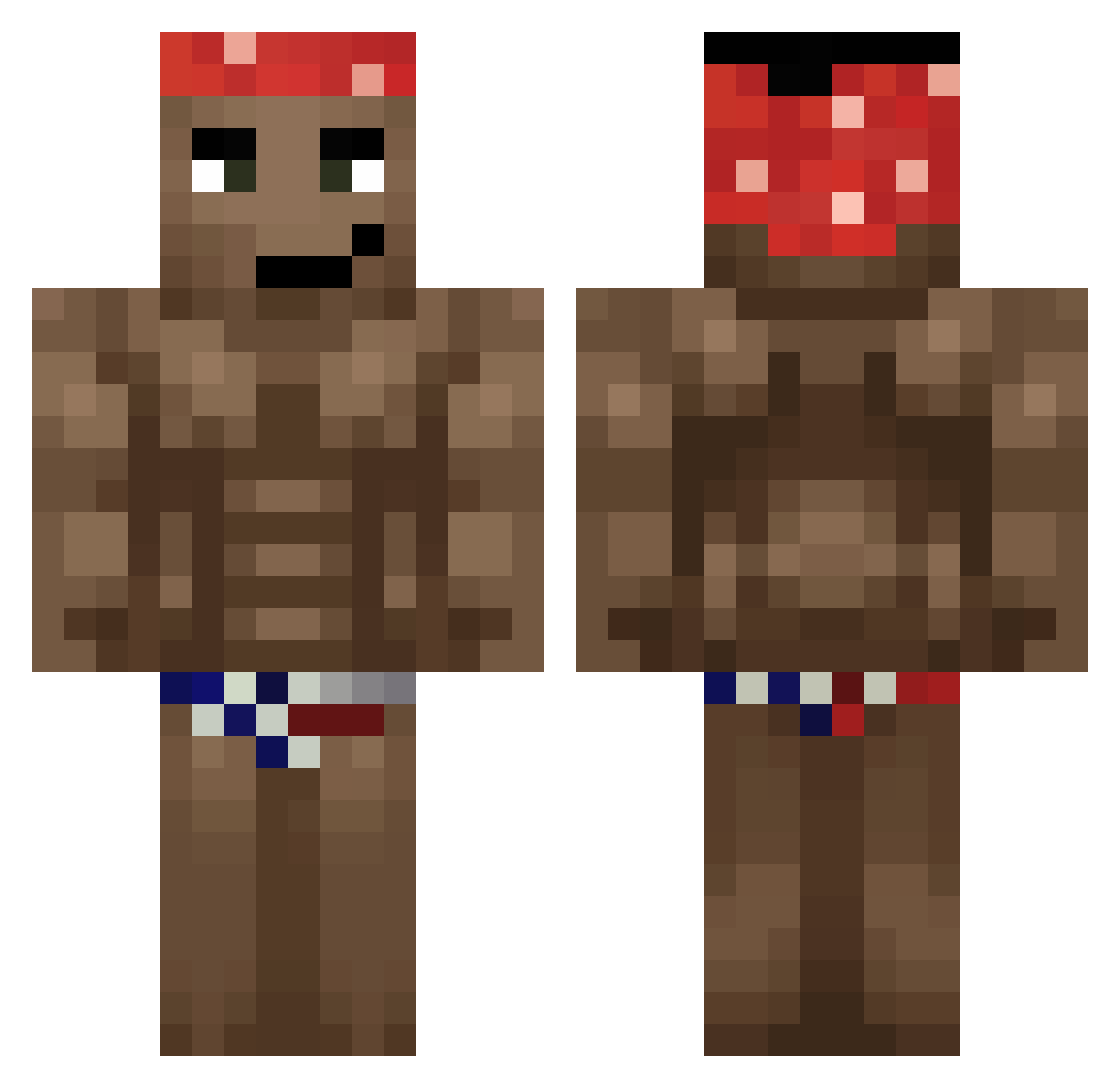
Current Minecraft skin of the player Samq0, loaded from the official Mojang API. Rotate the 3D model with your mouse or finger, then download the skin as a PNG file and use it in Minecraft: Bedrock Edition or Java Edition for free. When Samq0 changes their skin, this page updates automatically and the old skin stays in the history below.
Other players with this skin (657)
Samq0 was the 84th player we have seen with this skin, first spotted on 06.08.2026. The same skin was seen on these players. Open a nickname to see their current skin and skin history.
 RaZzFMG karafc KTPlaiz NgerMan123 jejejelipe LordZyder DiGrayMan 10Lei Adrianrider2003 MrPerrete cyhsl6 Altadious1 Glowasioo21 Cepeeka donggyun2_ babyman9134 Dispenserim DepressedWizarD chapelmussel0 Lergio_1206 ManoTenso BIGBOI_BS JWain17 BigMikeOhYeah thenutgod_ blackchicken856 tobio9092 angelitogamer666 Not_cyfe1309 JoNsTeRs Tzawolaru LeckdieEier69 GoodIceTea BussThatNutChall szymixol Zawada69 andreas2664 Faker1122 Forklyft VDPWL Mirac_66 Ziansu Eliud190 Maly_R feetlicker234 mauro963 JusticeDuke16 Tarzaza25086 souckee rendevil Kaesiwa ___Evergarden___ kkkaiser_ IamnotRocco CrayRazy loletan_ wexoas Skiillet PiotrulaGG Nibaro
More Dancer Minecraft skins
How to install the Samq0 skin
- Press the Download button above to save the skin as a PNG file.
- Minecraft: Bedrock Edition (PE): open the Dressing Room from the main menu (or tap your character → Edit Character), go to Classic Skins → Owned, press the + (new skin) button, choose the downloaded PNG and pick the Classic (Steve) model. Works on PC and mobile; consoles cannot import custom skins.
- Minecraft: Java Edition: open the Minecraft Launcher, go to the Skins tab, click New Skin, load the PNG, pick the Classic (Steve) model and press Save & Use. You can also upload it at minecraft.net → Profile → Change Skin.
The skin does not show up after import - what should I do?
Restart Minecraft and open the Dressing Room again - imported skins sometimes appear only after a restart. Also make sure you selected the imported skin and picked the Classic (Steve) model.
Which model should I choose, Classic or Slim?
This skin is designed for the Classic (Steve) model. If you pick the wrong model, the arms of the skin will look stretched or squeezed.
Is the skin of Samq0 free to download?
Yes. Press Download, save the PNG file and use it in Minecraft: Bedrock Edition or Java Edition - no payment or registration needed. The skin also works on multiplayer servers and Realms.
More skins
Looking for more? Go back to all Minecraft skins and check the top skins of the week, month and all time, or find any player's skin by nickname.