
Salvatore_2005 - Minecraft Skins & Skin History
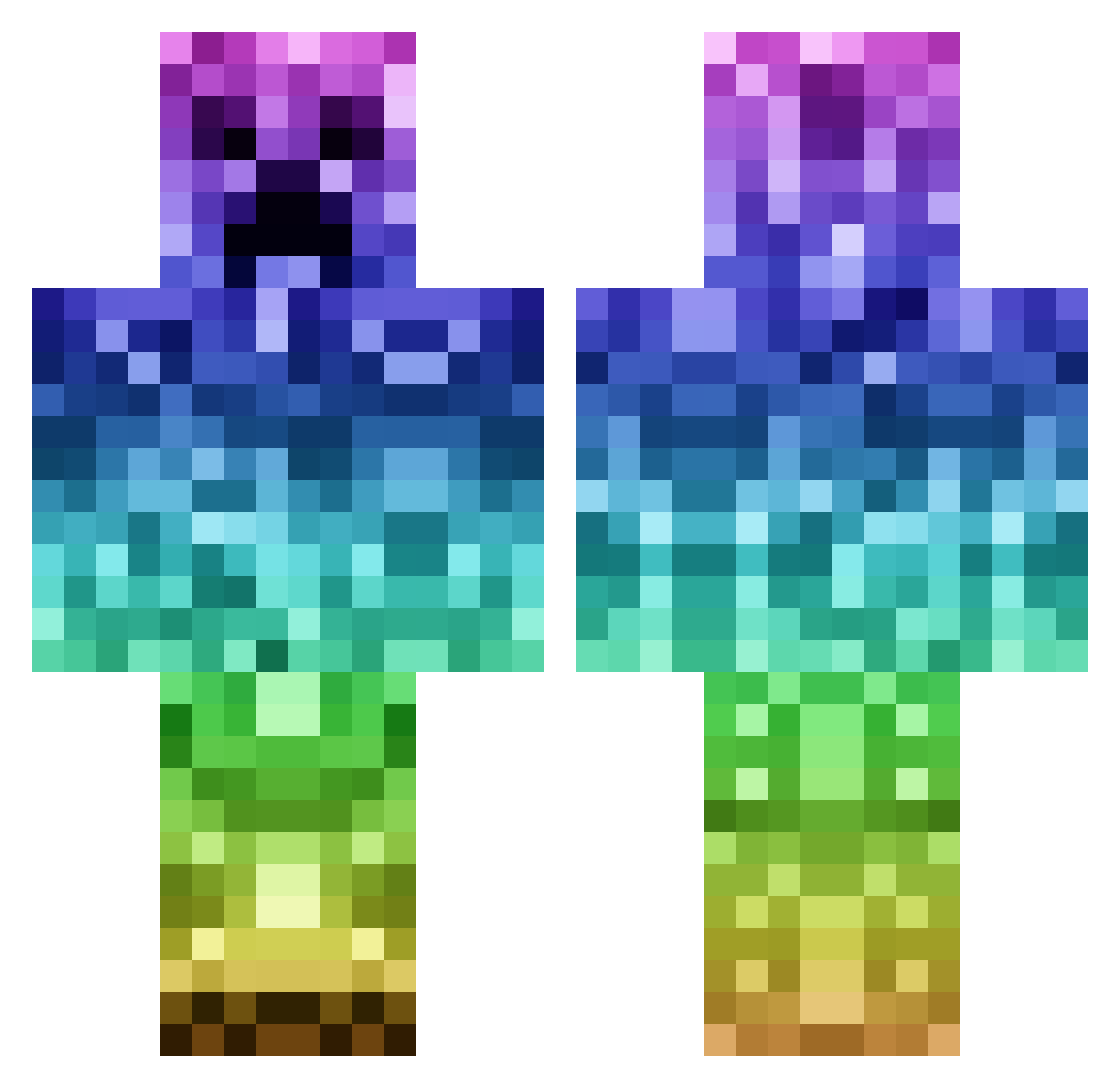
Current Minecraft skin of the player Salvatore_2005, loaded from the official Mojang API. Rotate the 3D model with your mouse or finger, then download the skin as a PNG file and use it in Minecraft: Bedrock Edition or Java Edition for free. When Salvatore_2005 changes their skin, this page updates automatically and the old skin stays in the history below.
Other players with this skin (1144)
Salvatore_2005 was the 123rd player we have seen with this skin, first spotted on 06.08.2026. The same skin was seen on these players. Open a nickname to see their current skin and skin history.
 PcGamerLad pindafluit mehanau spectrespartan Macarthur1992 xDEATHBYBOREDOMx duncansa greig100 Boonaa Tsink VoxelCreeper coryvaughan ErikExtergren destiny_raid mitchjl22 charlieunited03 Smurfjohanna iluvNoble jaydennguyen247 Koekimonster96 Nixio0702 wouternijland00 shen0904 PaZZerud Paggz99 Minecraft_josh31 To_Live Noel_spelar Tamtam0748 FT4Bot39 ABCmaster84 Checkyoursix17 Jacobdunn221 Jack_Reloaded TeamMD Elliep02 packerbay5556 DeadlyScHoOtZ shengfashi Miles_Ehrlich Alppijaeger ElliotRH1 Martel505 MrCreeper87878 savas10 BiscuitBuddy22 TakaClient dancingpickles_ hkrt123 fofo_25 zabutonn66 Preeemek Yanks3333 OscisW g0zila Doyler019 kst8 Ainiris mrdrummachinez Supergameremma
More Rainbow Minecraft skins
How to install the Salvatore_2005 skin
- Press the Download button above to save the skin as a PNG file.
- Minecraft: Bedrock Edition (PE): open the Dressing Room from the main menu (or tap your character → Edit Character), go to Classic Skins → Owned, press the + (new skin) button, choose the downloaded PNG and pick the Classic (Steve) model. Works on PC and mobile; consoles cannot import custom skins.
- Minecraft: Java Edition: open the Minecraft Launcher, go to the Skins tab, click New Skin, load the PNG, pick the Classic (Steve) model and press Save & Use. You can also upload it at minecraft.net → Profile → Change Skin.
The skin does not show up after import - what should I do?
Restart Minecraft and open the Dressing Room again - imported skins sometimes appear only after a restart. Also make sure you selected the imported skin and picked the Classic (Steve) model.
Which model should I choose, Classic or Slim?
This skin is designed for the Classic (Steve) model. If you pick the wrong model, the arms of the skin will look stretched or squeezed.
Is the skin of Salvatore_2005 free to download?
Yes. Press Download, save the PNG file and use it in Minecraft: Bedrock Edition or Java Edition - no payment or registration needed. The skin also works on multiplayer servers and Realms.
More skins
Looking for more? Go back to all Minecraft skins and check the top skins of the week, month and all time, or find any player's skin by nickname.