
Rusus - Minecraft Skins & Skin History
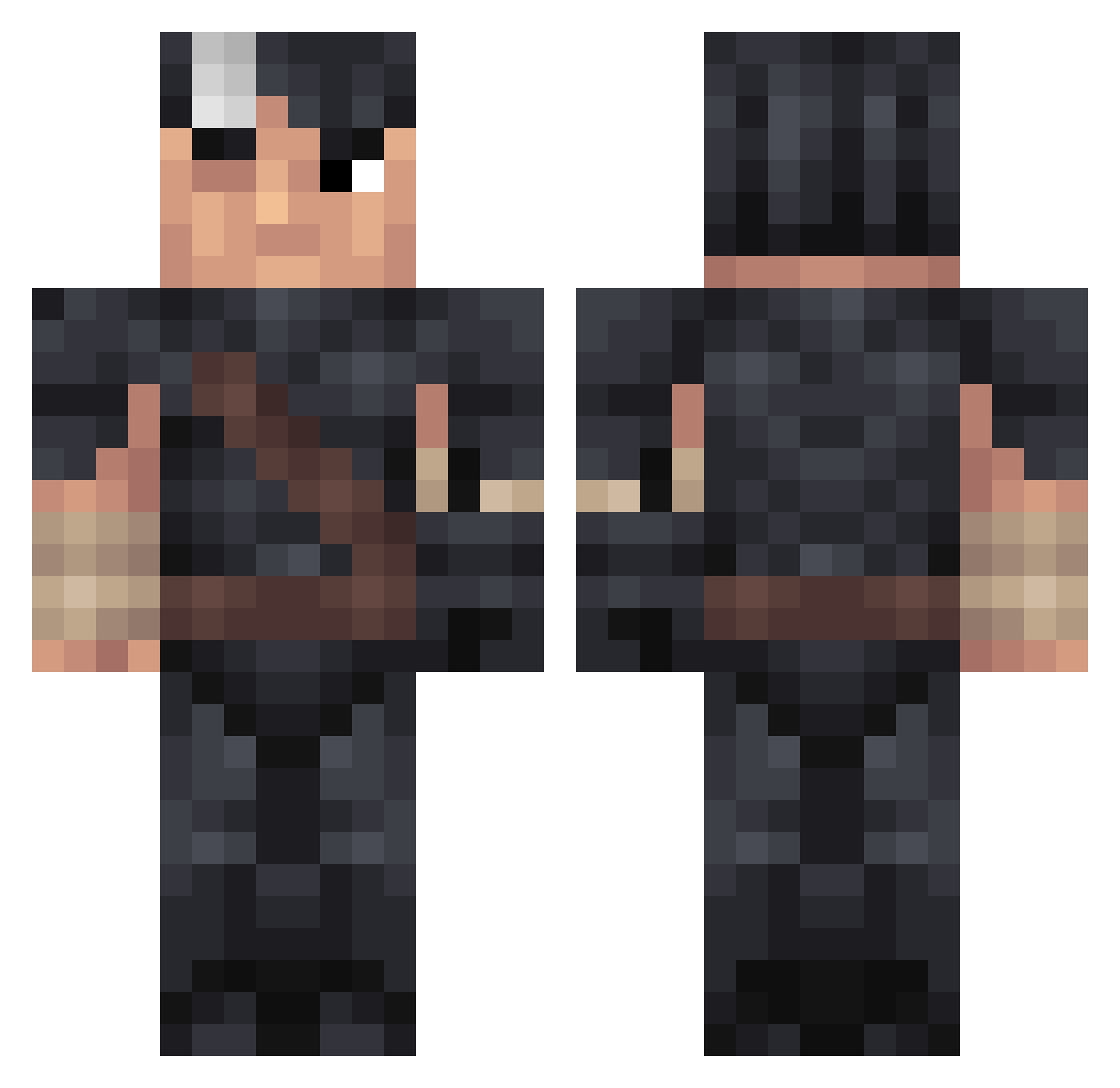
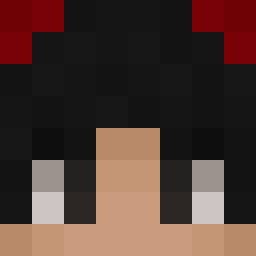
Current Minecraft skin of the player Rusus, loaded from the official Mojang API. Rotate the 3D model with your mouse or finger, then download the skin as a PNG file and use it in Minecraft: Bedrock Edition or Java Edition for free. When Rusus changes their skin, this page updates automatically and the old skin stays in the history below.
Other players with this skin (251)
Rusus was the 26th player we have seen with this skin, first spotted on 09.08.2026. The same skin was seen on these players. Open a nickname to see their current skin and skin history.
 Poomzonza Stillmegapro Leandrito_gime moin151 Eggsorzistus Thedawe Tatotsubo Ma7eka mrbarbun rlawlsgjs PirateKingSSB ChicknLips FatEmp
 strxggle__ Damwills Kurapika7 mamisguts Sus_Monke96 Mant4_r0chen IncomingJet xTheBurgerMan Gioras CptCuddlesworths aks_AYeSR_02_22 Skkoteino
 MattIsYourHomie gorgoblazz theSh1dow Witt2y7 treela Proicus TangentCoin5674 MoyCadu Swayze199999 __Sylver_ kenp8chi SoiiSaucee O_E3sp1ao Cris89mrt
 G0DofShinobi Revelk Initwar Maximilian454 EDUBAIBA_69 krupover Daylli Amine_68 YouzzaDa mounh Kisunto ReiDoPaoDeAlho vvaraxx
 3Dimes Alpecinshampoo45 xGunzo HuskyWriter55 mrFigi __YIGIT__ paulo3m1li0 ChadGamerUltime
More Guts Minecraft skins
How to install the Rusus skin
- Press the Download button above to save the skin as a PNG file.
- Minecraft: Bedrock Edition (PE): open the Dressing Room from the main menu (or tap your character → Edit Character), go to Classic Skins → Owned, press the + (new skin) button, choose the downloaded PNG and pick the Classic (Steve) model. Works on PC and mobile; consoles cannot import custom skins.
- Minecraft: Java Edition: open the Minecraft Launcher, go to the Skins tab, click New Skin, load the PNG, pick the Classic (Steve) model and press Save & Use. You can also upload it at minecraft.net → Profile → Change Skin.
The skin does not show up after import - what should I do?
Restart Minecraft and open the Dressing Room again - imported skins sometimes appear only after a restart. Also make sure you selected the imported skin and picked the Classic (Steve) model.
Which model should I choose, Classic or Slim?
This skin is designed for the Classic (Steve) model. If you pick the wrong model, the arms of the skin will look stretched or squeezed.
Is the skin of Rusus free to download?
Yes. Press Download, save the PNG file and use it in Minecraft: Bedrock Edition or Java Edition - no payment or registration needed. The skin also works on multiplayer servers and Realms.
More skins
Looking for more? Go back to all Minecraft skins and check the top skins of the week, month and all time, or find any player's skin by nickname.