
RohanQiii - Minecraft Skins & Skin History
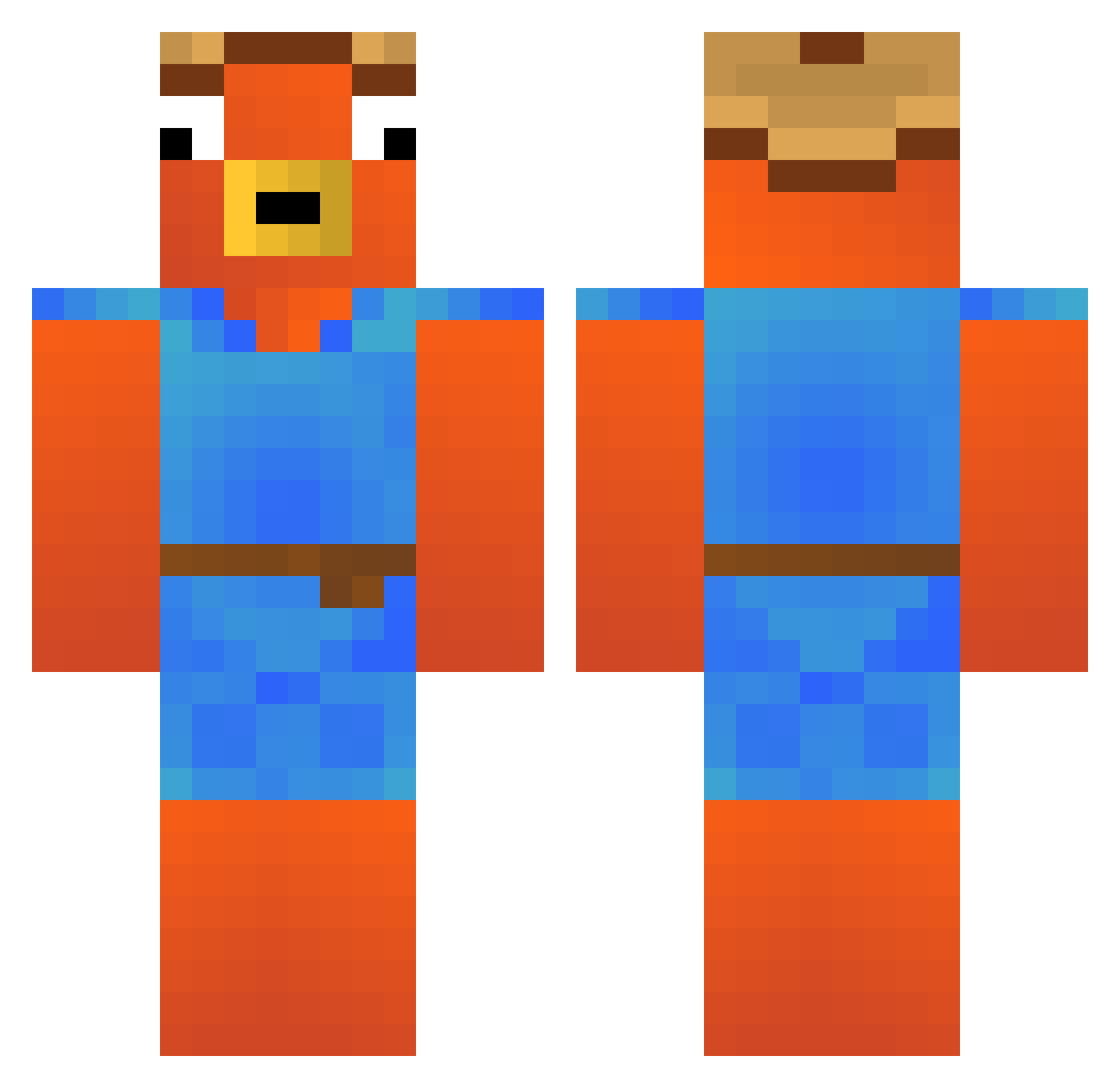
Current Minecraft skin of the player RohanQiii, loaded from the official Mojang API. Rotate the 3D model with your mouse or finger, then download the skin as a PNG file and use it in Minecraft: Bedrock Edition or Java Edition for free. When RohanQiii changes their skin, this page updates automatically and the old skin stays in the history below.
Other players with this skin (292)
RohanQiii was the 265th player we have seen with this skin, first spotted on 23.10.2026. The same skin was seen on these players. Open a nickname to see their current skin and skin history.
 Jekol Brodi_17 tomundjerry98 Kaboo_ LuckyPhilip mascapito09 Tosti_Tostbrot Kincsess caiosrg Onkeljager Paulinator0704 cartoff1 DKc3s Ixo_tw pijas69 reativow Giovnnni mr_flopper_ Mattilino Timsg Black_Red57 Oball Janpalopiroquinh Meccho22 Gio_Zuma tatuzinho123 LuffyGerfor passie069 mosquito_byte sordi22 antonio2004 babum23 Ceraffin bastenCHEFAO ZairossHype Constantiin inanfarketmiyo Sandro1901 charygaming Nesser001 SiehtMan_Das caionxs elpabloamigos thiagolemos2007 ZeO_1986_ Jagglsepp Lost_Rassi Bellow08 Nausibucaa The_Johnny_69 enzkkk Fishstickdiego nudelsuppe masyumaro84 KuxoAlt30 RyzohMc Yann1K EmreA75 Buttcake64 maikey1128
More Fishstick Minecraft skins
How to install the RohanQiii skin
- Press the Download button above to save the skin as a PNG file.
- Minecraft: Bedrock Edition (PE): open the Dressing Room from the main menu (or tap your character → Edit Character), go to Classic Skins → Owned, press the + (new skin) button, choose the downloaded PNG and pick the Classic (Steve) model. Works on PC and mobile; consoles cannot import custom skins.
- Minecraft: Java Edition: open the Minecraft Launcher, go to the Skins tab, click New Skin, load the PNG, pick the Classic (Steve) model and press Save & Use. You can also upload it at minecraft.net → Profile → Change Skin.
The skin does not show up after import - what should I do?
Restart Minecraft and open the Dressing Room again - imported skins sometimes appear only after a restart. Also make sure you selected the imported skin and picked the Classic (Steve) model.
Which model should I choose, Classic or Slim?
This skin is designed for the Classic (Steve) model. If you pick the wrong model, the arms of the skin will look stretched or squeezed.
Is the skin of RohanQiii free to download?
Yes. Press Download, save the PNG file and use it in Minecraft: Bedrock Edition or Java Edition - no payment or registration needed. The skin also works on multiplayer servers and Realms.
More skins
Looking for more? Go back to all Minecraft skins and check the top skins of the week, month and all time, or find any player's skin by nickname.