
Roh_Ro - Minecraft Skins & Skin History
Current Minecraft skin of the player Roh_Ro, loaded from the official Mojang API. Rotate the 3D model with your mouse or finger, then download the skin as a PNG file and use it in Minecraft: Bedrock Edition or Java Edition for free. When Roh_Ro changes their skin, this page updates automatically and the old skin stays in the history below.
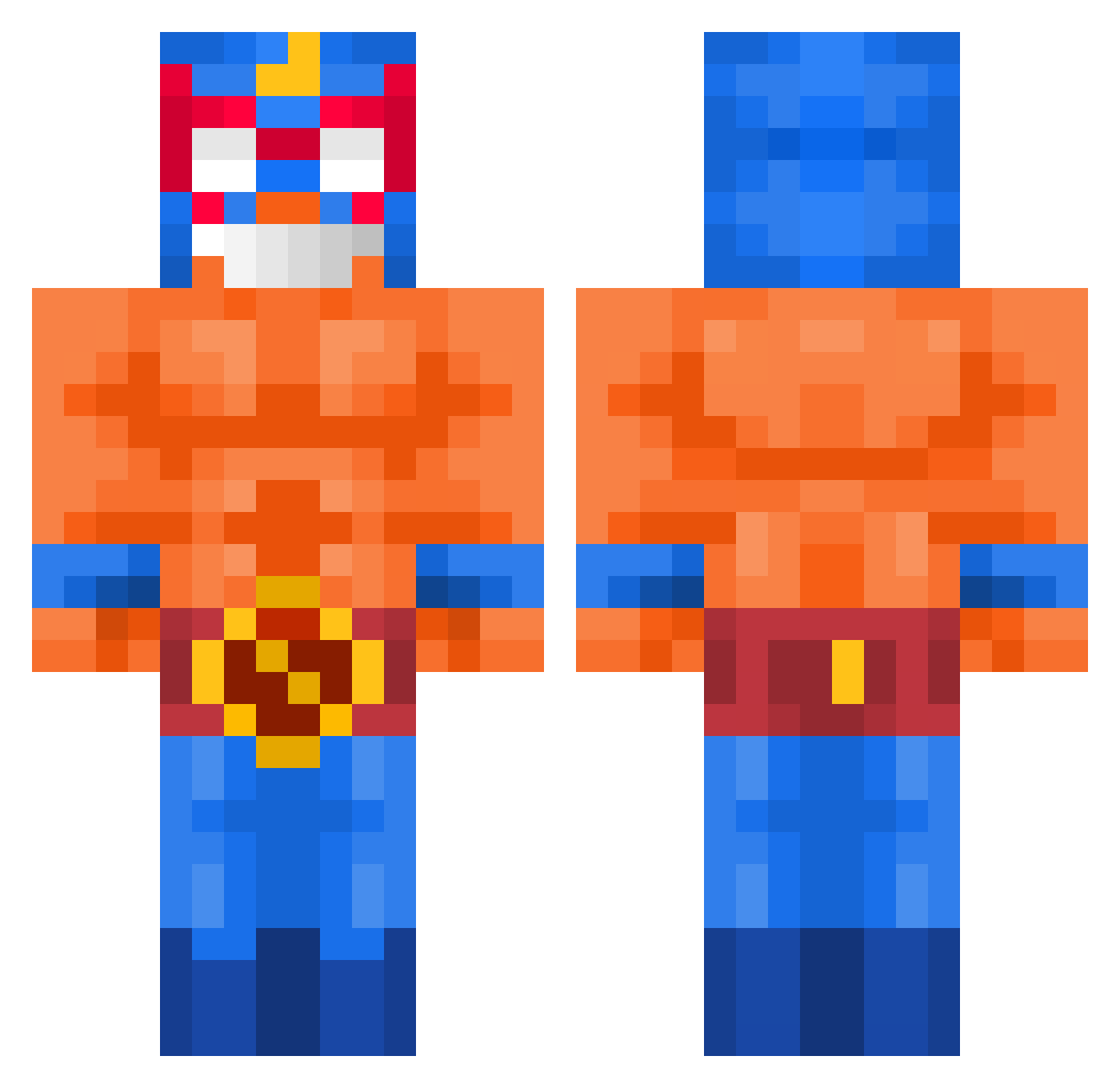
Other players with this skin (517)
Roh_Ro was the 465th player we have seen with this skin, first spotted on 23.10.2026. The same skin was seen on these players. Open a nickname to see their current skin and skin history.
 9centimiters __KRZYCHU__ mist3u hoppyk213 tinchob09 NightIinx Frost096 nubnubboy ROMANRIQUELME minecraftero07 DiRolo408 nicopietrobon Gleb_Ras iam3ms Spezler chlwhddnjs stertz_ i_zeyrox Dellriah Hasojames123 LIME2500 AgustinO9 Wild_L Filo2410 Ferdi_007 Milks Yshv Fekaa_ cvltshqz Gonloo messi_careca_19 vkobev ByTodax Fery11 GooberMan101 CarterMLB Totony6 lukaes4 JoojinhoGames any1004 bigstinkey123 Ipanema311 Oobama1 COYBB LilNigeria Mimaras Bob11011101 Perejil3081 Chaykzi Frog_ded Robin_44 taladro dani_fdez Youssef31 swema plihi Kronos04_ Jr_ale Kevinnntowavy pusherzyxd
More El Primo Minecraft skins
How to install the Roh_Ro skin
- Press the Download button above to save the skin as a PNG file.
- Minecraft: Bedrock Edition (PE): open the Dressing Room from the main menu (or tap your character → Edit Character), go to Classic Skins → Owned, press the + (new skin) button, choose the downloaded PNG and pick the Classic (Steve) model. Works on PC and mobile; consoles cannot import custom skins.
- Minecraft: Java Edition: open the Minecraft Launcher, go to the Skins tab, click New Skin, load the PNG, pick the Classic (Steve) model and press Save & Use. You can also upload it at minecraft.net → Profile → Change Skin.
The skin does not show up after import - what should I do?
Restart Minecraft and open the Dressing Room again - imported skins sometimes appear only after a restart. Also make sure you selected the imported skin and picked the Classic (Steve) model.
Which model should I choose, Classic or Slim?
This skin is designed for the Classic (Steve) model. If you pick the wrong model, the arms of the skin will look stretched or squeezed.
Is the skin of Roh_Ro free to download?
Yes. Press Download, save the PNG file and use it in Minecraft: Bedrock Edition or Java Edition - no payment or registration needed. The skin also works on multiplayer servers and Realms.
More skins
Looking for more? Go back to all Minecraft skins and check the top skins of the week, month and all time, or find any player's skin by nickname.