
RoeeTzu - Minecraft Skins & Skin History
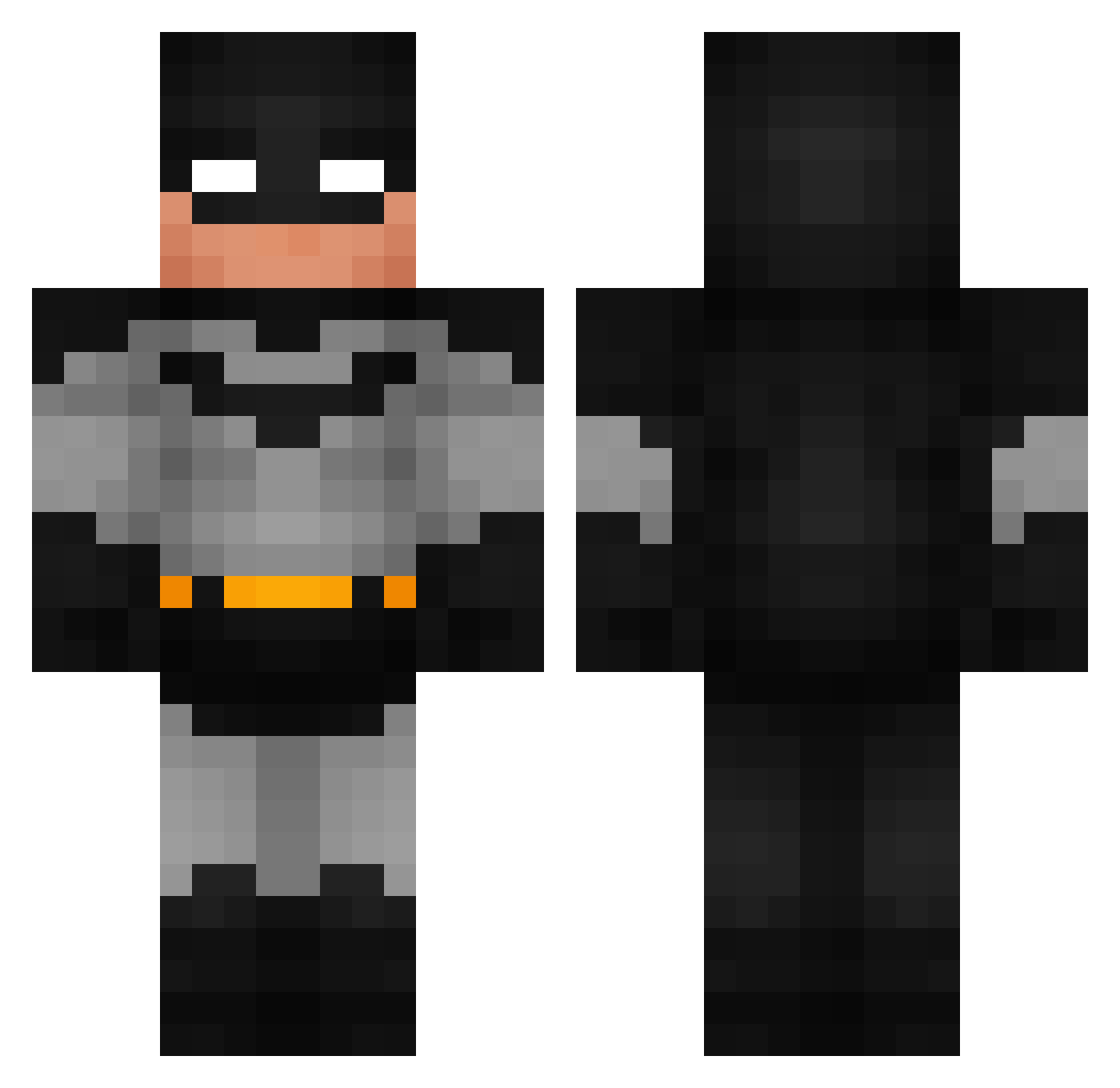
Current Minecraft skin of the player RoeeTzu, loaded from the official Mojang API. Rotate the 3D model with your mouse or finger, then download the skin as a PNG file and use it in Minecraft: Bedrock Edition or Java Edition for free. When RoeeTzu changes their skin, this page updates automatically and the old skin stays in the history below.
Other players with this skin (992)
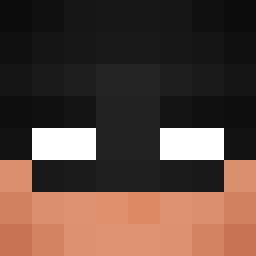
RoeeTzu was the 826th player we have seen with this skin, first spotted on 24.10.2026. The same skin was seen on these players. Open a nickname to see their current skin and skin history.
 Tietge commandosil M03ON Thxnder24 horfrulle zizigoose HiddenTooth s5xa9 PurpleGodes Chivo0 Melwin_Kingkong Bentie_Fentie Jacksmacks Pendot Littleboigaming ShartSmart989 xXanxus tekonepy Maxi2505 CryLilBro KaRhUb0b Hammyplayz545 sr_nosh Secriaus ChaBoyRoy99 LindereN Mr0M CrazyCoyote1 Westn10 MarcoJr916 NerfLifePlease Vaid24 TheMrGamingg Isaiaaah15 Nseeb JDisFastest gogollll cyrus_1215 Jodavaar Phantom_Realms Sadxz ugox Its_EJ07 blk667 skitzm8 IkeaBag46 Cartero18 JohsM69 dumpl1ngthealpha R0cketmann mason_booty TymForiX Guisinhos Matikazzzz SteveOps MOTE0506 iHome69 ICZAZA Skibidi_Rizz_g0d _thecracker_
More Batman Minecraft skins
How to install the RoeeTzu skin
- Press the Download button above to save the skin as a PNG file.
- Minecraft: Bedrock Edition (PE): open the Dressing Room from the main menu (or tap your character → Edit Character), go to Classic Skins → Owned, press the + (new skin) button, choose the downloaded PNG and pick the Classic (Steve) model. Works on PC and mobile; consoles cannot import custom skins.
- Minecraft: Java Edition: open the Minecraft Launcher, go to the Skins tab, click New Skin, load the PNG, pick the Classic (Steve) model and press Save & Use. You can also upload it at minecraft.net → Profile → Change Skin.
The skin does not show up after import - what should I do?
Restart Minecraft and open the Dressing Room again - imported skins sometimes appear only after a restart. Also make sure you selected the imported skin and picked the Classic (Steve) model.
Which model should I choose, Classic or Slim?
This skin is designed for the Classic (Steve) model. If you pick the wrong model, the arms of the skin will look stretched or squeezed.
Is the skin of RoeeTzu free to download?
Yes. Press Download, save the PNG file and use it in Minecraft: Bedrock Edition or Java Edition - no payment or registration needed. The skin also works on multiplayer servers and Realms.
More skins
Looking for more? Go back to all Minecraft skins and check the top skins of the week, month and all time, or find any player's skin by nickname.