
Rhaegal_ - Minecraft Skins & Skin History
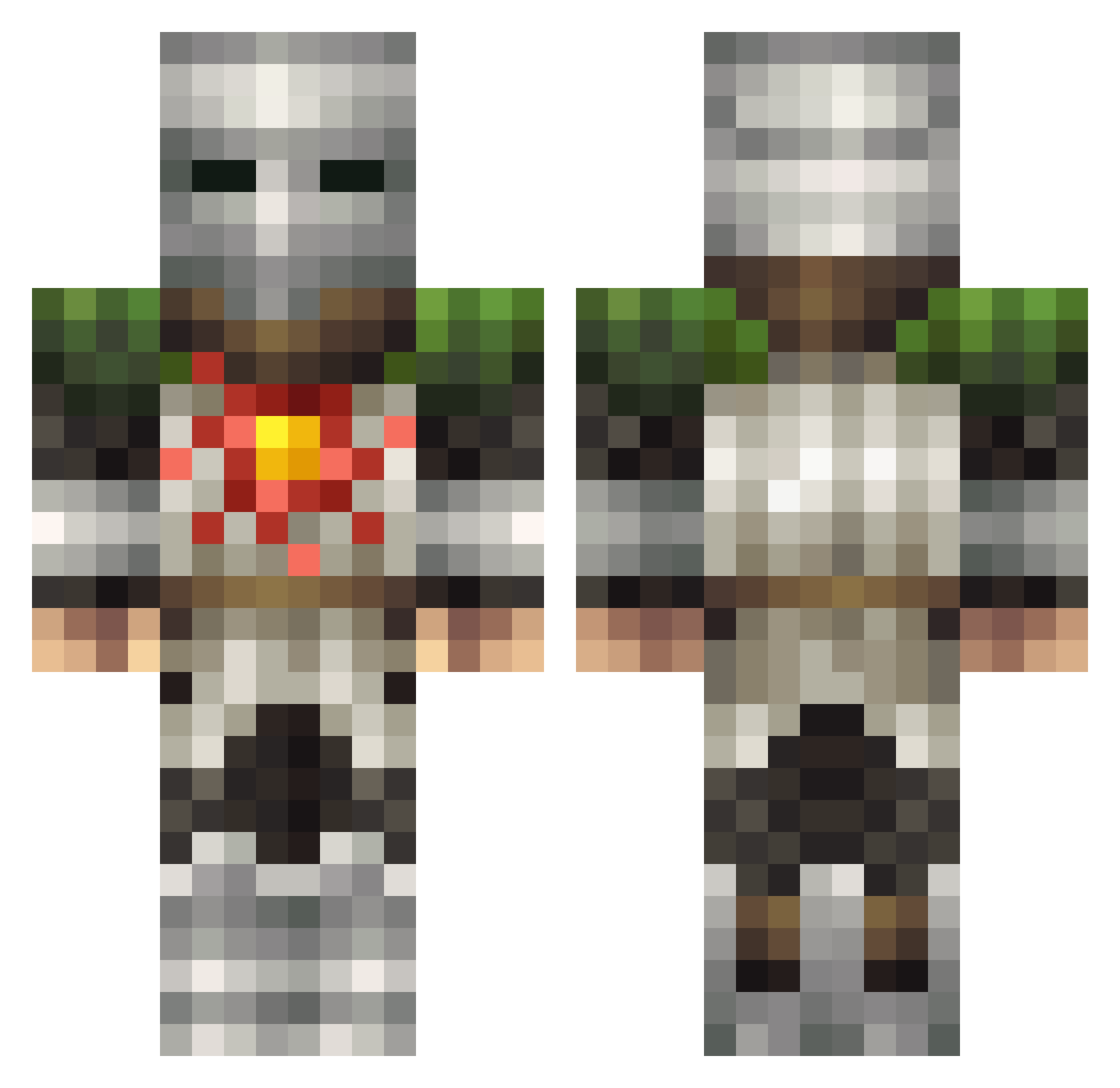
Current Minecraft skin of the player Rhaegal_, loaded from the official Mojang API. Rotate the 3D model with your mouse or finger, then download the skin as a PNG file and use it in Minecraft: Bedrock Edition or Java Edition for free. When Rhaegal_ changes their skin, this page updates automatically and the old skin stays in the history below.
Other players with this skin (129)
Rhaegal_ was the 37th player we have seen with this skin, first spotted on 23.08.2026. The same skin was seen on these players. Open a nickname to see their current skin and skin history.
 SpiketheDemon
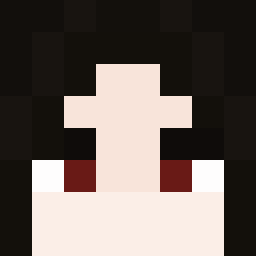 QuadratGans JoeFigglebottom iStelh_ DucO__ tmfflvk _Jordan_M
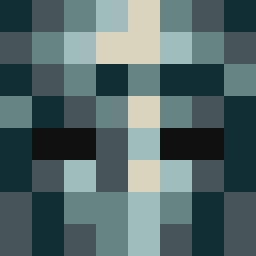 jxyptl DistortedLich akumasai M3troplex deSouza26 bastian218 Matogaming MvpsG gubi_ghg ZunasBaba ICube3B IBarrosoI Plappland torb_games juananzzz Isotonia Calamako Fontube iMayMay _FENX_ ArSphere TiaWRLD
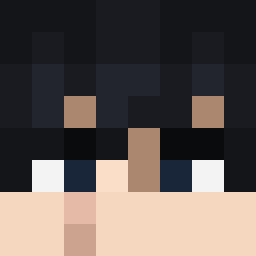 JiJi3414 Lulu_Bozani KonkeyDongTV Hazarim salsoly NoobMasterZ OfficerZwei Mister_Lingo Gultard Pielife383 PROMETHEUS_0017 CzekoladoweMleko MS_Pain dekros yiet01 hanter1234 Zayohz StonerHate HuggyDufus tcehy LaRanaBustavo NagisaShi Bittus16 NexUs6708 Enlightened__ KaiserSenpai420 BoomBroom MAX50050 lower_back ZockerMecky BigUci
Previous skins of Rhaegal_
Skins that Rhaegal_ wore before, newest first. Click a skin to open its page and download it.
More Solaire Minecraft skins
How to install the Rhaegal_ skin
- Press the Download button above to save the skin as a PNG file.
- Minecraft: Bedrock Edition (PE): open the Dressing Room from the main menu (or tap your character → Edit Character), go to Classic Skins → Owned, press the + (new skin) button, choose the downloaded PNG and pick the Classic (Steve) model. Works on PC and mobile; consoles cannot import custom skins.
- Minecraft: Java Edition: open the Minecraft Launcher, go to the Skins tab, click New Skin, load the PNG, pick the Classic (Steve) model and press Save & Use. You can also upload it at minecraft.net → Profile → Change Skin.
The skin does not show up after import - what should I do?
Restart Minecraft and open the Dressing Room again - imported skins sometimes appear only after a restart. Also make sure you selected the imported skin and picked the Classic (Steve) model.
Which model should I choose, Classic or Slim?
This skin is designed for the Classic (Steve) model. If you pick the wrong model, the arms of the skin will look stretched or squeezed.
Is the skin of Rhaegal_ free to download?
Yes. Press Download, save the PNG file and use it in Minecraft: Bedrock Edition or Java Edition - no payment or registration needed. The skin also works on multiplayer servers and Realms.
More skins
Looking for more? Go back to all Minecraft skins and check the top skins of the week, month and all time, or find any player's skin by nickname.