
Remdra - Minecraft Skins & Skin History
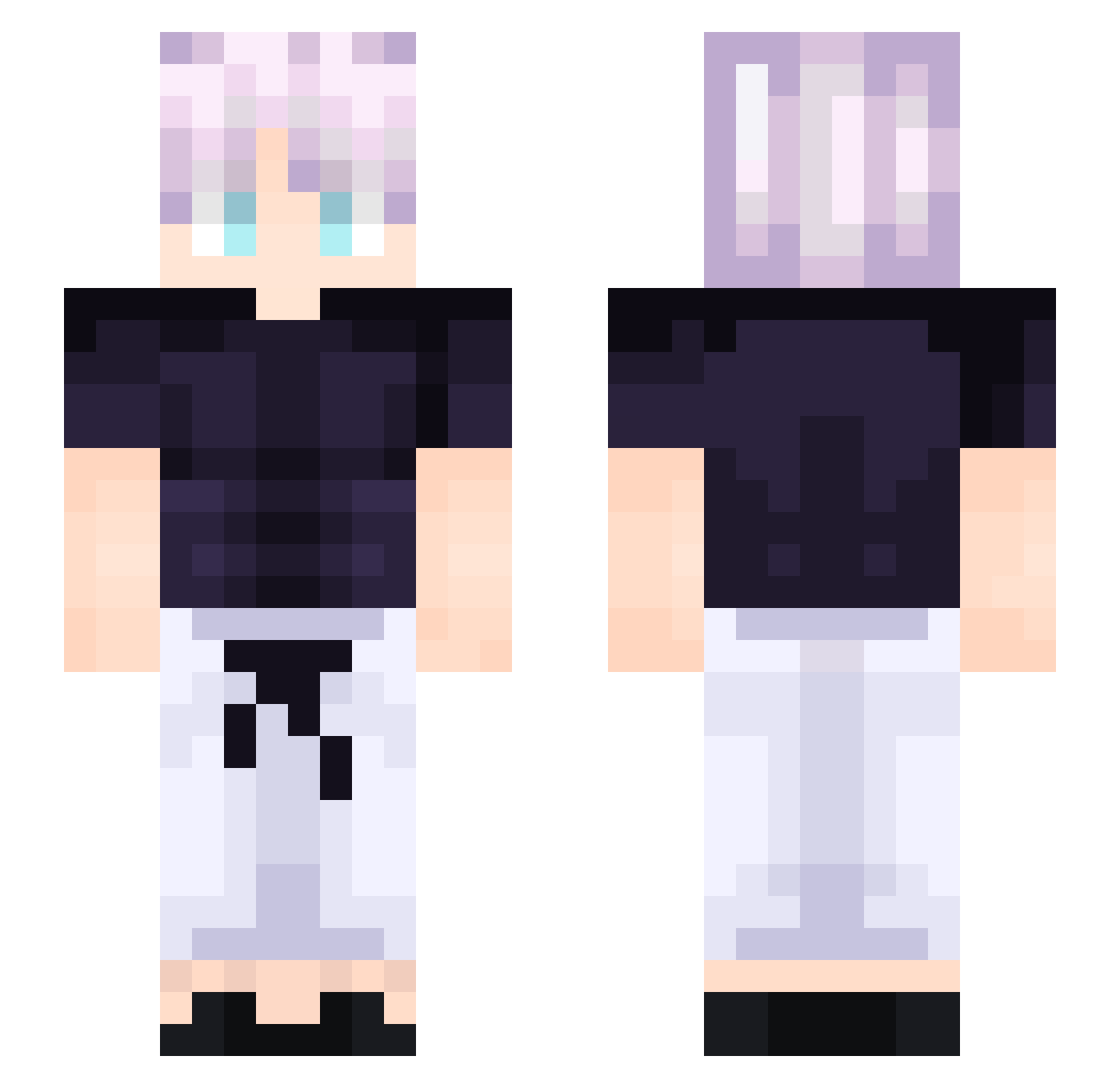
Current Minecraft skin of the player Remdra, loaded from the official Mojang API. Rotate the 3D model with your mouse or finger, then download the skin as a PNG file and use it in Minecraft: Bedrock Edition or Java Edition for free. When Remdra changes their skin, this page updates automatically and the old skin stays in the history below.
Other players with this skin (198)
Remdra was the 8th player we have seen with this skin, first spotted on 28.07.2026. The same skin was seen on these players. Open a nickname to see their current skin and skin history.
 Zepek31tlse
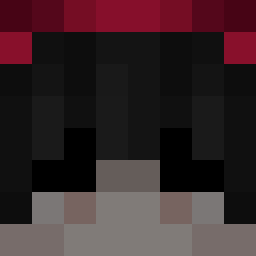 B3ntorav
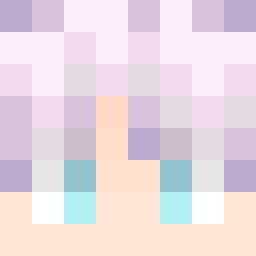 NahIwouldWin
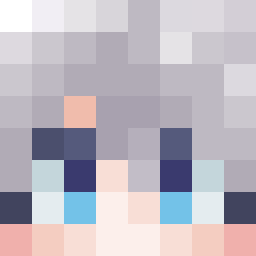 Paasta69 tribe_leader Excalibur2069
 WeirdJsm Markilit KunKhmer _Nerox_
 gegesodre _Virtuous_ Optimus2012 STXIS DeathhEater tjx07
 MonOlm
 CubeCakes19 ArRaY02 knox0477 winstonlpc GWAPPP Tigiblumi Luk3i_ SlimSay W1z720 MilkyKnots Ikonee28 KzUx NederIQ Twortnixus SrViniBr Nomgenesis Lord_Diomedes Vafutinq SigmaGigaChad_ SmartiBoi shlokasaurus zefqble koczkodan2022 rgb265 Huarakan pickalock Coco_luffy kkamct
 jackdoescoolstuf Seichiro_ Beasyy KimGnar_0227 rxqctf skaehdgks00 Feinbird Vithreee universe1226 friendlygu5t Cheesy_Mouse azugladis998 aLLn4 LinhRbtLT0103 GunnyJr10
More Anime Boy Minecraft skins
How to install the Remdra skin
- Press the Download button above to save the skin as a PNG file.
- Minecraft: Bedrock Edition (PE): open the Dressing Room from the main menu (or tap your character → Edit Character), go to Classic Skins → Owned, press the + (new skin) button, choose the downloaded PNG and pick the Slim (Alex) model. Works on PC and mobile; consoles cannot import custom skins.
- Minecraft: Java Edition: open the Minecraft Launcher, go to the Skins tab, click New Skin, load the PNG, pick the Slim (Alex) model and press Save & Use. You can also upload it at minecraft.net → Profile → Change Skin.
The skin does not show up after import - what should I do?
Restart Minecraft and open the Dressing Room again - imported skins sometimes appear only after a restart. Also make sure you selected the imported skin and picked the Slim (Alex) model.
Which model should I choose, Classic or Slim?
This skin is designed for the Slim (Alex) model. If you pick the wrong model, the arms of the skin will look stretched or squeezed.
Is the skin of Remdra free to download?
Yes. Press Download, save the PNG file and use it in Minecraft: Bedrock Edition or Java Edition - no payment or registration needed. The skin also works on multiplayer servers and Realms.
More skins
Looking for more? Go back to all Minecraft skins and check the top skins of the week, month and all time, or find any player's skin by nickname.