
Reforio - Minecraft Skins & Skin History
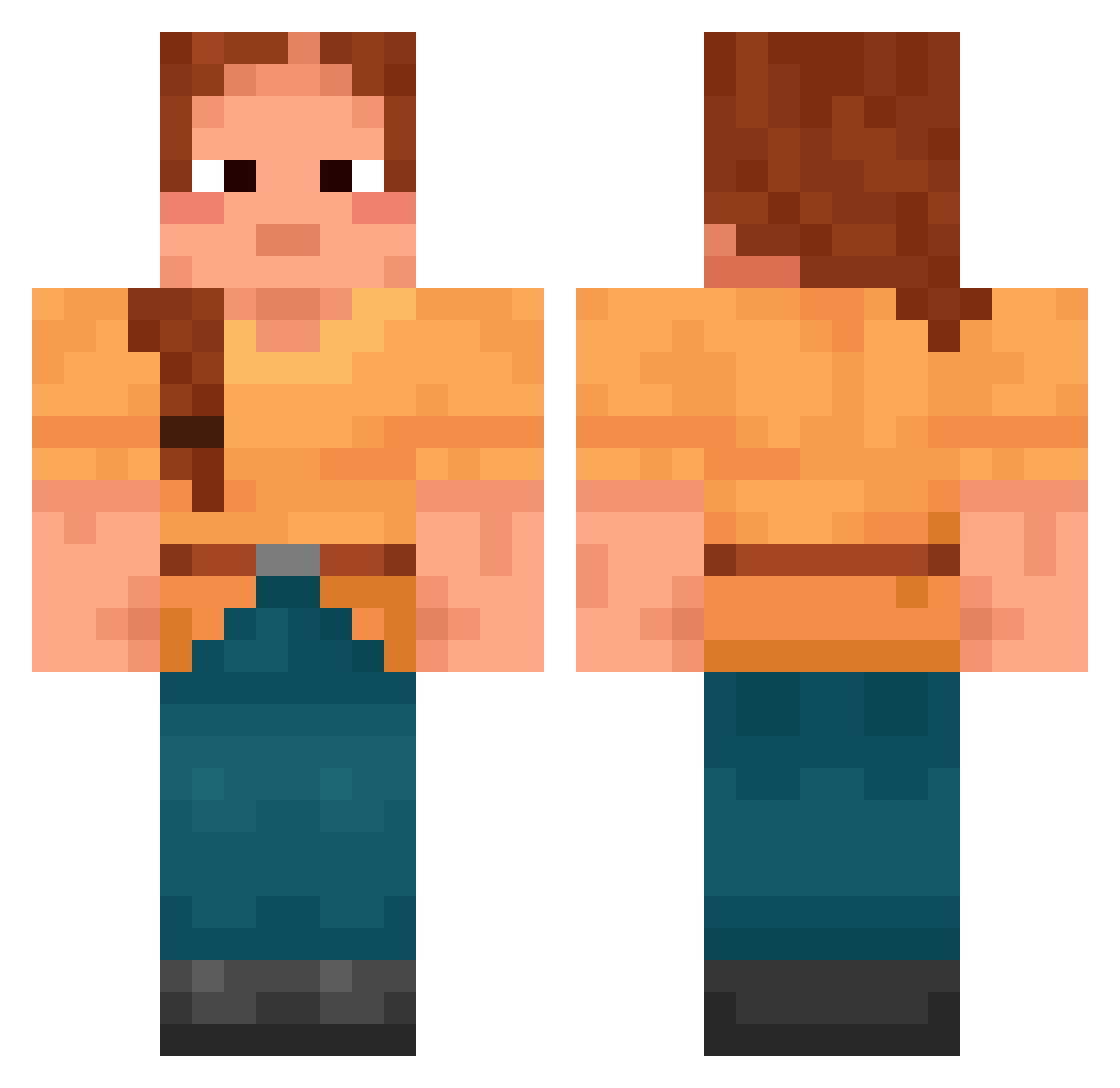
Current Minecraft skin of the player Reforio, loaded from the official Mojang API. Rotate the 3D model with your mouse or finger, then download the skin as a PNG file and use it in Minecraft: Bedrock Edition or Java Edition for free. When Reforio changes their skin, this page updates automatically and the old skin stays in the history below.
Other players with this skin (1691)
Reforio was the 767th player we have seen with this skin, first spotted on 13.09.2026. The same skin was seen on these players. Open a nickname to see their current skin and skin history.
 Pennywolf Briquettes WREEsesPuffs silozz labostikk Despoiled skuura urmomisabwsweat LAB04 PumpkinOfDoom exellotele PitFalls Lunavian aqueducts Carburator Ro_Che JustLuckyBro SamLovesGames linneon i3x7 MosquitoGuy1 MsLauraPL Bignoniaceae headwinds Seabag Alisiite bobdiegokevin46 SariiFari Camajuu Morosity Reliquia21 m4lkie Takonuro Jitro BaxaJP Javigg30 Morkuuri Meng0616 bakscaracal050 AnneChD CJN_TSC ronking110 Kincses27 celtuzad the_don_waltz kloverov Sanechkk Masterpro776 Kon_Artis _Nostra__ ieungjieut todder masterelo19 4xmp louiseclysen Partitioner MarcFar TicTacBoom07 Skyfly156 Kiowan
More Cottagecore Minecraft skins
See all 6440 Cottagecore skins
How to install the Reforio skin
- Press the Download button above to save the skin as a PNG file.
- Minecraft: Bedrock Edition (PE): open the Dressing Room from the main menu (or tap your character → Edit Character), go to Classic Skins → Owned, press the + (new skin) button, choose the downloaded PNG and pick the Classic (Steve) model. Works on PC and mobile; consoles cannot import custom skins.
- Minecraft: Java Edition: open the Minecraft Launcher, go to the Skins tab, click New Skin, load the PNG, pick the Classic (Steve) model and press Save & Use. You can also upload it at minecraft.net → Profile → Change Skin.
The skin does not show up after import - what should I do?
Restart Minecraft and open the Dressing Room again - imported skins sometimes appear only after a restart. Also make sure you selected the imported skin and picked the Classic (Steve) model.
Which model should I choose, Classic or Slim?
This skin is designed for the Classic (Steve) model. If you pick the wrong model, the arms of the skin will look stretched or squeezed.
Is the skin of Reforio free to download?
Yes. Press Download, save the PNG file and use it in Minecraft: Bedrock Edition or Java Edition - no payment or registration needed. The skin also works on multiplayer servers and Realms.
More skins
Looking for more? Go back to all Minecraft skins and check the top skins of the week, month and all time, or find any player's skin by nickname.